
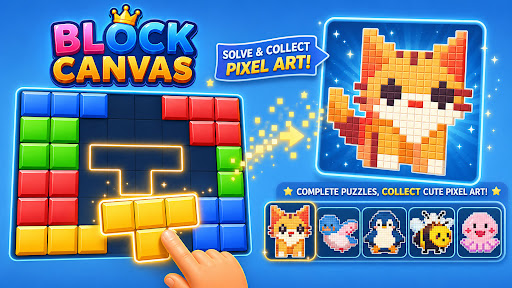
Customise
2 optionsTwo controls for your current level: a score amount and a clear-board action.
View customisation options →Choose the score for a score-target level or clear occupied cells to make room for the next pieces. Fit shapes onto the grid and clear lines as you work toward the level's objective.
Requires the Windows app and the Bytonian Mods browser extension for Chrome or Edge. Browser setup guide
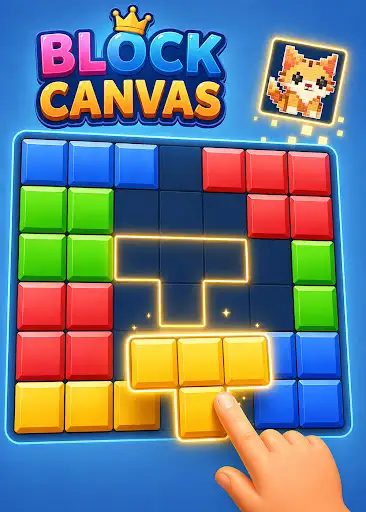
Start with free mods
Download Bytonian Mods for Windows and try these free features. Choose one to see how it works and any requirements.
Choose the score for your current score-target level.
Enter a whole-number score, apply it to your save, then return to the level and place pieces. Jewel targets still require collecting jewels.
Set the score on a score-target level, or clear occupied cells when you want a more open board. Place your next pieces through the game's usual controls.
Clearing removes existing on-board jewels without collecting them. Your level objective remains, so choose when to clear with that in mind.
Two controls for your current level: a score amount and a clear-board action.
View customisation options →Download the Windows app and follow the setup prompts.
Set up the browser extension in Chrome or Edge, then open the supported YouTube Playable. Follow the connection guide if the game is already running.
Open Customise in Bytonian Mods, choose an option and follow its instructions. Check the available values and any limits before making your change.