
More choices in the shop and forge
Set your gems to buy available blades in the shop, or choose your iron pieces and put them towards construction after a battle.
Requires the Windows app and the Bytonian Mods browser extension for Chrome or Edge. Browser setup guide

Pick up blades with gems
Set your gem balance and open the blade shop. Choose one of the available blades to add it to your squad. Opening the shop refreshes the displayed gem balance.
Build towards stronger blades
Set your iron pieces, then use Tap to Build in the forge after a battle. Put the pieces into construction to work towards the next blade upgrade.
Available resources
GemsPremium
Choose your gem balance and buy available blades in the shop.
Set your gems, then open the blade shop and choose an available blade.
Open the blade shop to refresh the displayed gem balance.
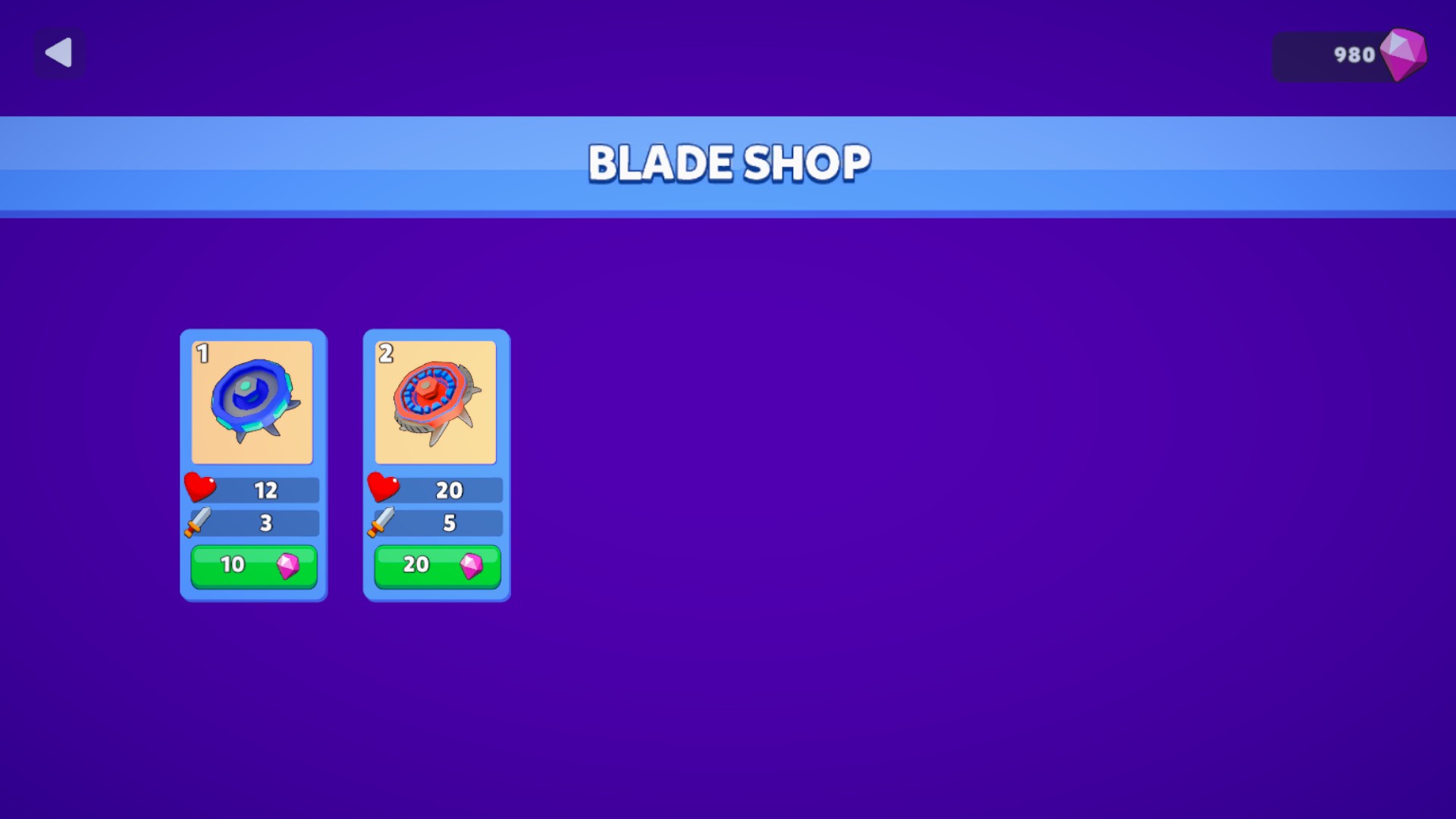
Choose your next blade
Set your gems, then pick up blades in the shop before your next battle.
Iron piecesPremium
Choose your iron pieces and use them to build towards stronger blades.
Set your iron pieces, then use Tap to Build in the forge after a battle.
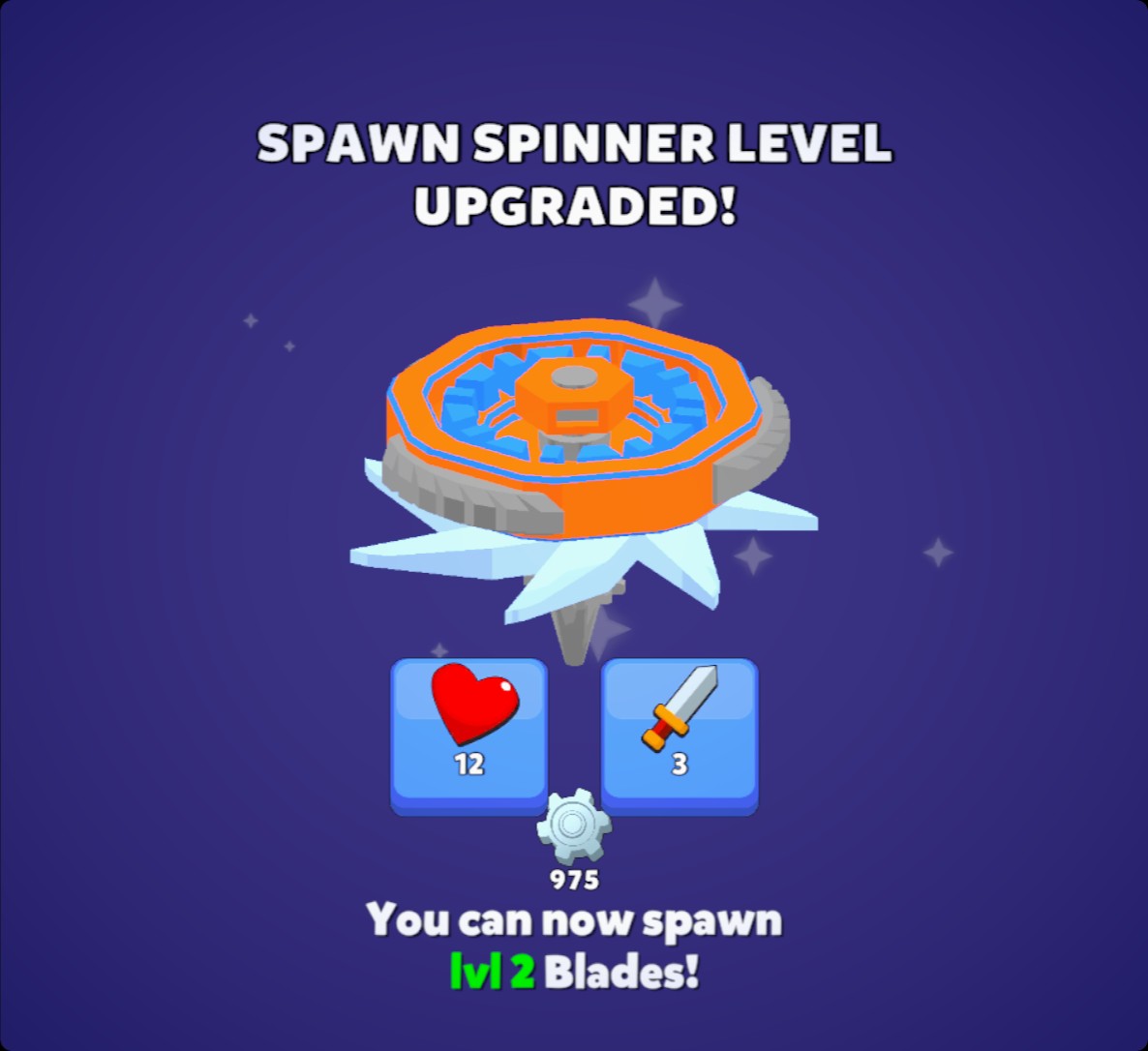
Build your next blade
Choose your iron pieces and use the forge to work towards stronger blades.
More ways to customise Blade Merge
- Blade Merge game actions
Add 1,000,000 coins for normal blade purchases and give yourself more choices on the preparation board.
Using these features
Choose the feature in the Windows app after connecting your game. Check its requirements before making a change.
Setup for Blade Merge →