
Choose your Bike Racing 2 ride
Try a different bike on your next run. The Bike control offers ten choices, so you can pick your ride before opening a course.
Requires the Windows app and the Bytonian Mods browser extension for Chrome or Edge. Browser setup guide
Start a race with your selected bike
Select Bike 1 through Bike 10, then use Apply & reload. Enter a race from the level menu to ride your choice.
The in-game garage keeps its normal star requirements for its own selection buttons.
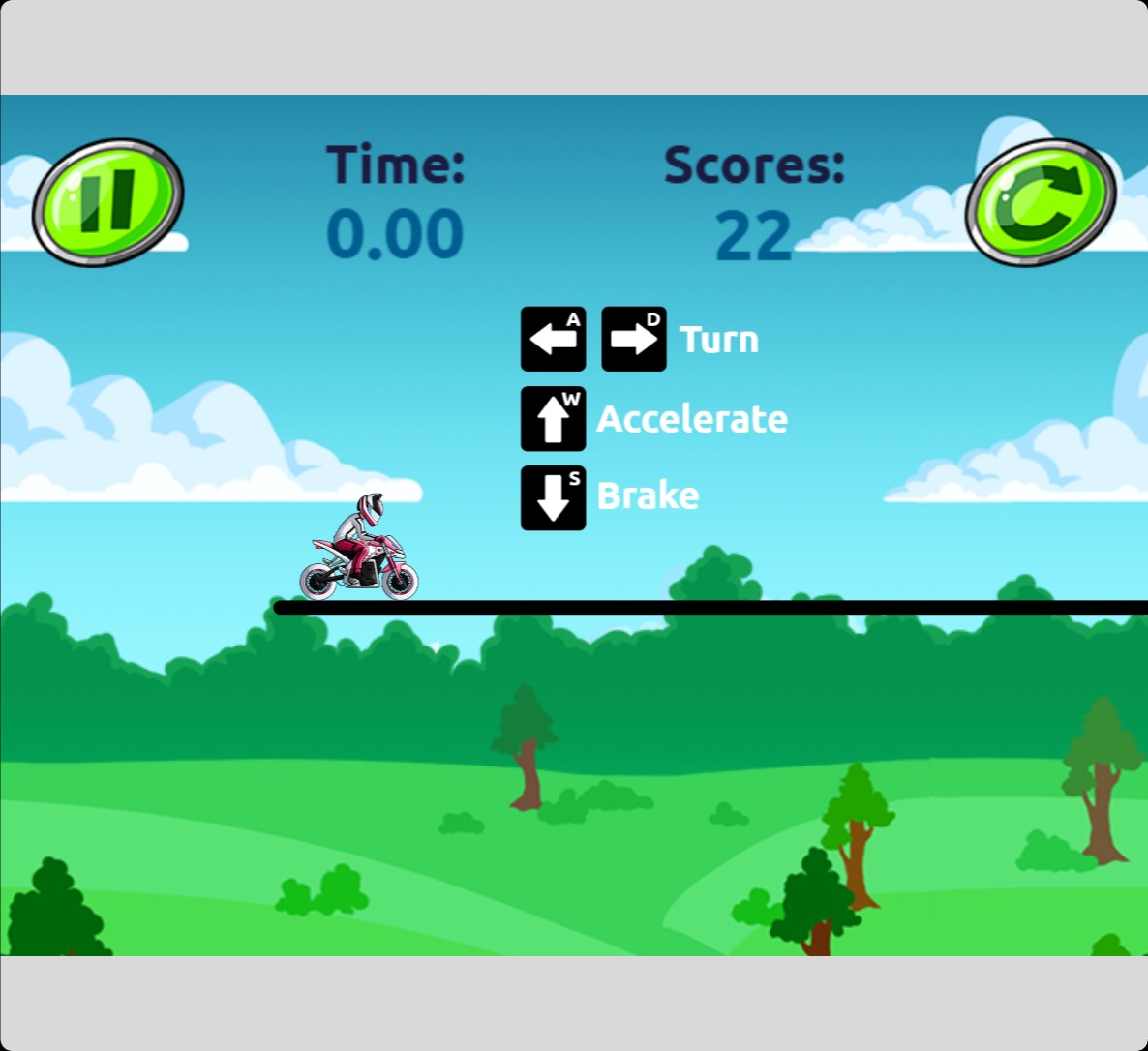
Choose your next ride
Pick a bike from the ten available choices before starting a race.
Available customisation options
BikeFree
Choose one of ten bikes for your next race.
Pick a bike, use Apply & reload, then start a race from the normal level menu.
The in-game garage keeps its normal star requirements.
Questions about customisation options
- Does this open locked courses?
- This control selects your bike. Progress through courses using the game's normal level progression.
Using these features
Connect your game, then open Customise in the Windows app. Choose an option, check its available values and follow its instructions. Each option lists its own requirements and limits.
Setup for Bike Racing 2 →