
Fly movement controls
Take a higher view of the studio or move through scenery with Fly. Adjust the pace for close inspection or faster travel, then return to a clear floor before switching it off.

Normal and fast flight
Fly Speed sets your usual pace. Hold Fly Faster to use Fast Fly Speed instead. Set the fast value above your normal value if you want a speed boost.
Direction and height
W/A/S/D move relative to your view. Space raises you and Ctrl lowers you. You can change the key bindings to suit your controls.
Stay within useful scenery
Passing through a wall can reveal unfinished areas. Return to a playable room and clear ground before turning Fly off.
Available ability modifiers
MovementFree
Hover and move through studio scenery with these unofficial Fly tools for Joey Drew Studios' Bendy and the Ink Machine.
Load a playable area, select Fly and use the direction, rise, descend and fast keys.
Return to clear ground in a playable room before switching off.
Supported movement styles: Fly
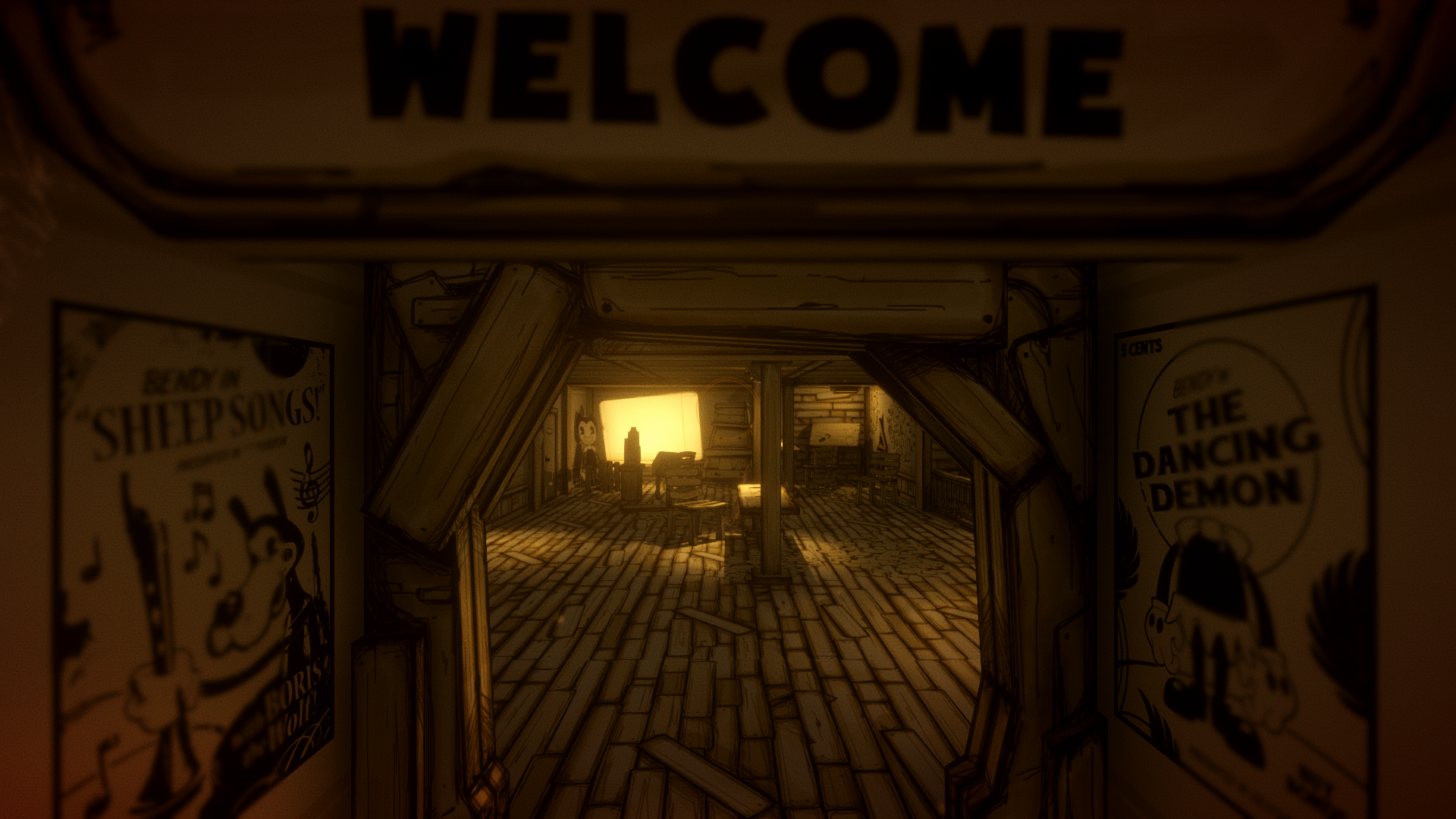
Hover above the studio floor
Use Movement's Fly style to hover above the floor and explore the studio from a higher viewpoint. Return to clear ground before turning it off.
Using these features
Choose the feature in the Windows app after connecting your game. Check its requirements before making a change.
Setup for Bendy and the Ink Machine →