

Ability Modifiers
1 optionHover and explore with adjustable flight speeds and configurable direction keys.
View ability modifiers →Return to the old animation studio with a different view of its rooms and corridors. These unofficial movement tools let you hover and explore the surroundings at your own pace.

Start with free mods
Download Bytonian Mods for Windows and try these free features. Choose one to see how it works and any requirements.
Hover and move through studio scenery with these unofficial Fly tools for Joey Drew Studios' Bendy and the Ink Machine.
Load a playable area, select Fly and use the direction, rise, descend and fast keys.
Return to clear ground in a playable room before switching off.
Bendy and the Ink Machine combines first-person exploration, puzzles and a mysterious animation studio. Fly offers a higher viewpoint and lets you move through scenery while exploring.
Use the normal flight speed for small adjustments, or hold the fast key to cover more ground. Separate rise and descend controls help you line up your view.
Load a playable area, turn on Movement and select Fly. The default controls are W/A/S/D for direction, Space to rise, Ctrl to descend and Shift for the fast speed. Return to clear ground before turning Movement off.
Bendy and the Ink Machine is a game by Joey Drew Studios. These independent fan tools are unofficial and are not endorsed by Joey Drew Studios. Use them with your own legally purchased Windows copy of the game.
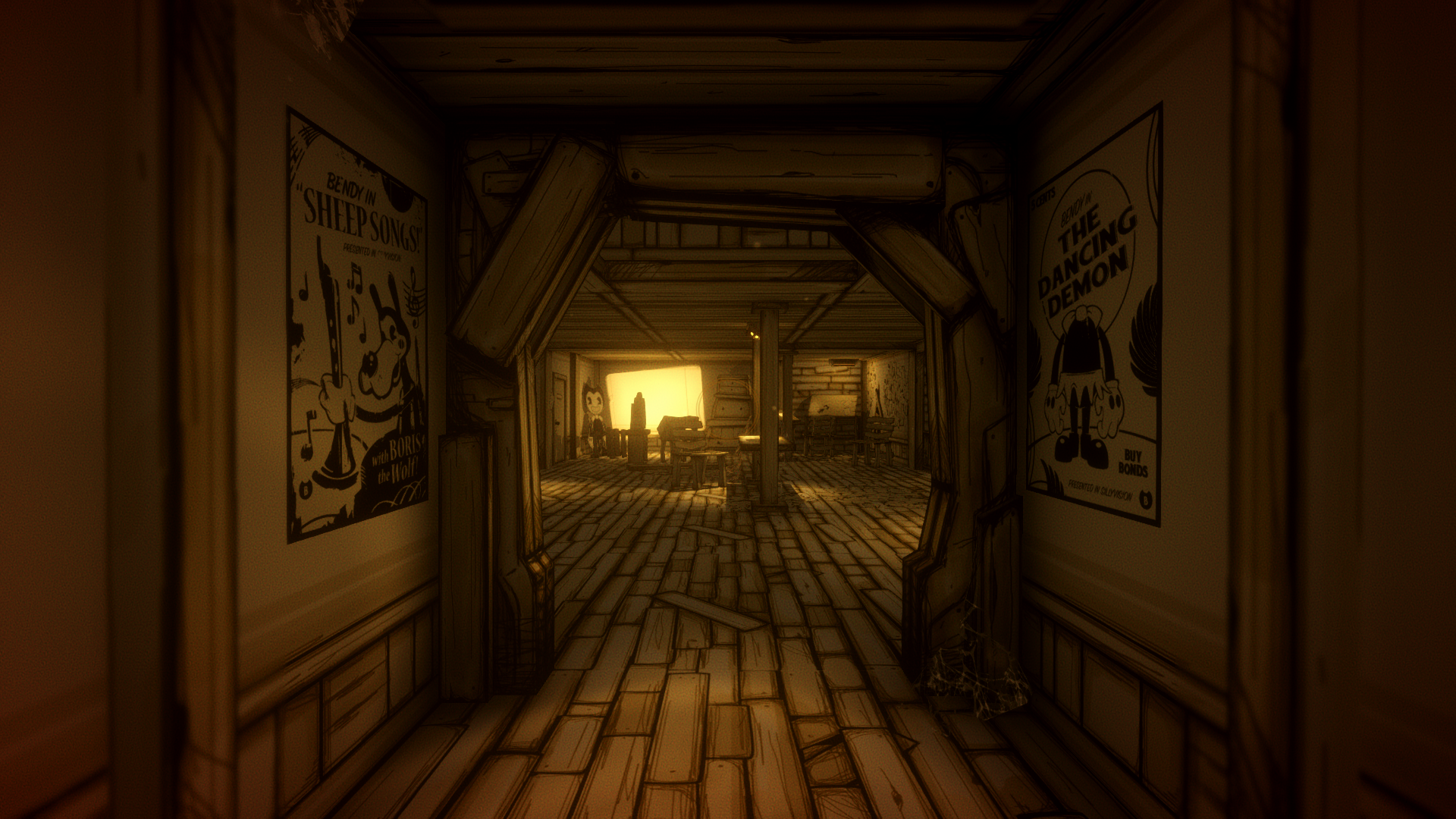
Inside the old animation studio
Explore the wood-panelled halls and abandoned workspaces of Joey Drew Studios in Bendy and the Ink Machine.
Hover and explore with adjustable flight speeds and configurable direction keys.
View ability modifiers →Browse the Steam achievement names and descriptions for Bendy and the Ink Machine. Choose and unlock achievements for free with Bytonian Mods in the Windows app.
View all achievements →Download the Windows app and follow the setup prompts.
Open Bendy and the Ink Machine and select it in Bytonian Mods. Follow the app’s connection prompts.
Review the available options in the app and choose the ones that suit how you play.