
Customise
8 optionsEight free controls let you choose Coins and individual power-up quantities.
View all customisation options →Set your Coins balance and choose quantities of special balls and boosters in Basketball FRVR. Return to the court and use the normal selectors as you line up your next shot.
Requires the Windows app and the Bytonian Mods browser extension for Chrome or Edge. Browser setup guide
Start with free mods
Download Bytonian Mods for Windows and try these free features. Choose one to see how it works and any requirements.
Choose how many Aim Boosters you have.
Enter the quantity you want, apply the change and open the normal booster selector to view your stock.
Choose your Coins balance.
Choose a whole-number balance and apply the change to reload the game.
Choose how many Bronze Balls you have.
Enter the quantity you want, apply the change and open the normal ball selector to view your stock.
Choose how many Coin Boosters you have.
Enter the quantity you want, apply the change and open the normal booster selector to view your stock.
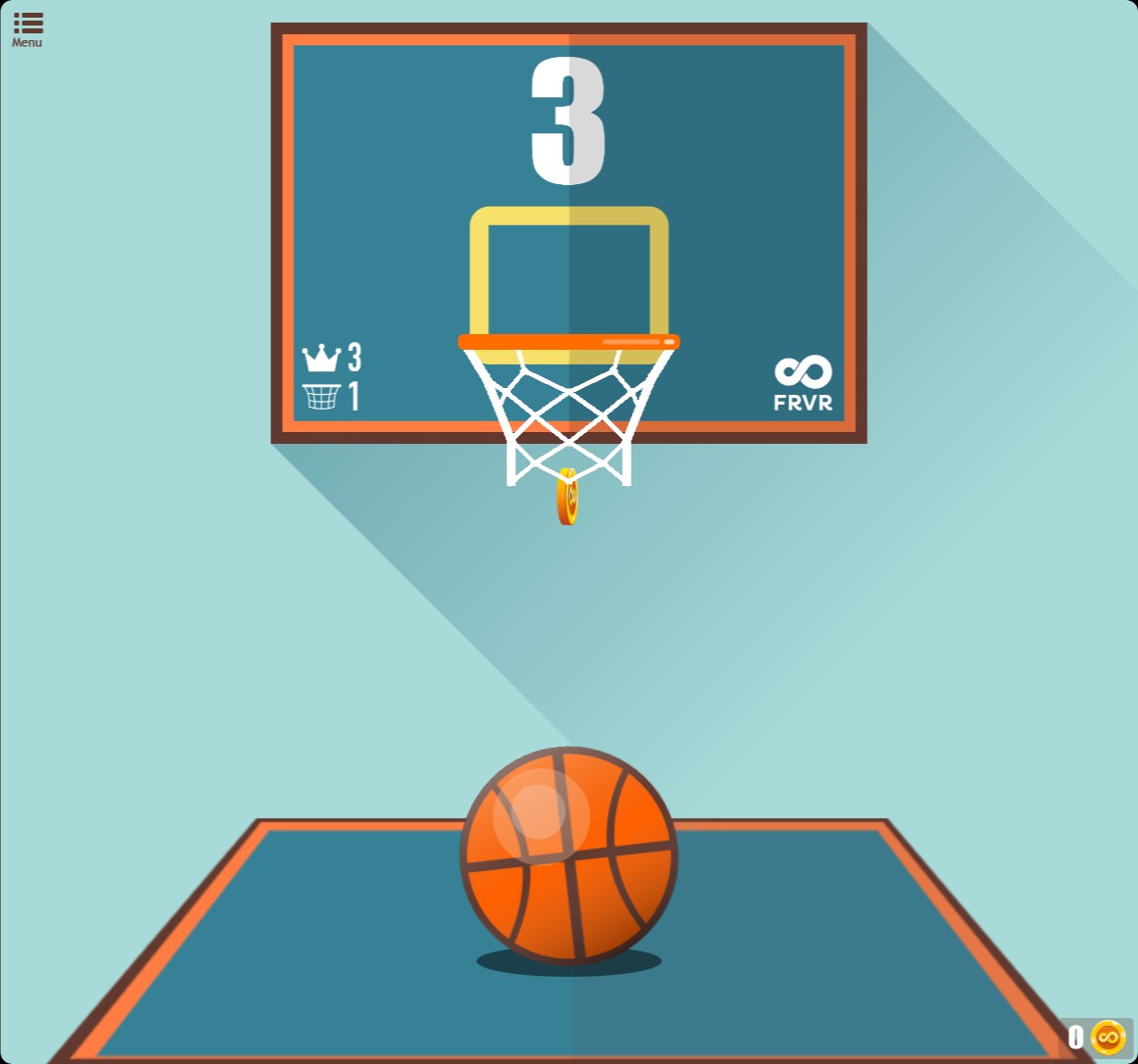
Basketball FRVR puts a basketball and hoop at the center of a simple swipe-to-shoot challenge. Watch the hoop, aim your next throw and try to keep making baskets.
Set your Coins balance or adjust Gold Balls, Silver Balls and Bronze Balls separately. You can also choose your Aim, Coin, Score and Focus Booster quantities. Each control is free.
Shoot for another basket
Swipe the basketball toward the hoop and keep your run going in Basketball FRVR.
Eight free controls let you choose Coins and individual power-up quantities.
View all customisation options →Download the Windows app and follow the setup prompts.
Set up the browser extension in Chrome or Edge, then open the supported YouTube Playable. Follow the connection guide if the game is already running.
Open Customise in Bytonian Mods, choose an option and follow its instructions. Check the available values and any limits before making your change.