
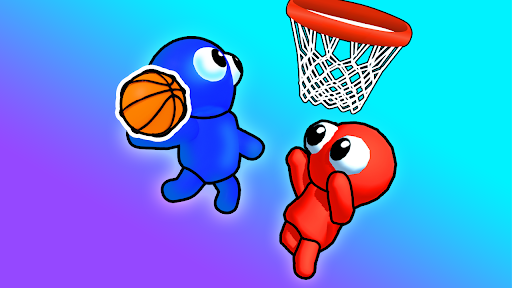
Resources
1 optionA manual 5,000-coin grant for your current game.
View resources →Add 5,000 coins to your balance, finish the current round when you want to move on, or use an upgraded guide to line up your next shot. Basket Battle is an aiming duel where you send the ball toward the hoop while watching the opponent's shots.
Requires the Windows app and the Bytonian Mods browser extension for Chrome or Edge. Browser setup guide

Start with free mods
Download Bytonian Mods for Windows and try these free features. Choose one to see how it works and any requirements.
Complete the current round and open its victory flow.
Press Win Round, then continue through the result screen.
Completes the current round; continue with the normal game controls.
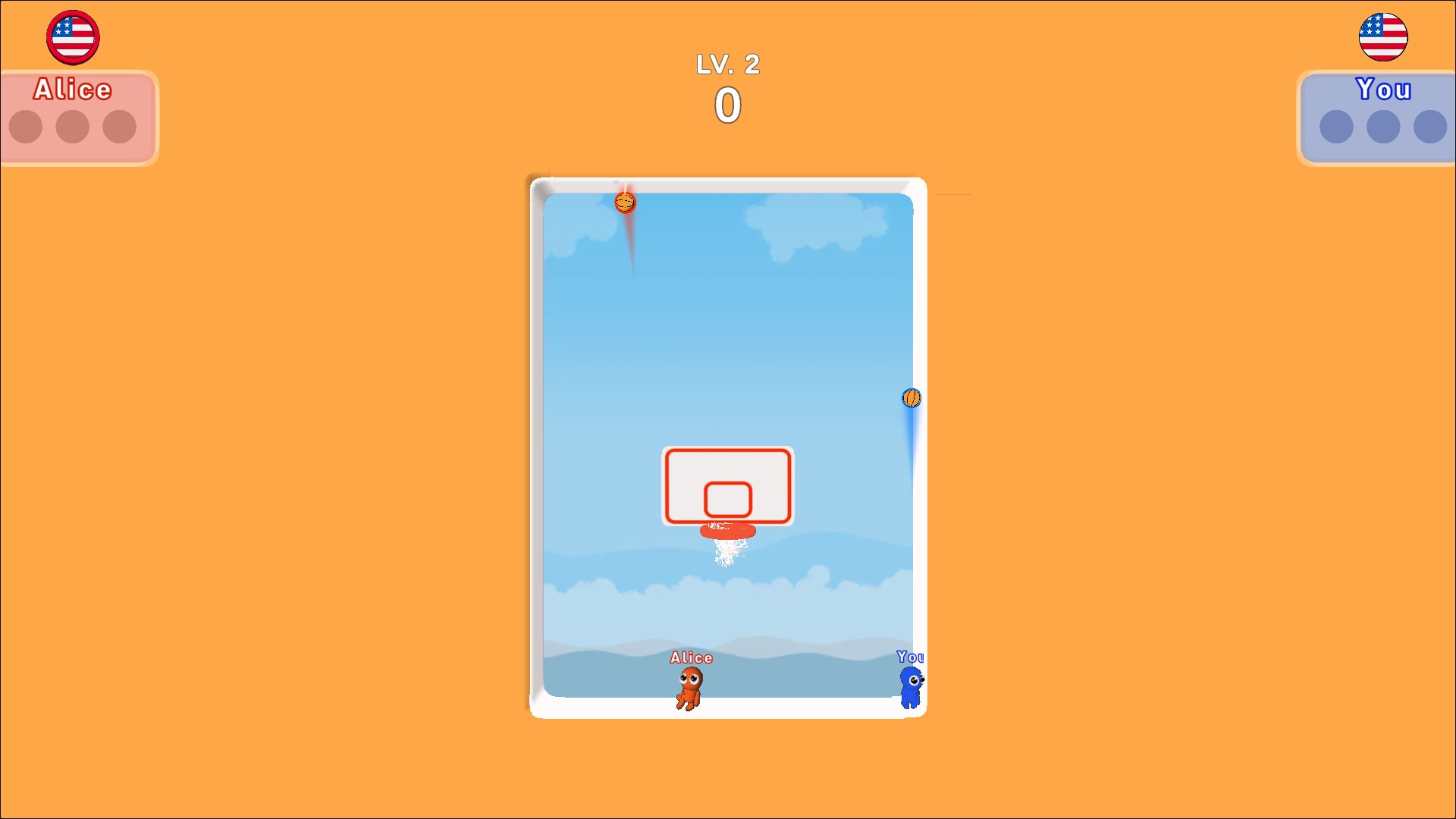
Basket Battle in motion
Two basketballs are in flight during a level-two round.
Coins add to your current balance. Round completion opens the win flow so you can continue. The aiming guide changes the game's guide; it does not shoot for you.
A manual 5,000-coin grant for your current game.
View resources →Apply the game's aiming-guide upgrade.
View ability modifiers →Free round completion with the game's normal result flow.
View game actions →Download the Windows app and follow the setup prompts.
Set up the browser extension in Chrome or Edge, then open the supported YouTube Playable. Follow the connection guide if the game is already running.
Review the available options in the app and choose the ones that suit how you play.