

Resources
4 optionsFour separate overworld resource controls: free Wood and Premium Gold, Stone and Wheat.
View all resources →Set overworld Gold, Stone, Wheat or Wood, prevent enemy damage or refill health after a hit in BALL x PIT Demo. Choose the controls that fit your building plans and combat runs.

Looking for the full game? View BALL x PIT mods.
Start with free mods
Download Bytonian Mods for Windows and try these free features. Choose one to see how it works and any requirements.
Adjust overworld Wood for building and upgrade costs without changing your other resource balances.
Explore this free feature →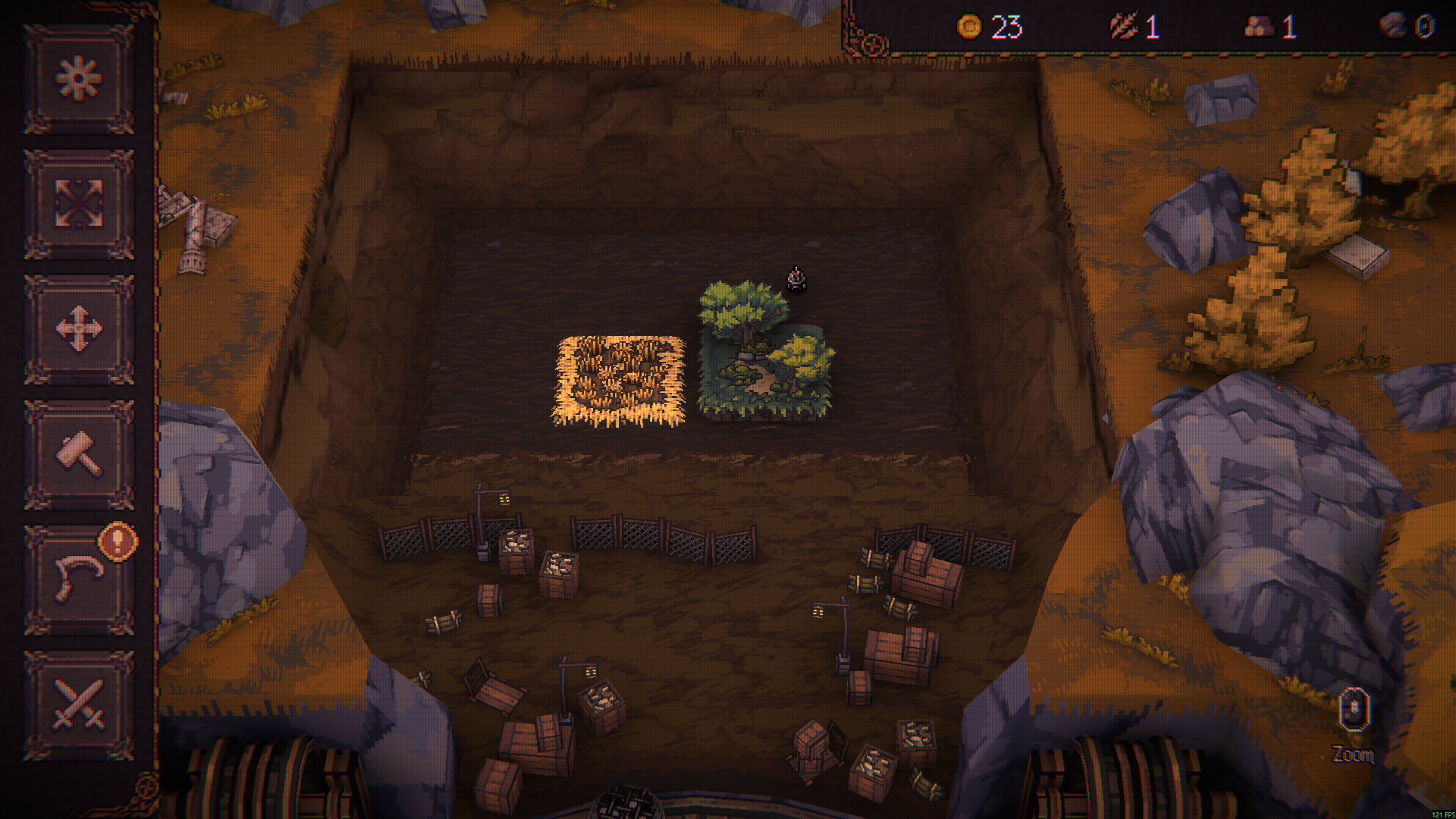
New Ballbylon in BALL x PIT Demo
Plan your next expedition from the overworld in BALL x PIT Demo.
Resources contains Gold, Stone, Wheat and Wood. Wood is free; the other three resource options require Premium. Rule Modifiers contains two Premium combat options: No Damage prevents enemy damage, while Full Health refills health after a nonlethal hit.
Use the category pages to compare the controls and their practical limits.
Install Bytonian Mods, open BALL x PIT Demo and select the demo in the Windows app. Follow the connection prompts, then choose Resources or Rule Modifiers.
Select BALL x PIT Demo in the Windows app after connecting. These options change the demo's available resources and combat rules; they do not add full-game levels or remove progression requirements.
Four separate overworld resource controls: free Wood and Premium Gold, Stone and Wheat.
View all resources →Two Premium combat controls: enemy-damage prevention and health recovery.
View rule modifiers →Download the Windows app and follow the setup prompts.
Open BALL x PIT Demo and select it in Bytonian Mods. Follow the app’s connection prompts.
Review the available options in the app and choose the ones that suit how you play.