
Resources
1 optionAdjust the balance displayed by the coin icon.
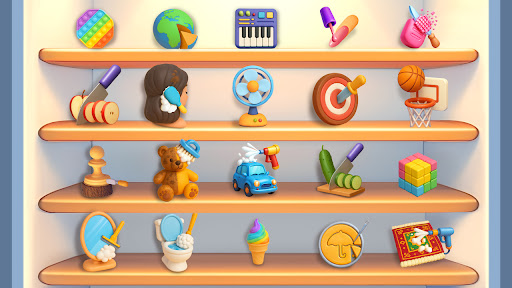
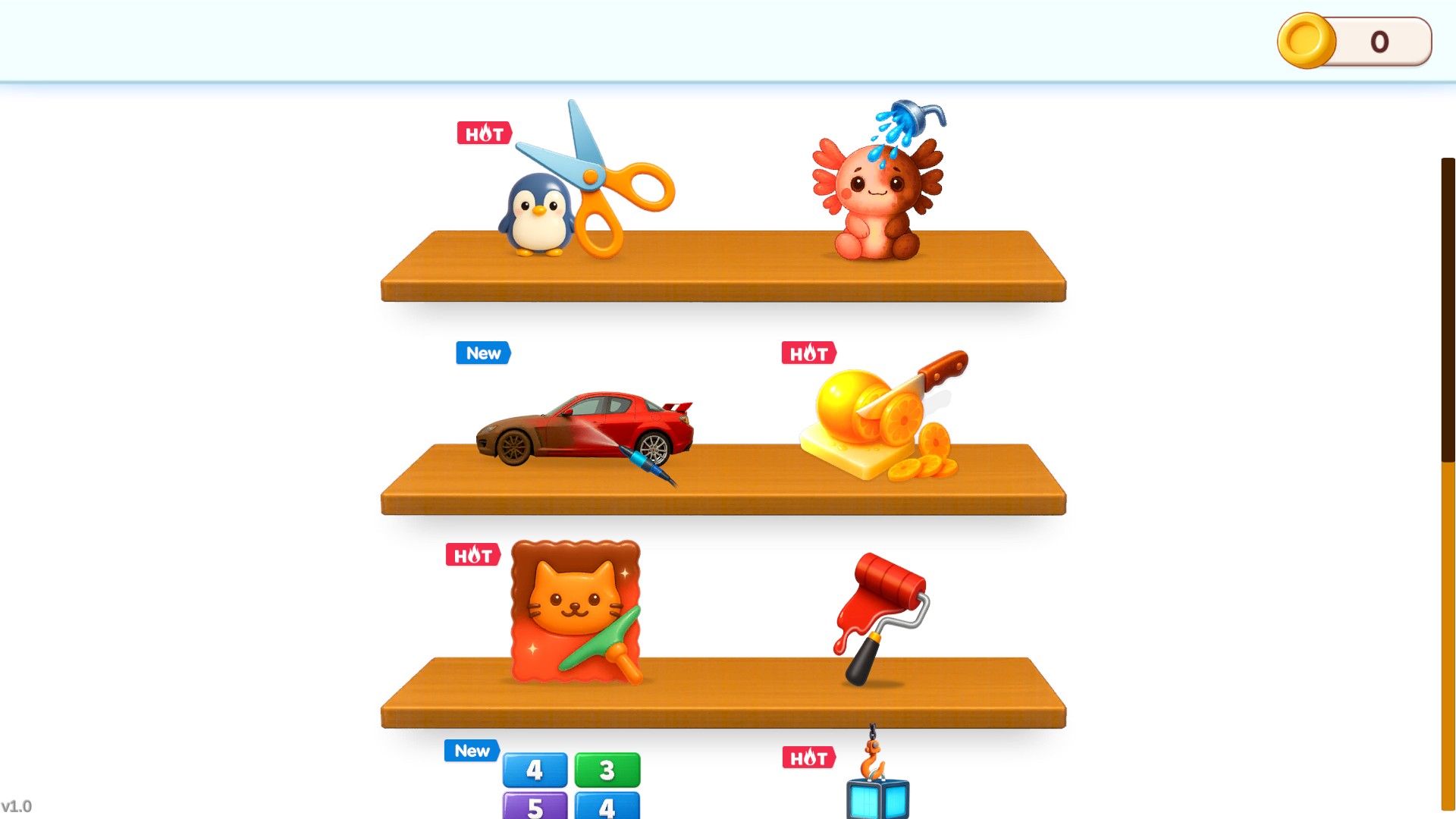
View resources →Set the coin amount shown in ASMR Mini Games, or complete one car-washing step to switch tools. Pick a task from the shelves, then use the control that fits what you are playing.
Requires the Windows app and the Bytonian Mods browser extension for Chrome or Edge. Browser setup guide

Start with free mods
Download Bytonian Mods for Windows and try these free features. Choose one to see how it works and any requirements.
Advance the active car-cleaning step to move on to its next tool.
Open the car-washing minigame, wait for the car and tool, then press Complete Cleaning Step.
Use during the active car-cleaning step; other minigames use their normal controls.
Coins changes the amount shown beside the coin icon. Complete Cleaning Step moves the active car-washing task to its next stage, leaving you ready to use the next tool.
Open ASMR Mini Games with Bytonian Mods connected and enable the control you want. To use Complete Cleaning Step, first choose the car-washing game from the shelves and wait for the car and cleaning tool to appear.
Choose your next little project
Pick a tactile minigame from the shelves, from washing a car to slicing fruit.
Adjust the balance displayed by the coin icon.
View resources →Advance one active car-cleaning step.
View game actions →Download the Windows app and follow the setup prompts.
Set up the browser extension in Chrome or Edge, then open the supported YouTube Playable. Follow the connection guide if the game is already running.
Review the available options in the app and choose the ones that suit how you play.