

Customise
3 optionsBuy boosters, reveal a matching pair or refresh the remaining tile layout.
View customisation options →Set coins for booster purchases or keep Hints and Shuffles ready for a tricky board. Find open rows or columns and slide tiles into position to make a match.
Requires the Windows app and the Bytonian Mods browser extension for Chrome or Edge. Browser setup guide

Start with free mods
Download Bytonian Mods for Windows and try these free features. Choose one to see how it works and any requirements.
Choose your coin balance for normal booster purchases.
Open a booster purchase menu and use its coin-price button.
Refill hint charges to reveal playable matching tiles.
Press the hint button, then clear the highlighted matching pair.
A hint needs a playable pair and an idle board.
Refill shuffle charges to rearrange the remaining tiles.
Press the shuffle button while the board is idle.
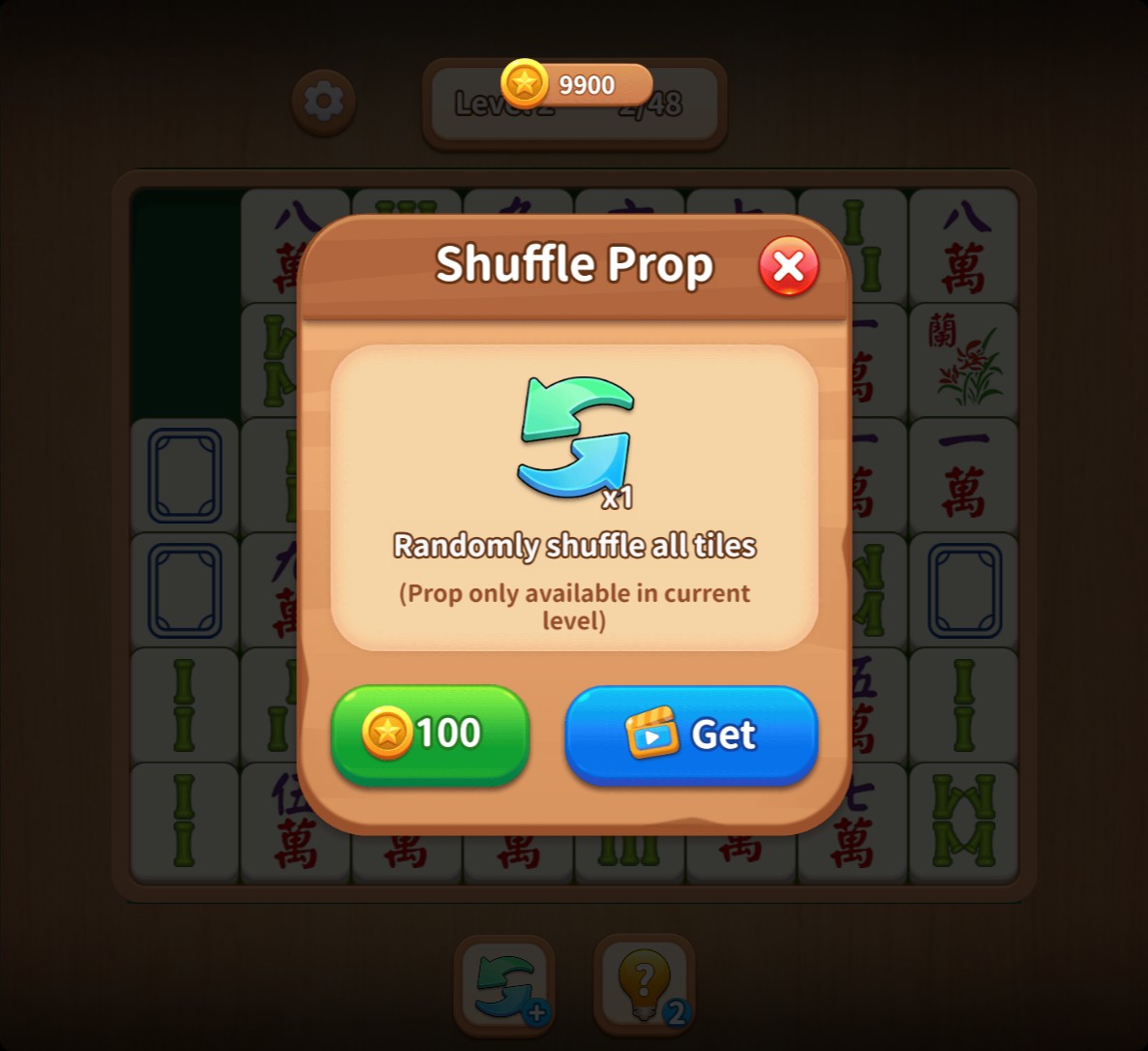
Keep coins ready for boosters
Buy helpful boosters through the normal menu. A 9,900 coin balance remains after buying and using a 100-coin shuffle.
Open Customization for three free controls. Coins pay for normal booster purchases, hints reveal playable matches, and shuffles give the remaining tiles a new arrangement.
Buy boosters, reveal a matching pair or refresh the remaining tile layout.
View customisation options →Download the Windows app and follow the setup prompts.
Set up the browser extension in Chrome or Edge, then open the supported YouTube Playable. Follow the connection guide if the game is already running.
Open Customise in Bytonian Mods, choose an option and follow its instructions. Check the available values and any limits before making your change.