

Choose coins and puzzle booster stock
Set the resources you want before returning to your arrow puzzle. Coins support ordinary booster refills, while each stock control lets you choose the amount of one tool.
Requires the Windows app and the Bytonian Mods browser extension for Chrome or Edge. Browser setup guide
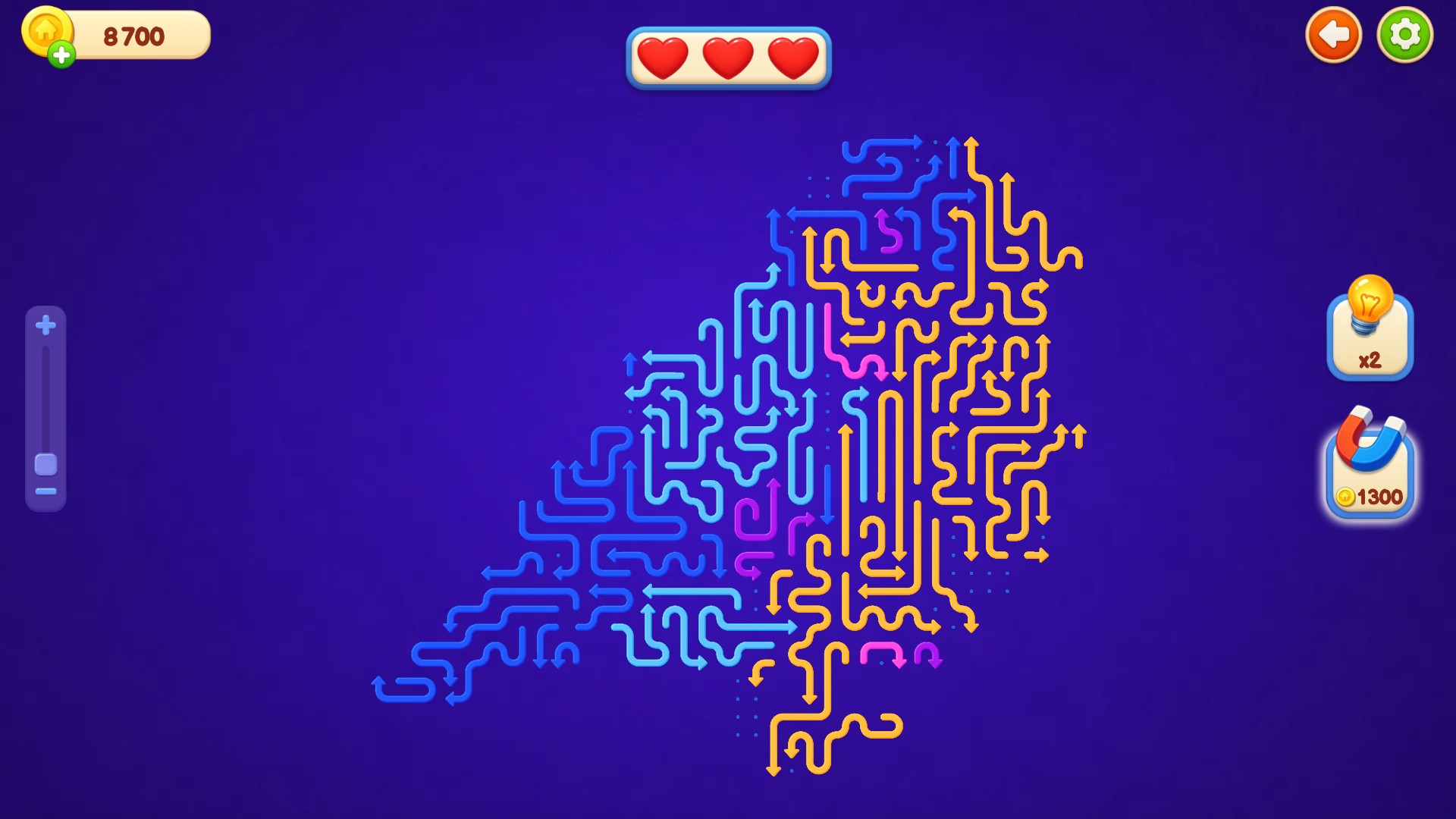
Coins for booster refills
Choose your coin balance and use coins on the game's normal booster refills.
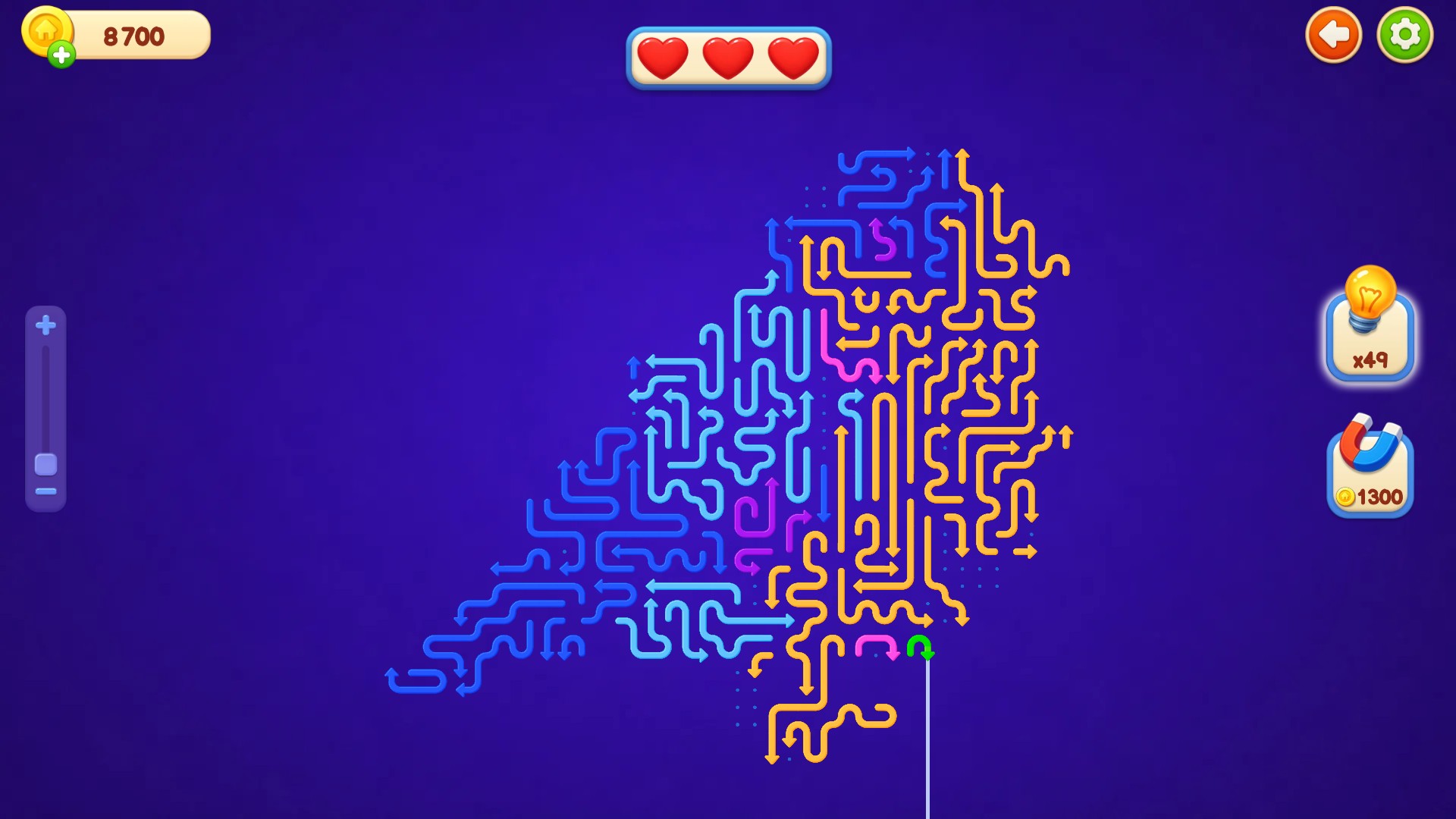
Hints for an unblocked arrow
Choose your Hint stock, then use a Hint to highlight an arrow that can leave the board.
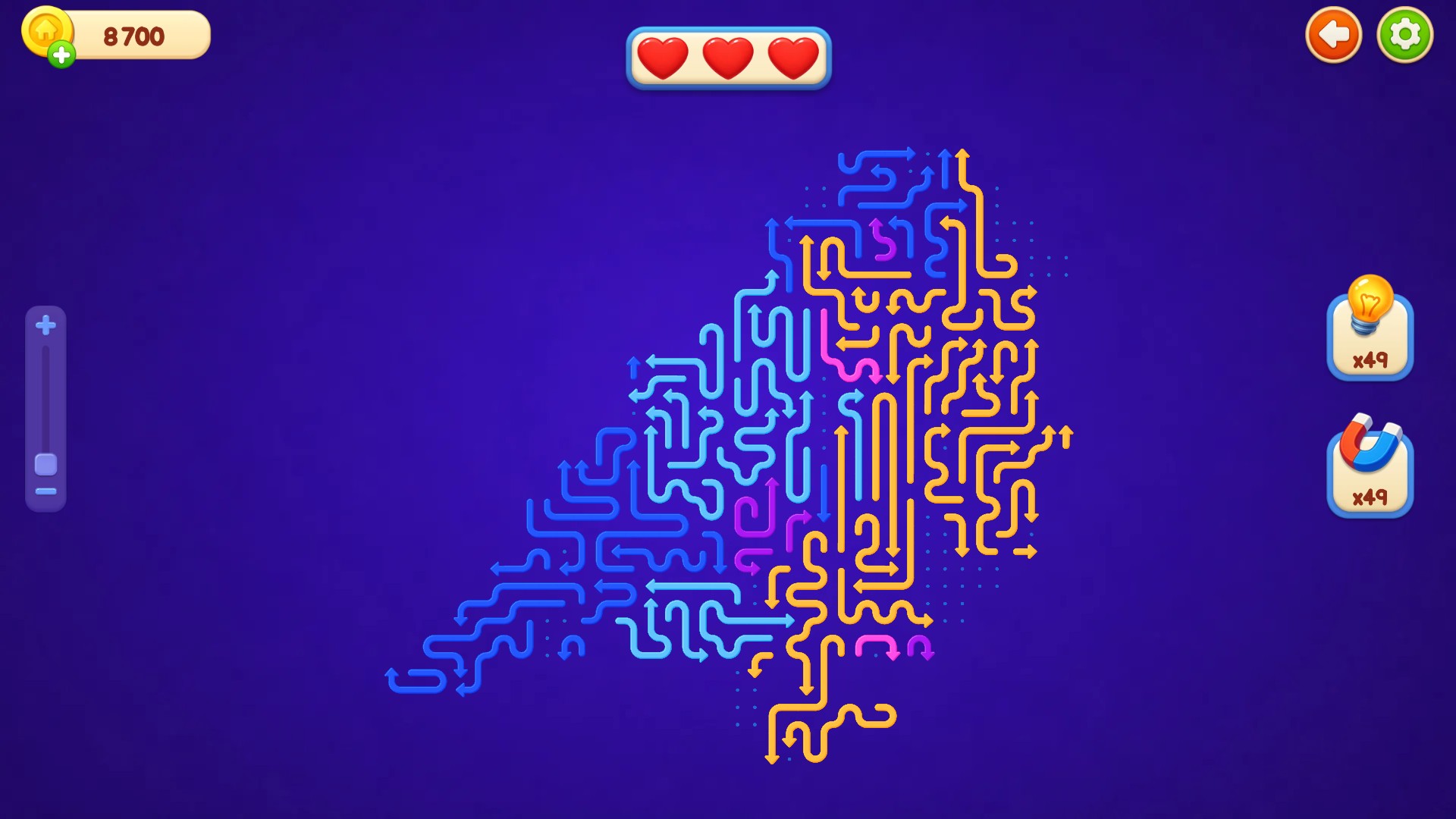
Magnets for unblocked arrows
Choose your Magnet stock and clear up to three unblocked arrows with each use.
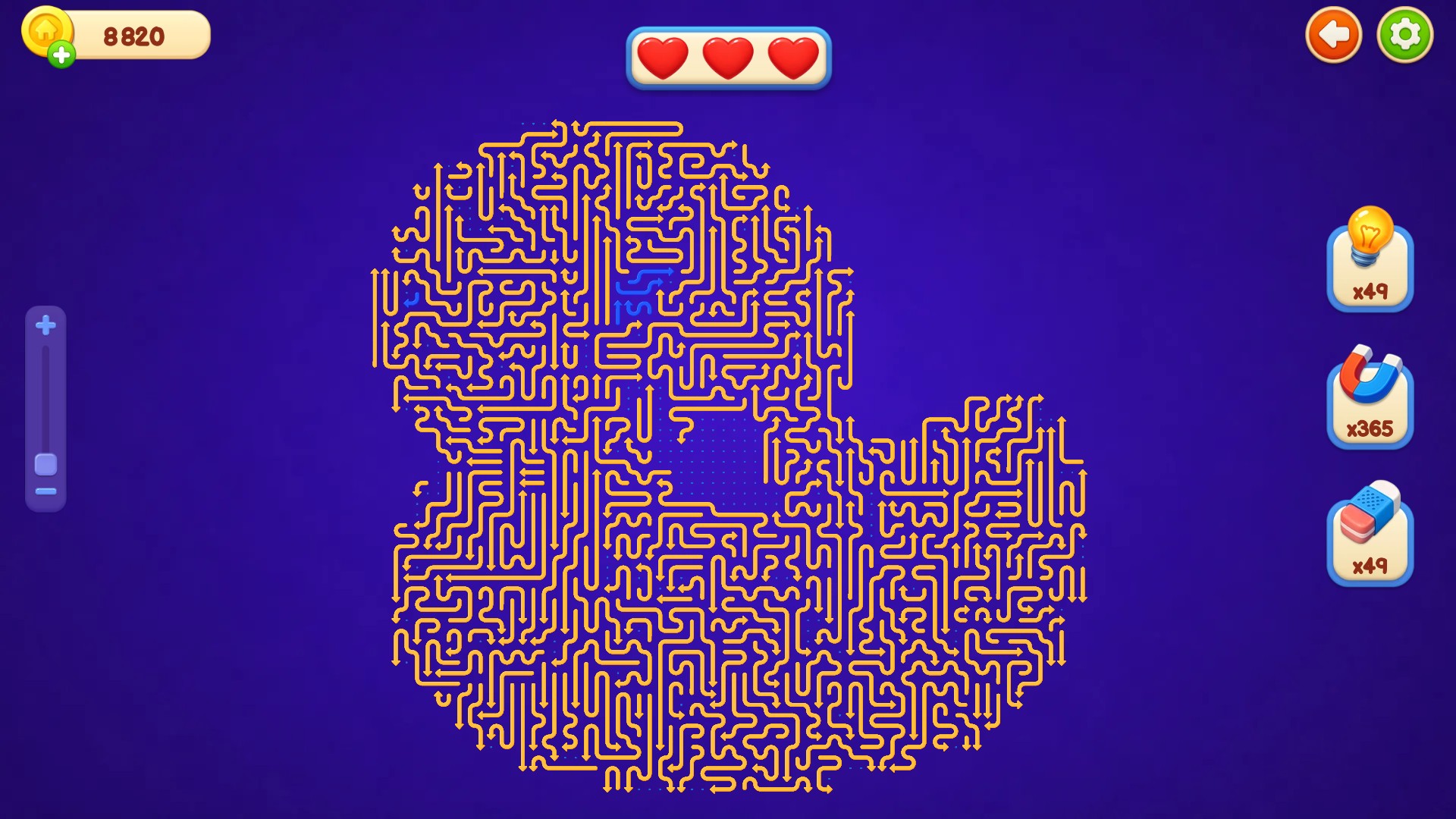
Erasers for nearby arrows
Choose your Eraser stock and remove nearby arrows with each use after the tool unlocks.
Pick the help you need
Use Hints to highlight an arrow with a clear exit. Use Magnets to clear up to three unblocked arrows, or an Eraser to remove nearby arrows.
Hints unlock at Level 6, Magnets at Level 8 and Erasers at Level 15. Stock changes keep those normal unlocks in place.
Available customisation options
CoinsFree
Choose your coin balance for ordinary booster refills.
Set your desired balance, apply it and return to the game to refill an unlocked booster.
HintsPremium
Choose Hint stock to highlight an arrow that can leave the board.
After Hints unlock at Level 6, choose your stock and use the lightbulb during a puzzle.
The normal Hint unlock is required.
MagnetsPremium
Choose Magnet stock to clear up to three unblocked arrows with each use.
After Magnets unlock at Level 8, choose your stock and use the Magnet during a puzzle.
The normal Magnet unlock is required.
ErasersPremium
Choose Eraser stock to remove nearby arrows.
After Erasers unlock at Level 15, choose your stock and use the Eraser during a puzzle.
The normal Eraser unlock is required.
Questions about customisation options
- Which control is free?
- The Coins control is free. Hint, Magnet and Eraser stock controls are Premium.
Using these features
Connect your game, then open Customise in the Windows app. Choose an option, check its available values and follow its instructions. Each option lists its own requirements and limits.
Setup for Arrow Slide Puzzle →