
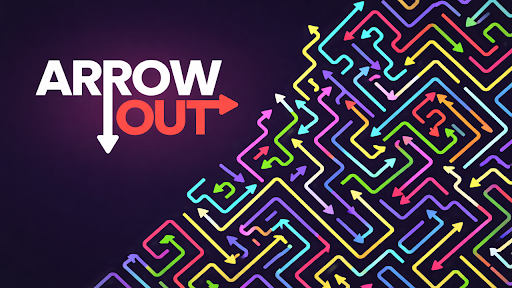
Customise
4 optionsChoose coins, hints, tracers and your next Normal-mode level.
View all customisation options →Keep hints and tracers ready, choose a Normal-mode level or finish the board you're playing. Find clear exits and work out which arrows can leave the board next.
Requires the Windows app and the Bytonian Mods browser extension for Chrome or Edge. Browser setup guide
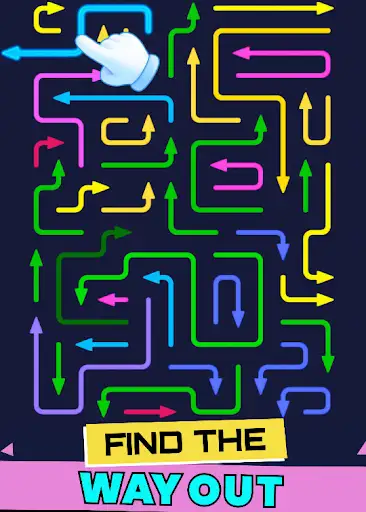
Start with free mods
Download Bytonian Mods for Windows and try these free features. Choose one to see how it works and any requirements.
Choose your coin balance so extra-life refills are within reach when a puzzle costs you your last heart.
Explore this free feature →Choose your coins for extra-life refills, stock hints that highlight a clear exit, and add tracers that show where the arrows lead.
Choose the Normal-mode puzzle you want to open next. During an active Normal puzzle, the completion control takes you to the usual reward screen so you can continue with Next.
Open Arrow Out through Bytonian Mods and choose the controls you want to use. Apply your customization choices before starting a puzzle. To complete a puzzle, enter Normal mode and start playing first.
Choose coins, hints, tracers and your next Normal-mode level.
View all customisation options →Complete the active Normal puzzle and continue with Next.
View game actions →Download the Windows app and follow the setup prompts.
Set up the browser extension in Chrome or Edge, then open the supported YouTube Playable. Follow the connection guide if the game is already running.
Review the available options in the app and choose the ones that suit how you play.