
Customise
1 optionSet your Hint stock before playing and use Hints through the game.
View customisation options →Keep Hints ready for the moments when an arrow puzzle gets tricky. Saved Hints lets you choose your saved Hint Power Up stock, then use the magnifier in the game as you play.
Requires the Windows app and the Bytonian Mods browser extension for Chrome or Edge. Browser setup guide

Start with free mods
Download Bytonian Mods for Windows and try these free features. Choose one to see how it works and any requirements.
Choose a saved Hint Power Up stock for Arrow Escape puzzles.
Set the number of Hints you want, then use the magnifier during a puzzle.
This changes Hints only. Coins, Grid Power Ups, puzzle progress and themes remain under normal game control.
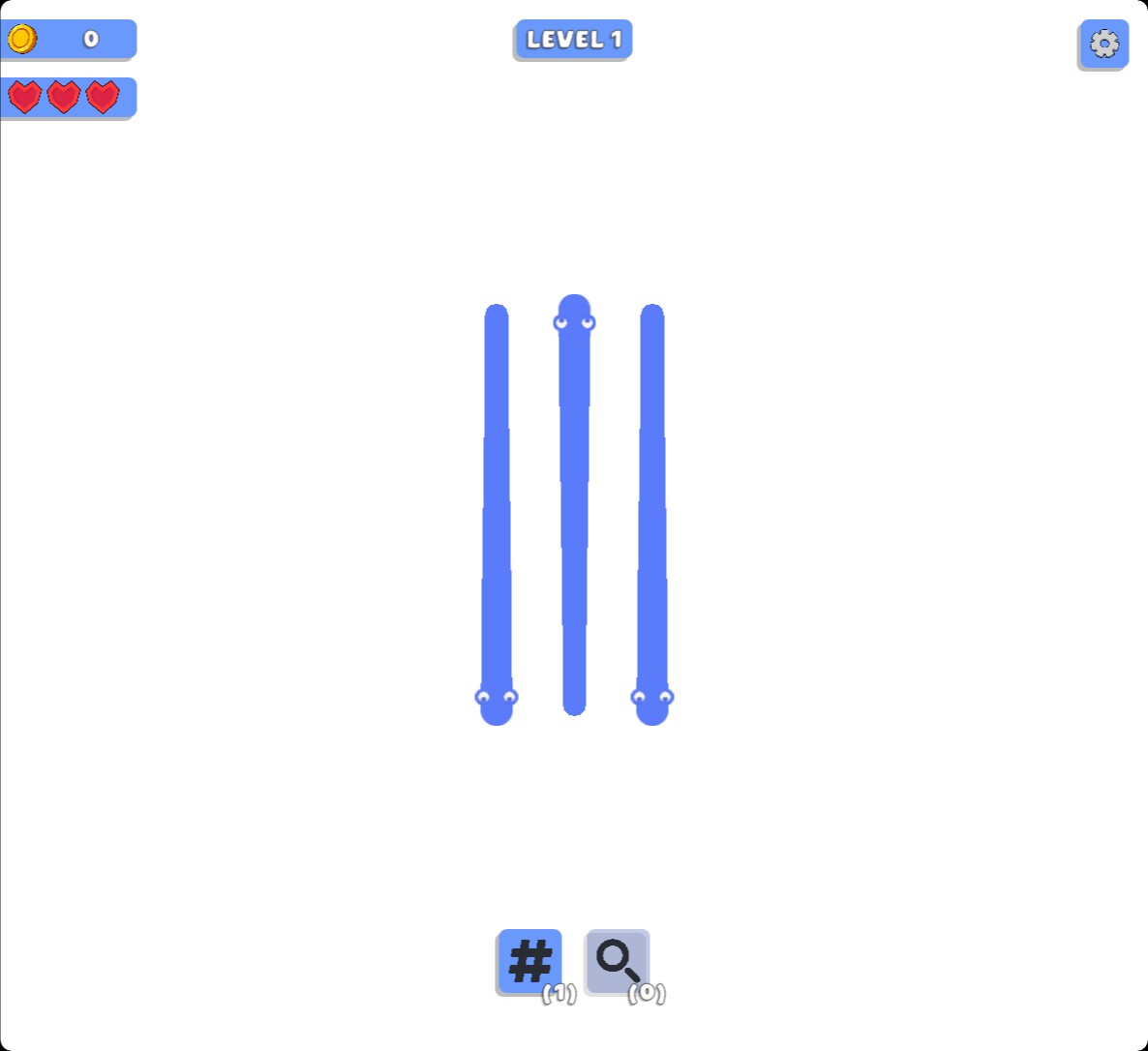
Arrow Escape Level 1
Guide the arrows through the opening puzzle and keep your Hint Power Ups ready for tricky moves.
Arrow Escape's Level 1 board puts arrows in your path and shows your Hint stock beside the magnifier. Set a stock that suits you, then use a Hint through the normal puzzle controls.
Saved Hints changes the Hint Power Up stock. Coins, Grid Power Ups, puzzle progress and themes remain separate game choices.
Set your Hint stock before playing and use Hints through the game.
View customisation options →Download the Windows app and follow the setup prompts.
Set up the browser extension in Chrome or Edge, then open the supported YouTube Playable. Follow the connection guide if the game is already running.
Open Customise in Bytonian Mods, choose an option and follow its instructions. Check the available values and any limits before making your change.