
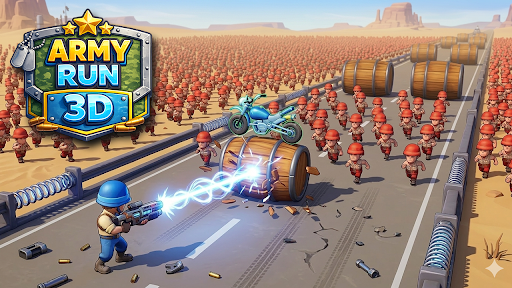
Resources
1 optionEnter your preferred cash balance and apply it.
View resources →Choose to set your Cash balance, advance a damage, fire-rate or health upgrade by one level, or heal surviving soldiers. Steer your squad down the road, shoot through obstacles and gather cash as you go.
Requires the Windows app and the Bytonian Mods browser extension for Chrome or Edge. Browser setup guide
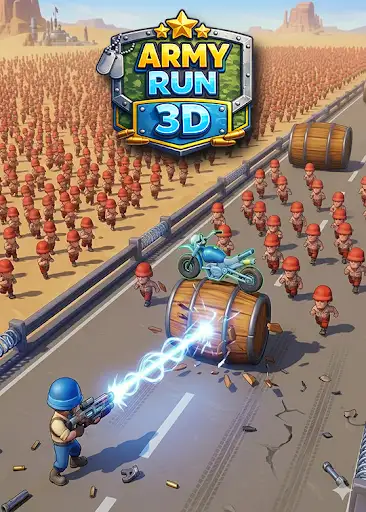
Start with free mods
Download Bytonian Mods for Windows and try these free features. Choose one to see how it works and any requirements.
Restore health to the soldiers still in your squad.
Use Heal squad while your soldiers are hurt.
Heal squad does not revive defeated soldiers.
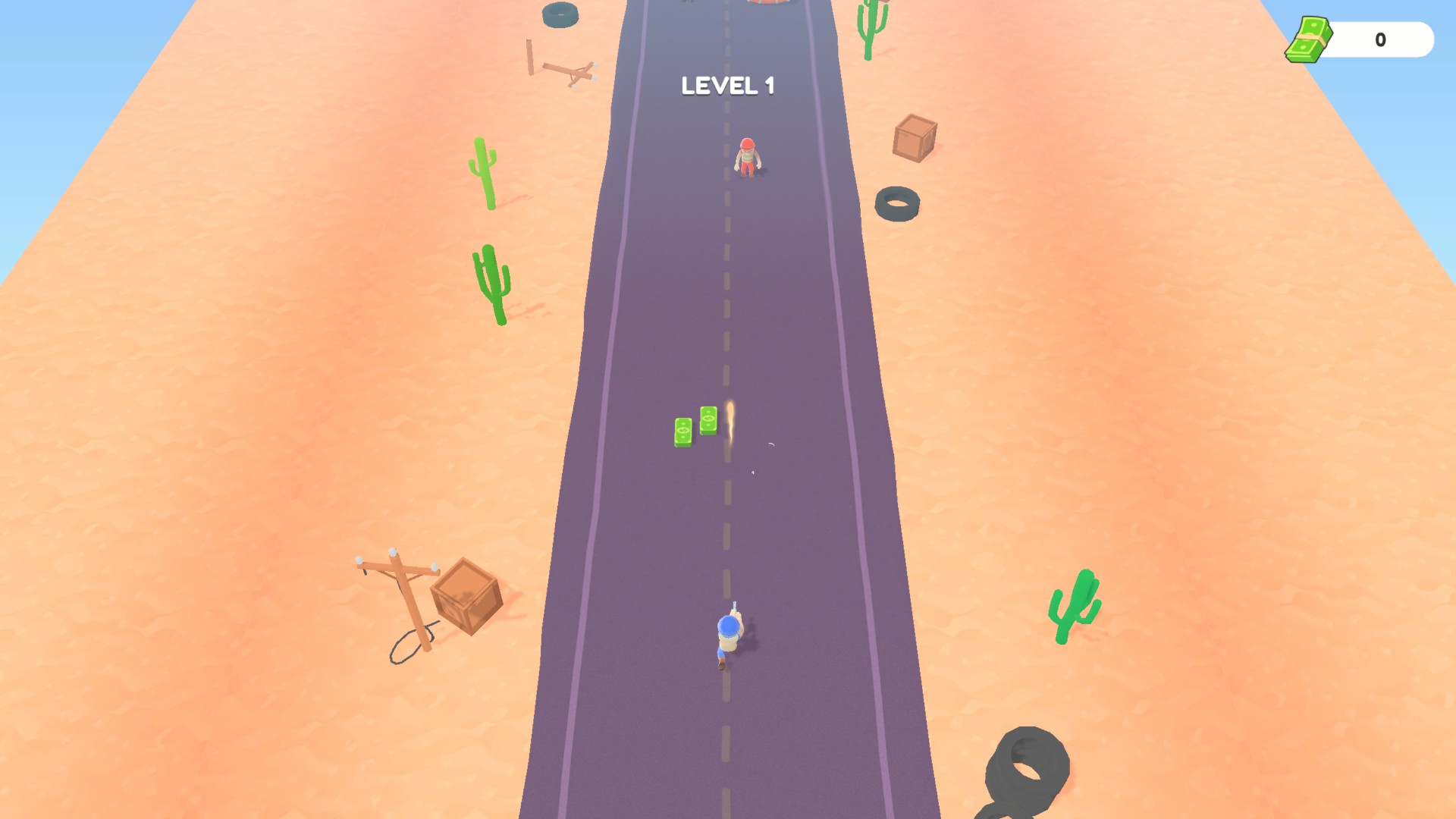
Hit the road in Army Run 3D
Guide your soldier down the road, blasting obstacles and picking up cash along the way.
Use Premium Cash to set your balance, or choose a Premium damage, fire-rate or health upgrade for the next run. Free Heal squad restores health to soldiers still in the fight.
Enter your preferred cash balance and apply it.
View resources →Advance your squad's damage, fire-rate and health upgrades.
View stat modifiers →Restore health to surviving squad members.
View game actions →Download the Windows app and follow the setup prompts.
Set up the browser extension in Chrome or Edge, then open the supported YouTube Playable. Follow the connection guide if the game is already running.
Review the available options in the app and choose the ones that suit how you play.