

Choose your workshop balances
Give your next robot build more room to grow. Set coins for part shopping and choose your gem balance with its own control.
Requires the Windows app and the Bytonian Mods browser extension for Chrome or Edge. Browser setup guide

More room to try parts
Buy robot parts, combine matching pieces and equip the pieces you want to take into battle. Choose a coin balance before your next shopping session.
Two separate balances
Coins and gems have individual controls, so you can change the balance you want without choosing a matching amount for the other.
Available customisation options
CoinsPremium
Choose your coin balance for robot part purchases.
Choose your balance and apply it. The game reopens so you can continue in the workshop.
GemsPremium
Set your gem balance separately from your coins.
Choose your balance and apply it. The game reopens so you can continue in the workshop.
More ways to customise Armored Robots
- Armored Robots stat modifiers
Choose your movement pace for solo Deathmatch.
- Armored Robots rule modifiers
Protect your robot from damage in solo Deathmatch.
- Armored Robots game actions
Restore health during solo Deathmatch.
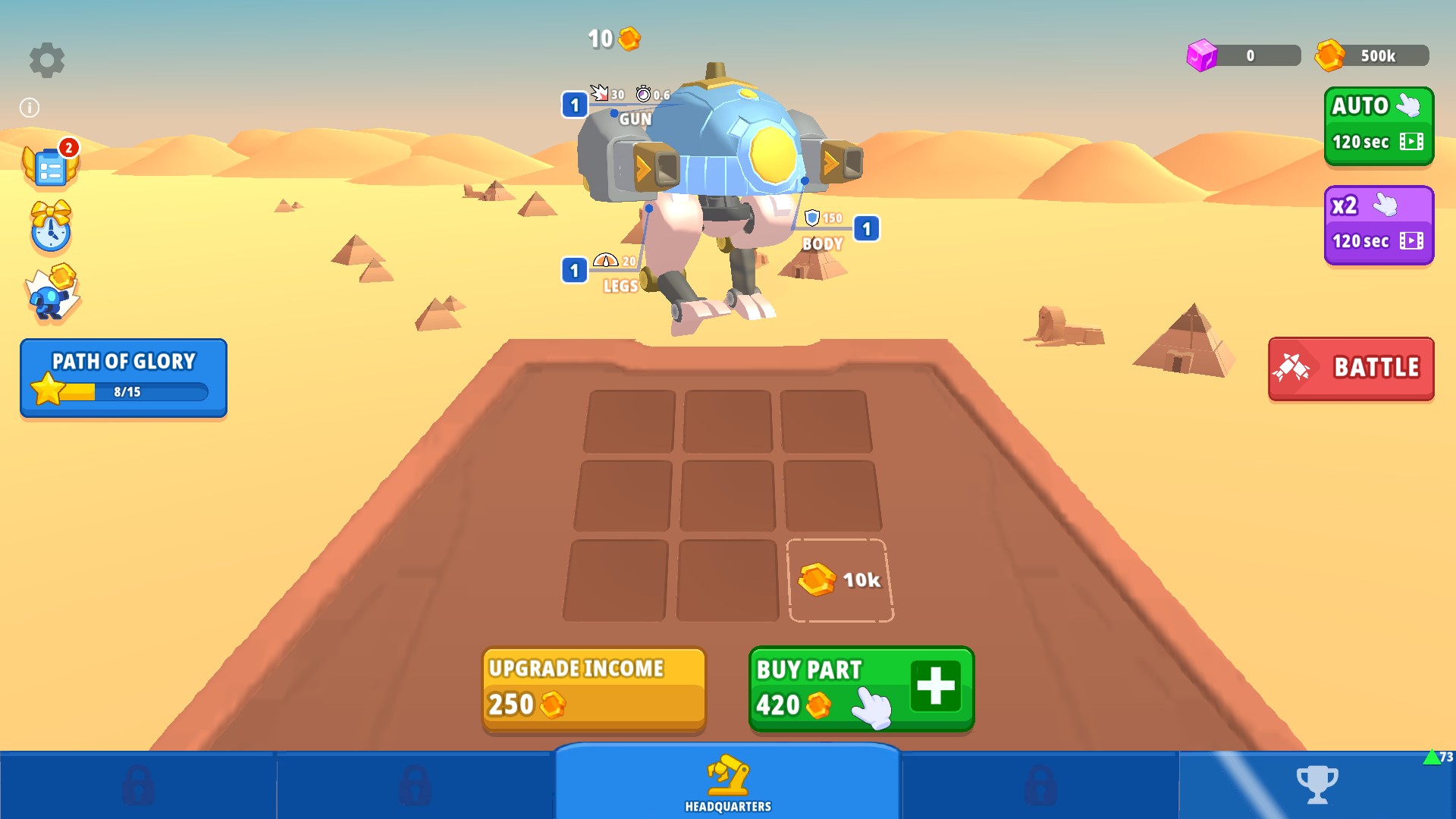
More coins for robot parts
Choose your coin balance and put it toward new robot parts in the workshop.
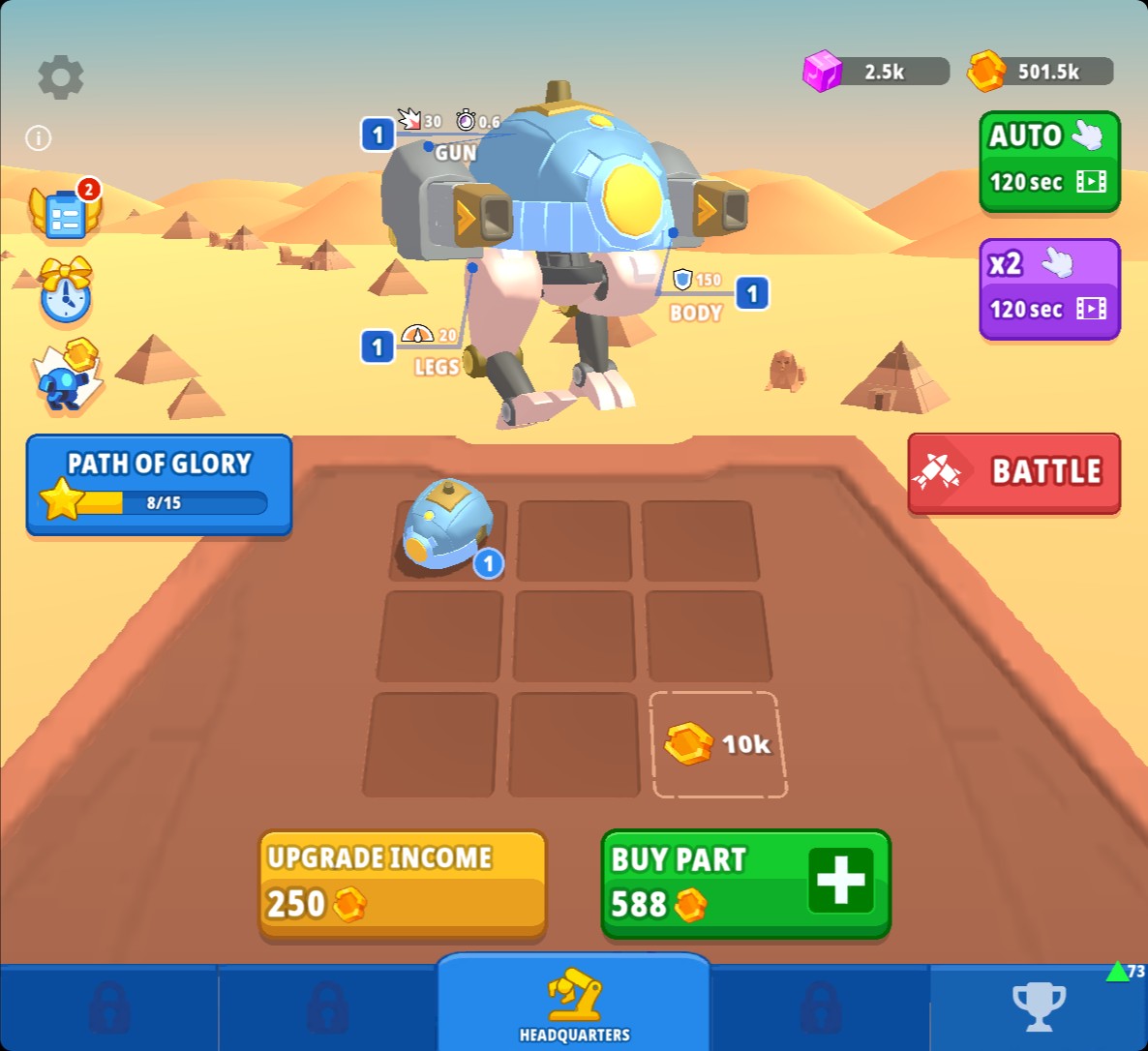
Choose your gem balance
Set the number of gems shown in your robot workshop.
Using these features
Connect your game, then open Customise in the Windows app. Choose an option, check its available values and follow its instructions. Each option lists its own requirements and limits.
Setup for Armored Robots →