
Set Aquarium Land Cash
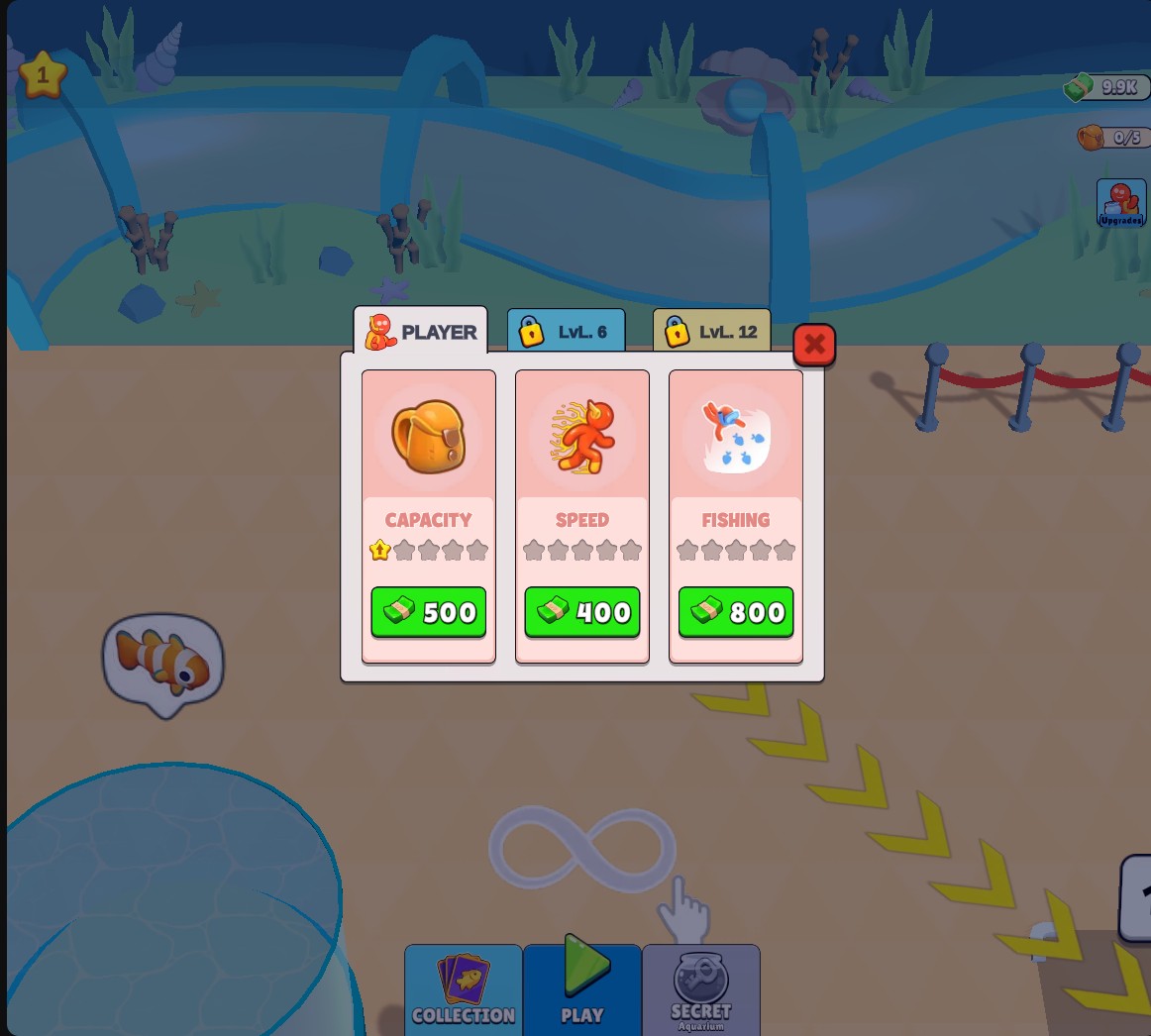
Fund your next tank or bag Capacity upgrade with a Cash balance you choose. Use the usual build areas and Upgrades menu to spend it.
Requires the Windows app and the Bytonian Mods browser extension for Chrome or Edge. Browser setup guide

Cash for Aquarium Upgrades
Use Cash for normal upgrade purchases as you develop your aquarium.
Choose your balance
Set Cash and apply the change before making purchases. Open Upgrades to see the available improvements and their prices.
Pay for a tank
Follow the aquarium's construction markers and stand in a build area to contribute Cash. The game handles the tank build and its normal progression rewards.
Available customisation options
CashFree
Set cash for aquarium construction and upgrades.
Choose a balance and apply it. Spend Cash at marked build areas or through the Upgrades menu.
Questions about customisation options
- Does Cash build tanks automatically?
- No. Use the marked build areas to spend it on construction.
- Can I buy bag upgrades with Cash?
- Yes. Open Upgrades and use the normal Capacity purchase button.
Using these features
Connect your game, then open Customise in the Windows app. Choose an option, check its available values and follow its instructions. Each option lists its own requirements and limits.
Setup for Aquarium Land →