

Unlocks
2 optionsUnlock Pirate appearance or Magic Wand, then choose the item in the menu.
View unlocks →Unlock the Pirate look for the target puppet, select a gold star-tipped Magic Wand for your punches, or use the free Next level action to load another encounter. Choose an unlock in the game's menu before taking aim at the cartoon puppets.
Requires the Windows app and the Bytonian Mods browser extension for Chrome or Edge. Browser setup guide
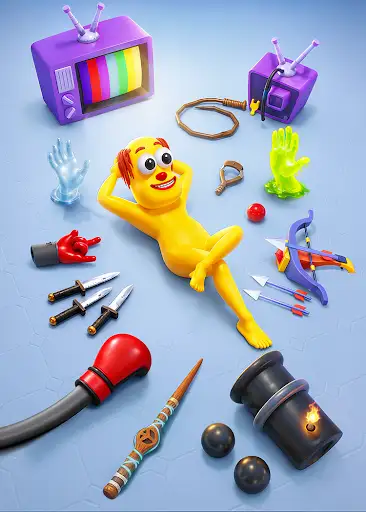
Start with free mods
Download Bytonian Mods for Windows and try these free features. Choose one to see how it works and any requirements.
Load a different playable encounter with the free Next level action.
Enter play, then apply Next level once.
The displayed level number may stay the same even when the encounter changes.
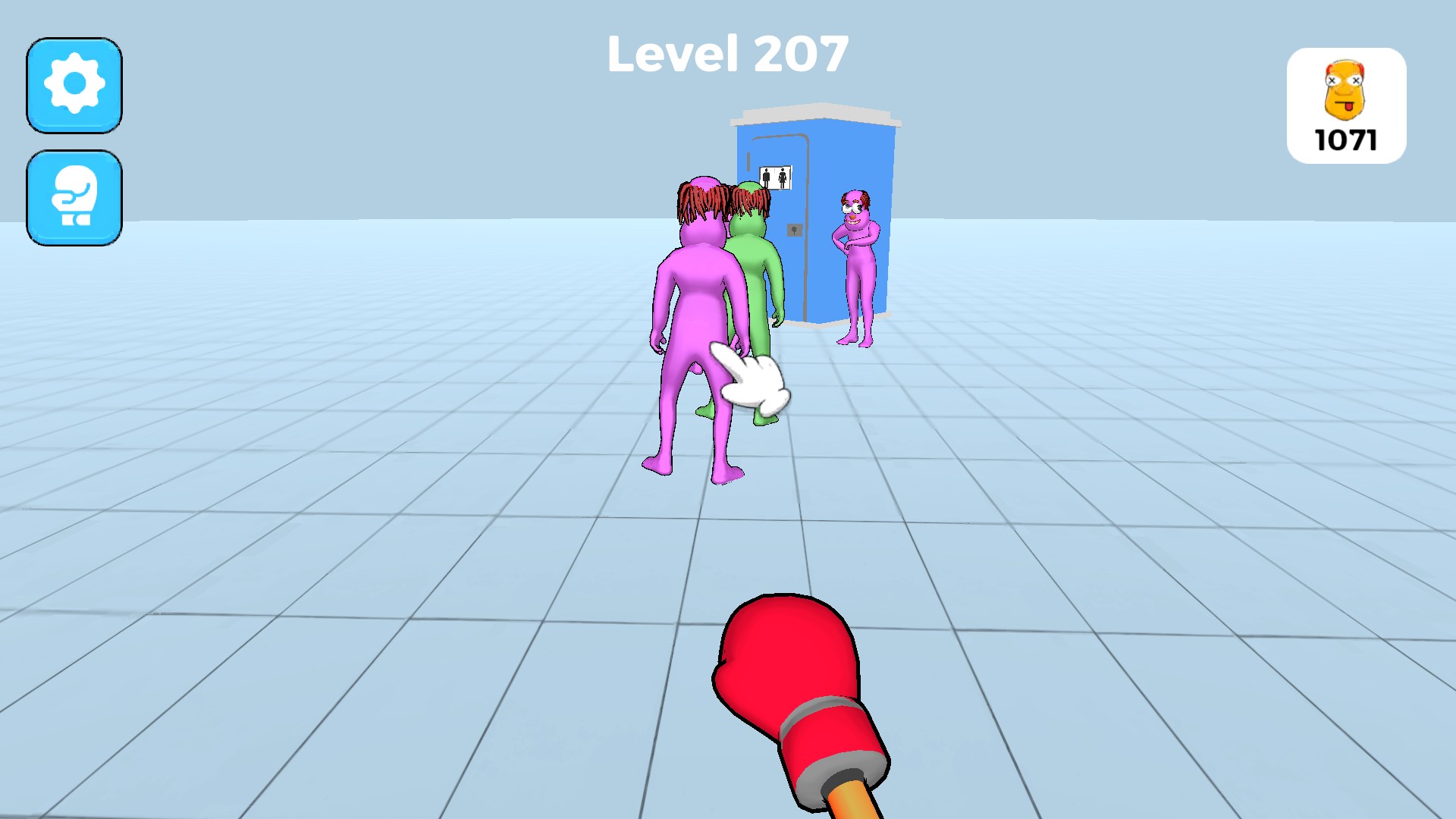
Take aim at the next puppet
Line up your punch and take on the cartoon puppets in Annoying Uncle Punch Game.
Pirate appearance changes the target puppet's look after you select it. Magic Wand opens a different attack style. Next level loads another playable encounter, though the level label may stay unchanged.
Open the game through Bytonian Mods and use the unlock you want in the selection menu. Select the item, then enter play.
Unlock Pirate appearance or Magic Wand, then choose the item in the menu.
View unlocks →Load another encounter, with a known level-label limitation.
View game actions →Download the Windows app and follow the setup prompts.
Set up the browser extension in Chrome or Edge, then open the supported YouTube Playable. Follow the connection guide if the game is already running.
Review the available options in the app and choose the ones that suit how you play.