
Explore the shelter your way
Choose Fly in Movement to explore the shelter from above or pass through scenery. You can also adjust the separate walking-speed setting while exploring on foot.
See the shelter from above
Open Movement, select Fly and enable it. Move with your view, rise or descend independently, and hold the boost key to travel faster. Switch Movement off above safe ground to return to normal control.
Set your pace
The setting ranges from 100% to 400%, with 200% selected by default. Turn the card off to return to the normal speed setting.
Available ability modifiers
MovementPremium
Fly above the shelter, pass through scenery and explore its grounds from a new angle.
Open Movement, choose Fly and enable it. Use the directional controls, Space to rise, Ctrl to descend and Shift to boost. Adjust the flight speeds to suit your route, and switch Movement off above safe ground to return to normal control.
Supported movement styles: Fly
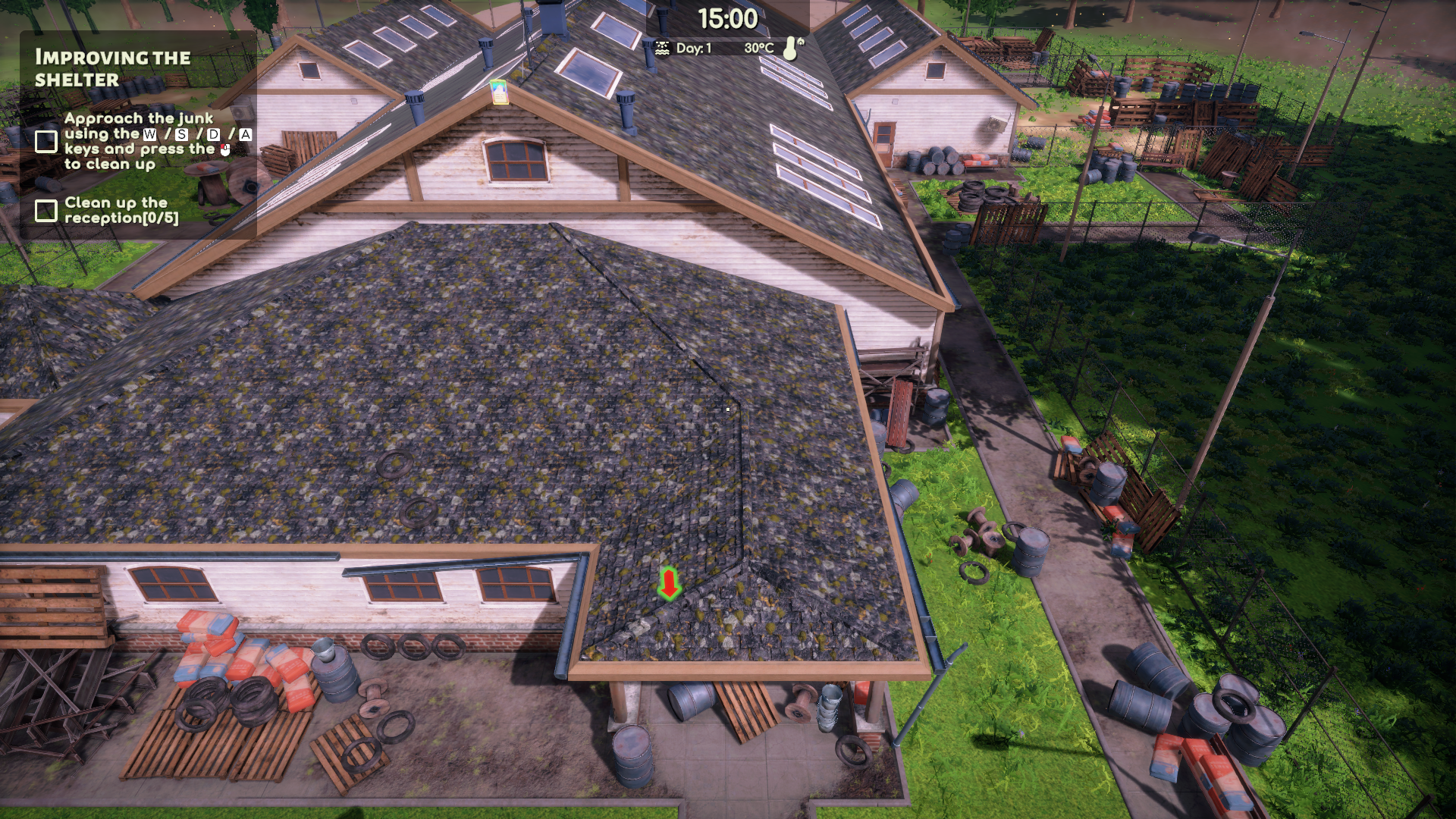
See your shelter from above
Float above the shelter for a clear view of its rooftops, paths and fenced grounds.
Walking speedFree
Adjust the walking-speed setting around your shelter.
Expand the card, choose a percentage and turn it on during gameplay.
More ways to customise Animal Shelter 2 Demo
- Animal Shelter 2 Demo resources
Add a selected cash amount to your hosted shelter.
Using these features
Choose the feature in the Windows app after connecting your game. Check its requirements before making a change.
Setup for Animal Shelter 2 Demo →