
Resources
1 optionAdd a selected cash amount to your hosted shelter.
View resources →Add cash to your hosted shelter, adjust the walking-speed setting or fly above the grounds in Animal Shelter 2 Demo. Choose the tools that suit your shelter routine.
Start with free mods
Download Bytonian Mods for Windows and try these free features. Choose one to see how it works and any requirements.
Adjust the walking-speed setting around your shelter.
Expand the card, choose a percentage and turn it on during gameplay.
Use the resource card to add a selected cash amount. The walking-speed control lets you choose a percentage of normal speed. These mods are for Animal Shelter 2 Demo.
Fly above the shelter to see its rooftops and grounds, or move through scenery to explore from a new angle. Movement includes separate flight and boost speeds.
Start your animal shelter
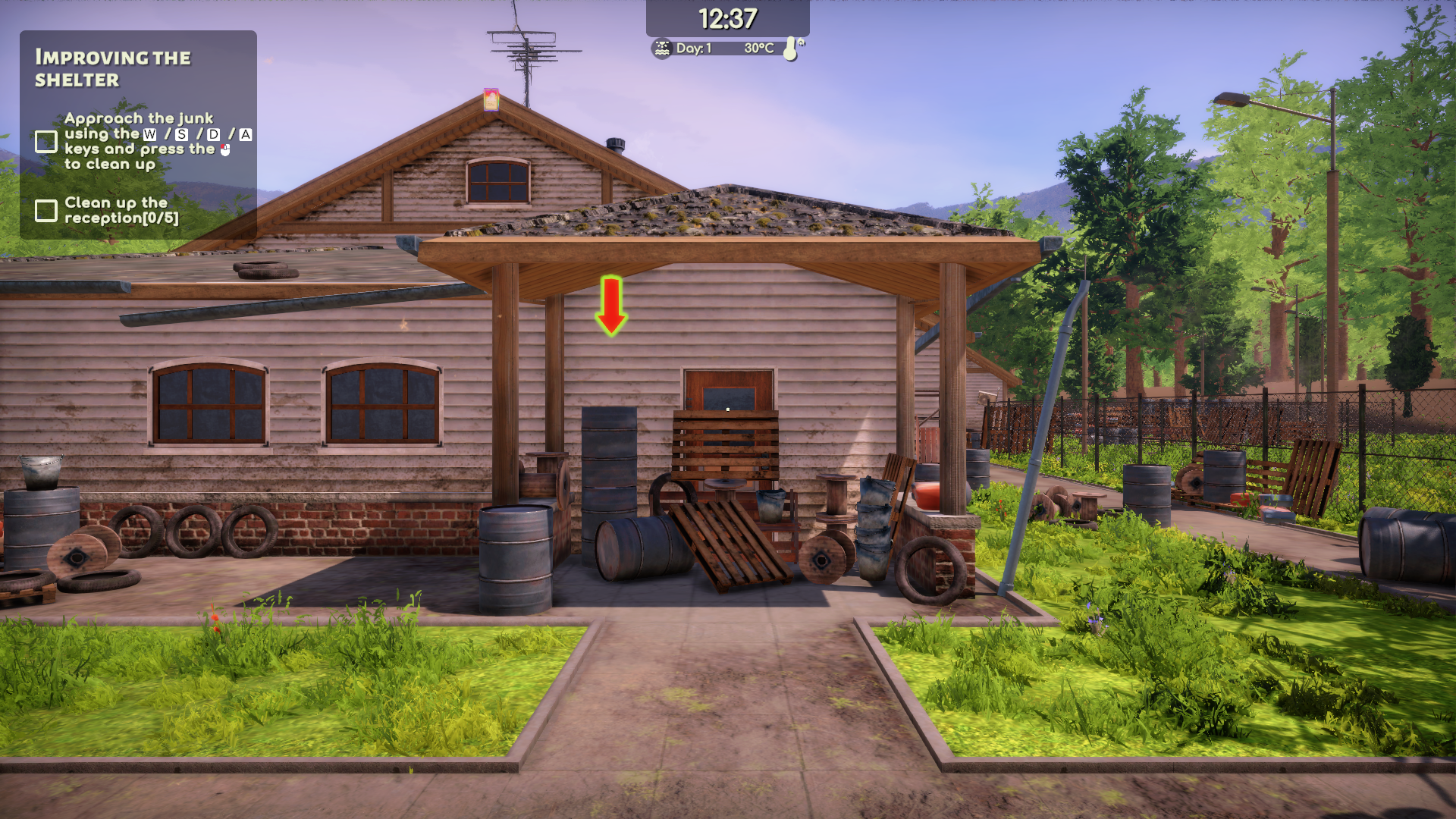
Give this run-down reception a fresh start as you build your animal shelter.
Add a selected cash amount to your hosted shelter.
View resources →Adjustable flight and a separate walking-speed setting.
View ability modifiers →Download the Windows app and follow the setup prompts.
Open Animal Shelter 2 Demo and select it in Bytonian Mods. Follow the app’s connection prompts.
Review the available options in the app and choose the ones that suit how you play.