
Resources
1 optionSet clinic cash and spend it on available treatment beds and floor expansion.
View resources →Choose cash for treatment beds and floor expansion in Animal Care Tycoon, then use the clinic's normal purchase pads. Carry animals to beds and give them the care they need as your hospital grows.
Requires the Windows app and the Bytonian Mods browser extension for Chrome or Edge. Browser setup guide
Start with free mods
Download Bytonian Mods for Windows and try these free features. Choose one to see how it works and any requirements.
Set your clinic’s cash balance to fund treatment beds and floor expansion.
Choose an amount, apply it, then walk onto an available purchase pad in the clinic.
Follow the normal tutorial to make locked purchase pads available.
The Resources category lets you choose your clinic’s cash balance. Spend it on the purchase pads that appear as you follow the game’s guidance.
Open Animal Care Tycoon in YouTube Playables with Bytonian Mods connected, then open Resources and set your cash amount. Return to the clinic and use its normal purchase pads. Continue the tutorial when a pad is still locked.
Build a larger animal clinic
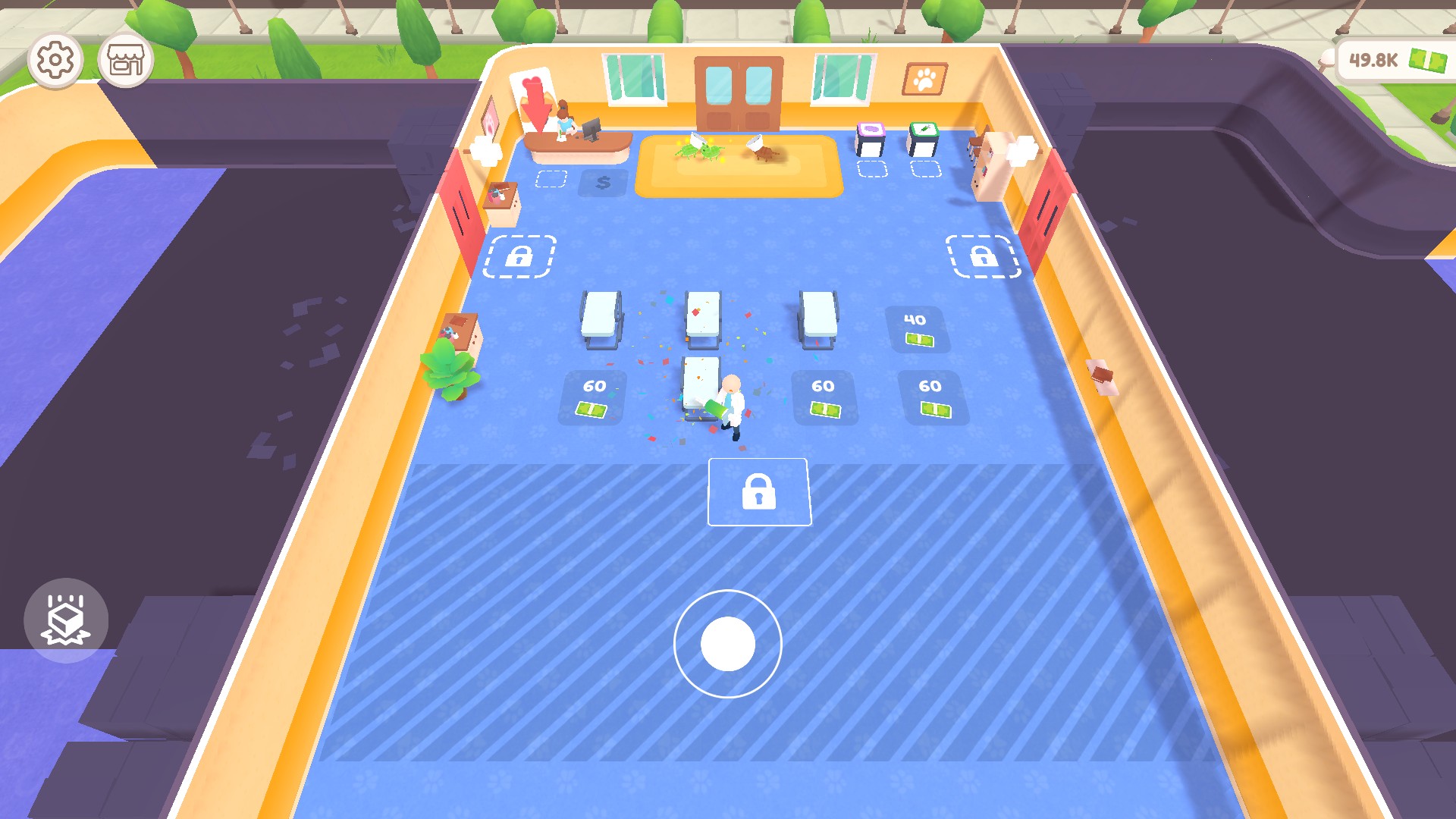
Add treatment beds and open more floor space while caring for the animals arriving at your clinic.
Set clinic cash and spend it on available treatment beds and floor expansion.
View resources →Download the Windows app and follow the setup prompts.
Set up the browser extension in Chrome or Edge, then open the supported YouTube Playable. Follow the connection guide if the game is already running.
Review the available options in the app and choose the ones that suit how you play.