
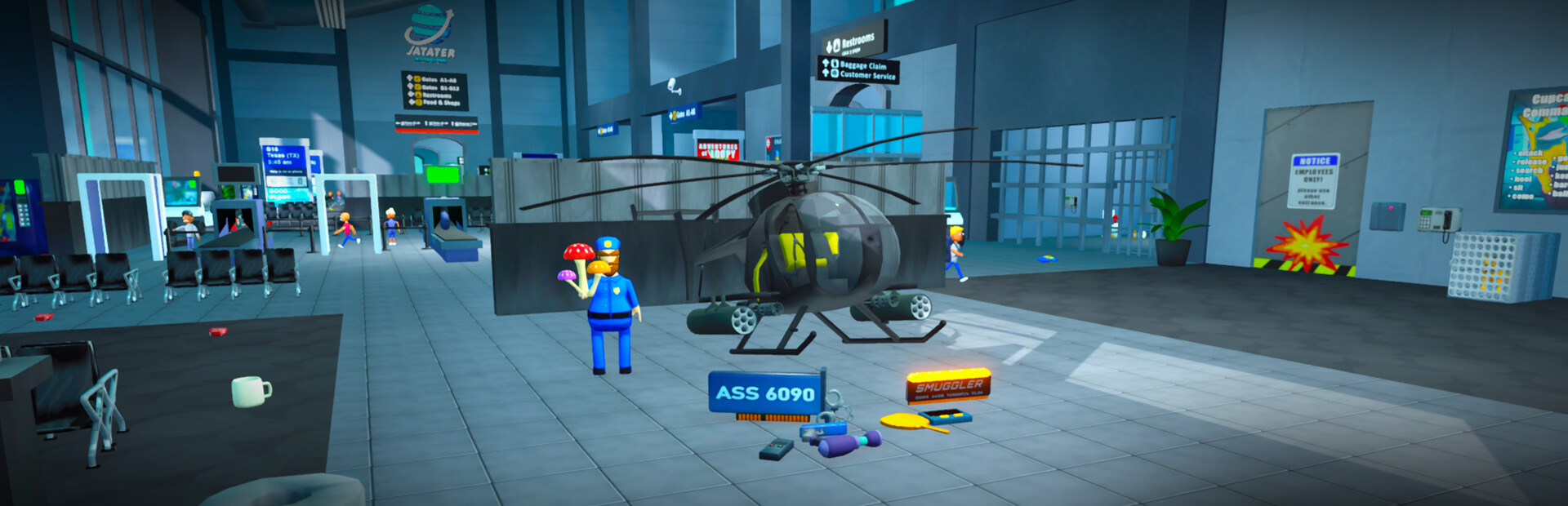
Fly above the terminal
Use Movement's Fly style to rise above the fountain, move through scenery and explore the airport from a fresh angle. Choose normal and fast speeds and steer with your view.
Choose Fly in Movement
Start a private Sandbox alone, enable Movement and choose Fly. Check the direction, up, down and faster-flight bindings in the app. The default movement toggle is V, and you can change it in your keybind settings.
Return to normal movement
Move to a clear landing spot before turning Movement off. Normal gravity and walking resume when you release flight. After the game teleports your player, turn Movement off and on again to resume exploring.
Available ability modifiers
MovementPremium
Fly above the airport and through scenery with adjustable normal and fast speeds.
Start a private Sandbox alone, enable Movement and select Fly. Check your movement bindings in the app.
Available in a private Sandbox with only your player. Return to a clear landing spot before switching off. After native travel, switch Movement off and on to resume.
Supported movement styles: Fly
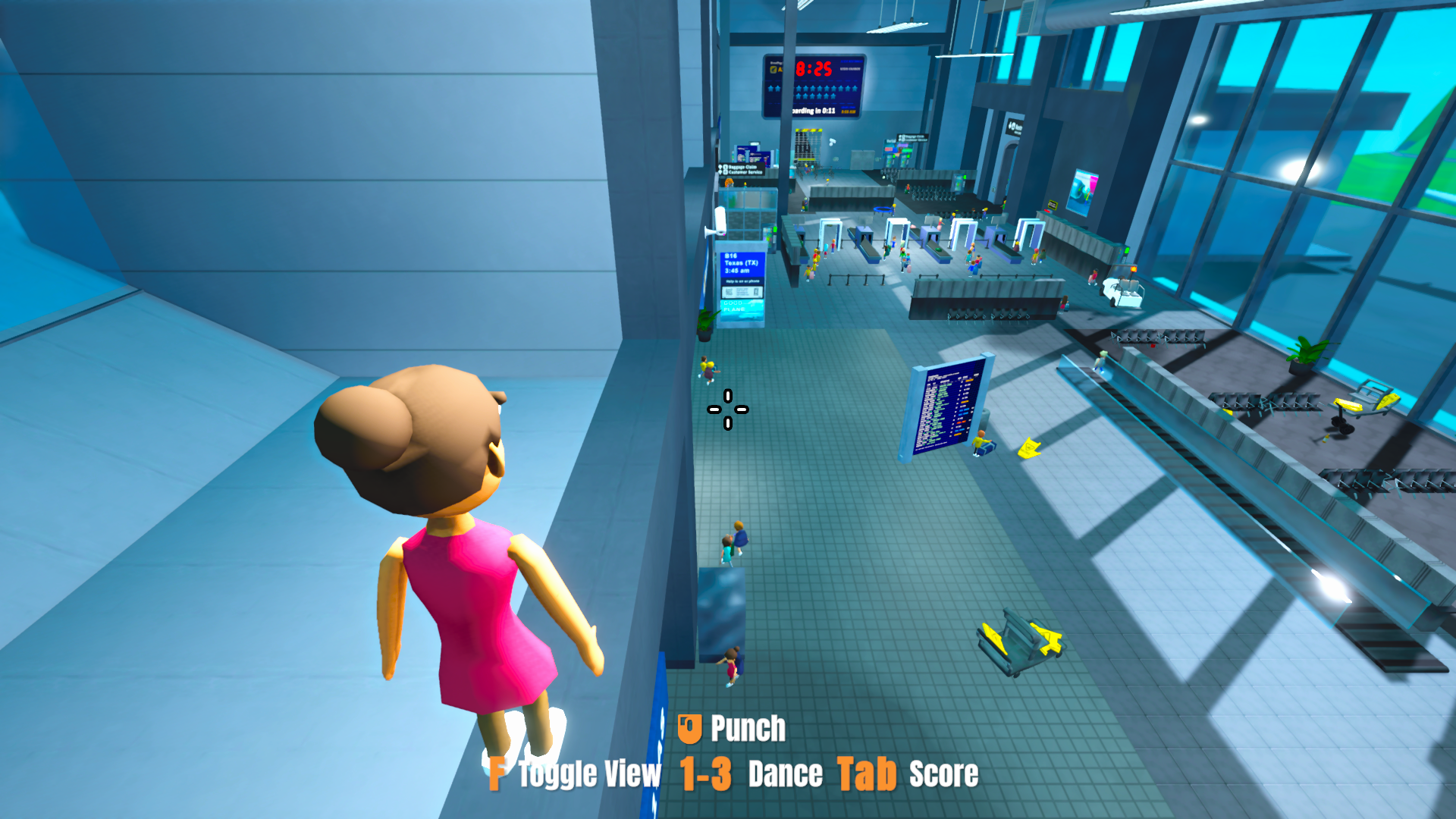
See the terminal from above
Use Fly to rise above the airport floor and explore the terminal from a different angle.
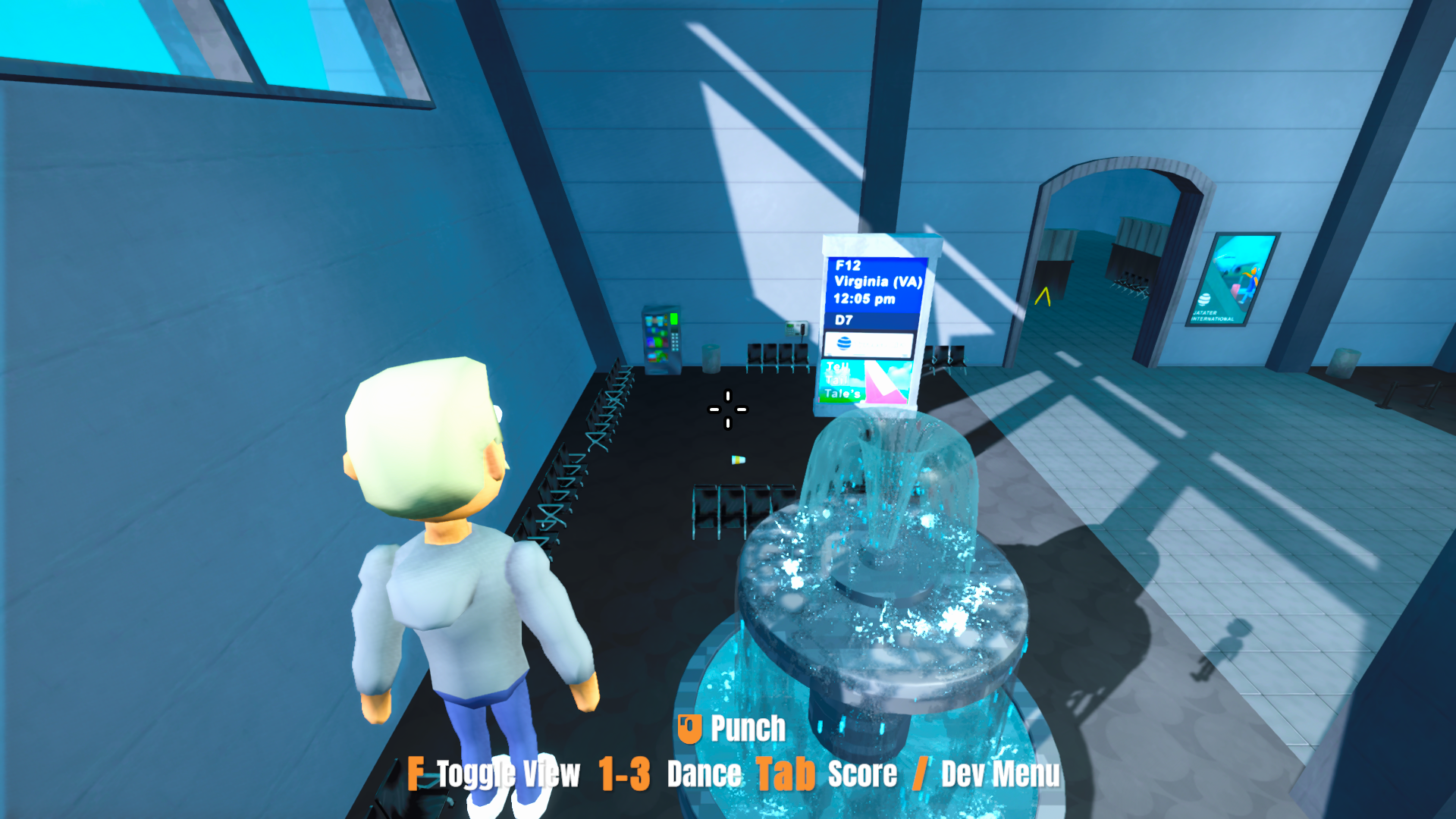
Fly above the airport terminal
Rise above the fountain and explore the terminal from a new angle with Movement's Fly style.
1 / 2
More ways to customise Airport Security Sucks!
- Airport Security Sucks! resources
Adjust your player's money for purchases.
Using these features
Choose the feature in the Windows app after connecting your game. Check its requirements before making a change.
Setup for Airport Security Sucks! →