
Resources
1 optionAdjust your player's money for purchases.
View resources →Adjust your money balance or fly above the terminal in a private solo Sandbox in Airport Security Sucks! Choose the control that suits your plans in this airport game.
Start with free mods
Download Bytonian Mods for Windows and try these free features. Choose one to see how it works and any requirements.
Set your own money balance for in-game purchases.
Load your player and choose the balance you want.
Purchase prerequisites still apply.
Resources contains the free Money control for purchases. Movement offers Fly with configurable direction keys and normal and fast flight speeds for exploring a private Sandbox alone.
Install Bytonian Mods, open Airport Security Sucks! and select it in the app. Follow the connection prompts and enter the game before choosing an option.
Inside Airport Security Sucks!
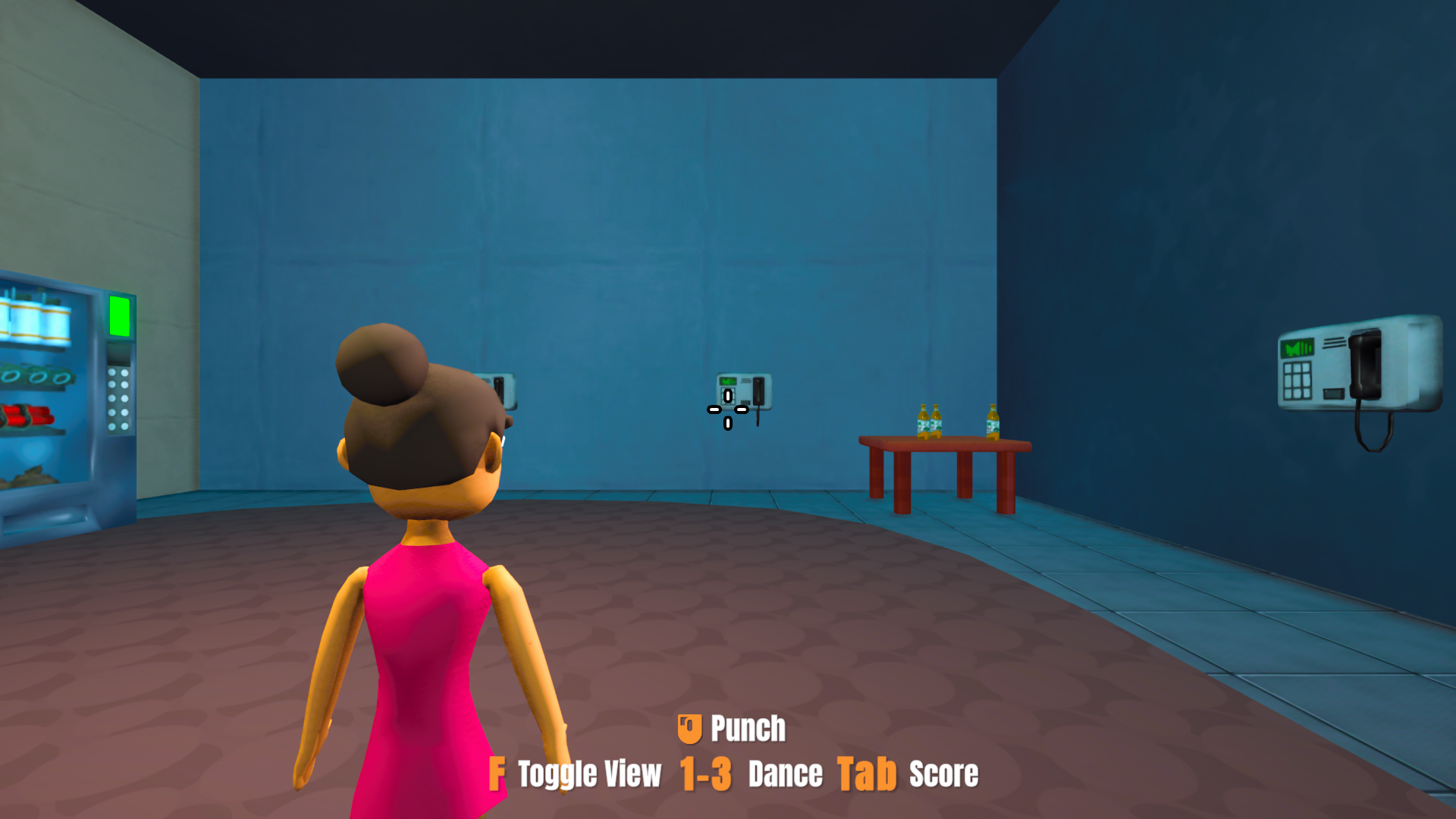
A moment in the staff room during a private match.
Adjust your player's money for purchases.
View resources →Explore a private Sandbox alone with adjustable flight.
View ability modifiers →Download the Windows app and follow the setup prompts.
Open Airport Security Sucks! and select it in Bytonian Mods. Follow the app’s connection prompts.
Review the available options in the app and choose the ones that suit how you play.