
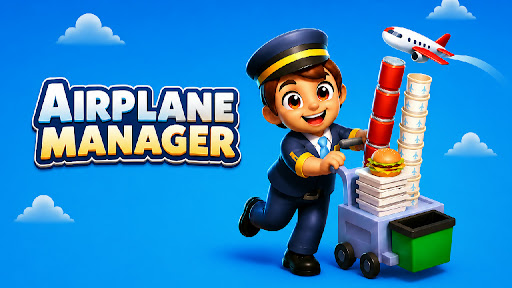
Stat Modifiers
2 optionsAdjust your attendant's pace and load more supplies for each trip to the passengers.
View stat modifiers →Carry more supplies per trip, choose a movement pace or set your cash balance for the next cabin purchase. Run drinks and snacks from the service stations to waiting passengers.
Requires the Windows app and the Bytonian Mods browser extension for Chrome or Edge. Browser setup guide

Start with free mods
Download Bytonian Mods for Windows and try these free features. Choose one to see how it works and any requirements.
Choose a cash balance for your next cabin purchase and add a service station through the game's usual purchase areas.
Enter the balance you want and apply it, then return to the cabin to make your purchase.
Purchases reduce the balance as usual.
Build your cabin service
Collect drinks, serve passengers and add a doughnut station as your airline grows.
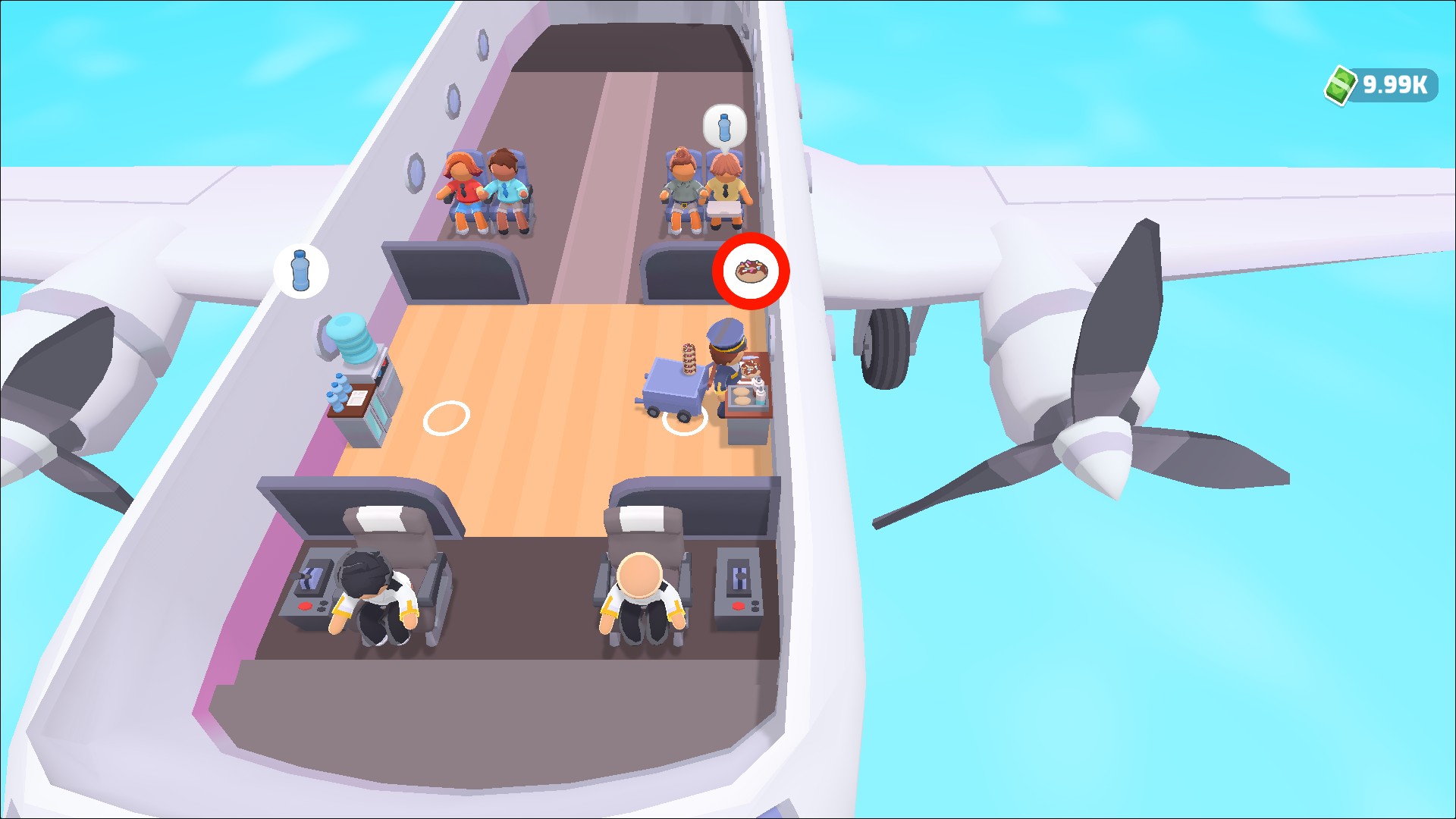
Passengers request drinks and snacks. Visit a dispenser, load the cart and bring supplies to their seats. A doughnut station gives the cabin another place to stock up.
Cash customization helps with ordinary station purchases. Movement speed and carrying capacity offer separate ways to shape your attendant's route between supplies and passengers.
Adjust your attendant's pace and load more supplies for each trip to the passengers.
View stat modifiers →Choose a cash balance and use the cabin's purchase areas to add a new service station.
View customisation options →Download the Windows app and follow the setup prompts.
Set up the browser extension in Chrome or Edge, then open the supported YouTube Playable. Follow the connection guide if the game is already running.
Review the available options in the app and choose the ones that suit how you play.