
Resources
1 optionSet or adjust the Love total shown in your game.
View resources →Set your Love balance or open another space in Adorable Home, including the Garden. Spend time with your partner and Snow, prepare a bento box and shape the lounge to suit your home.
Requires the Windows app and the Bytonian Mods browser extension for Chrome or Edge. Browser setup guide
Start with free mods
Download Bytonian Mods for Windows and try these free features. Choose one to see how it works and any requirements.
Choose a room to open another space in your home.
Finish the opening tutorial, choose a room and apply the change. Open the house menu to visit it.
Love balance lets you set the total you want. Room access opens a selected space so you can visit it from the house menu.
Open Adorable Home on YouTube Playables and finish the opening tutorial. Connect the game to Bytonian Mods, enable the control you want, and make your selection while the game is open.
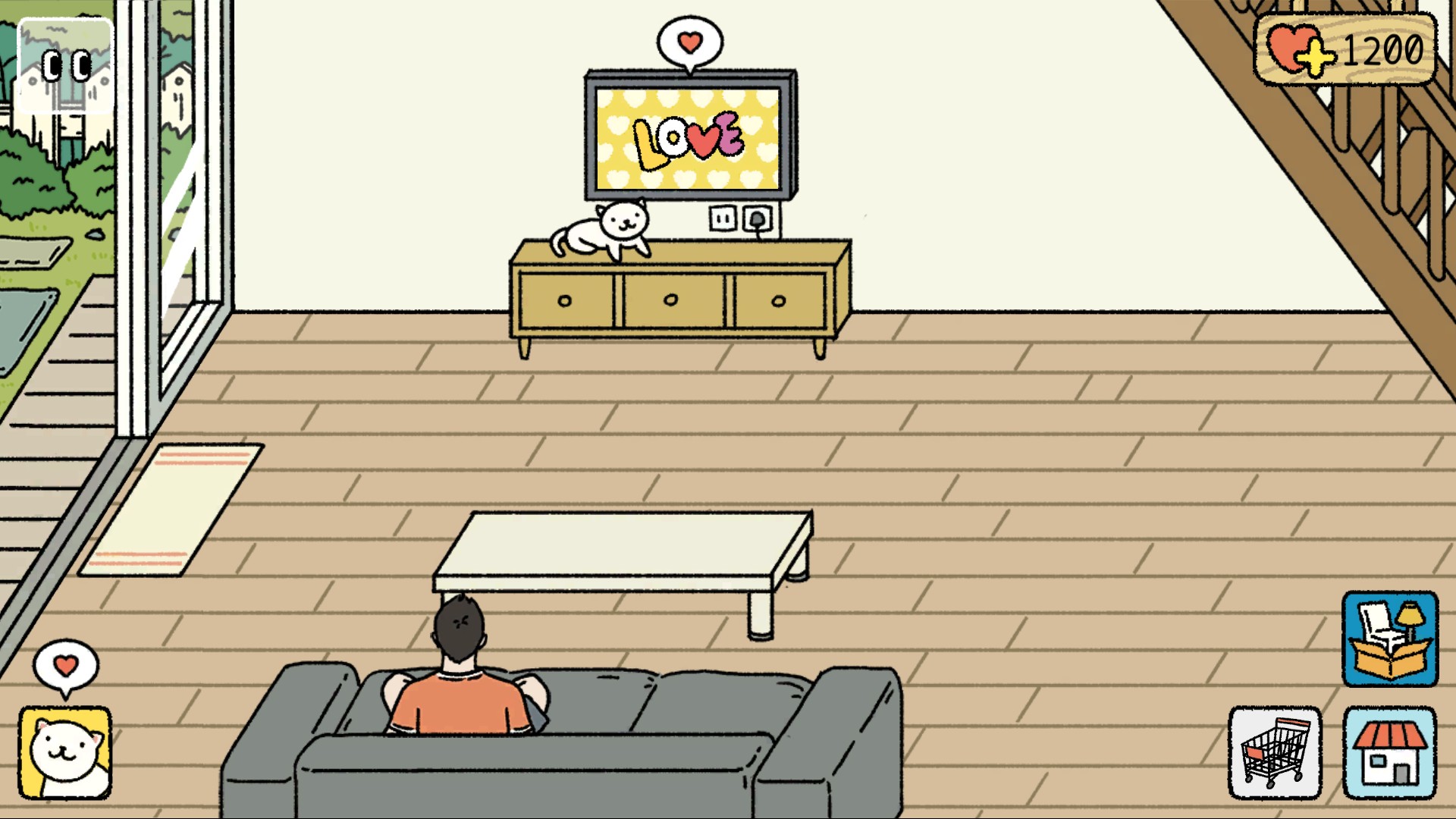
A quiet moment at home
Relax in the lounge while Snow makes herself comfortable beside the TV.
Set or adjust the Love total shown in your game.
View resources →Open a selected room, including the Garden.
View unlocks →Download the Windows app and follow the setup prompts.
Set up the browser extension in Chrome or Edge, then open the supported YouTube Playable. Follow the connection guide if the game is already running.
Review the available options in the app and choose the ones that suit how you play.