
Choose your Stars balance
Pick a whole-number balance from 0 to 10,000 before visiting the shop. Use Stars to buy the ball skin you want.
Requires the Windows app and the Bytonian Mods browser extension for Chrome or Edge. Browser setup guide
A football look for your ball
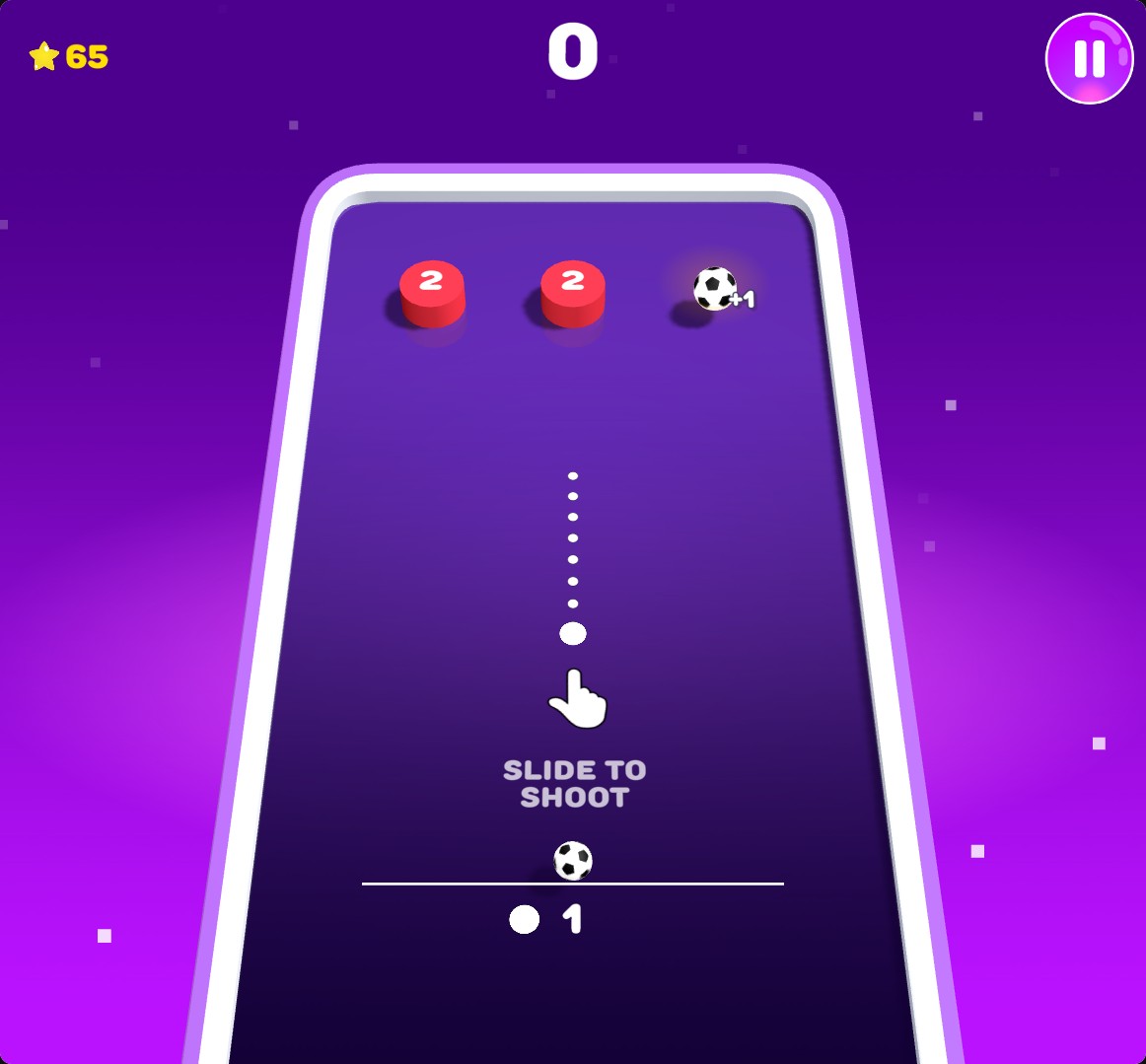
Choose your Stars balance and buy ball skins in the shop. The football skin is shown here on the launch ball, with 65 Stars remaining after shopping.
Buy and select a skin
Open the shop with the cart button on the home screen. Press a skin's Stars-price button to buy it, then select an owned skin to use its look on the launch ball.
Available customisation options
StarsFree
Choose your Stars balance for ball skins.
Enter a whole number from 0 to 10,000 and apply it. Open the shop to buy and select a ball skin.
Ball skins still need to be purchased and selected through the shop.
Questions about customisation options
- Does Stars unlock every skin automatically?
- No. This changes your balance. Buy and select skins through the shop.
Using these features
Connect your game, then open Customise in the Windows app. Choose an option, check its available values and follow its instructions. Each option lists its own requirements and limits.
Setup for 99 Balls 3D →