
Boost a Saved Cube
Apply the free cube boost to a round you can resume. When the game reloads, continue playing on your board with the boosted cube.
Requires the Windows app and the Bytonian Mods browser extension for Chrome or Edge. Browser setup guide
Boost one saved cube to 2048
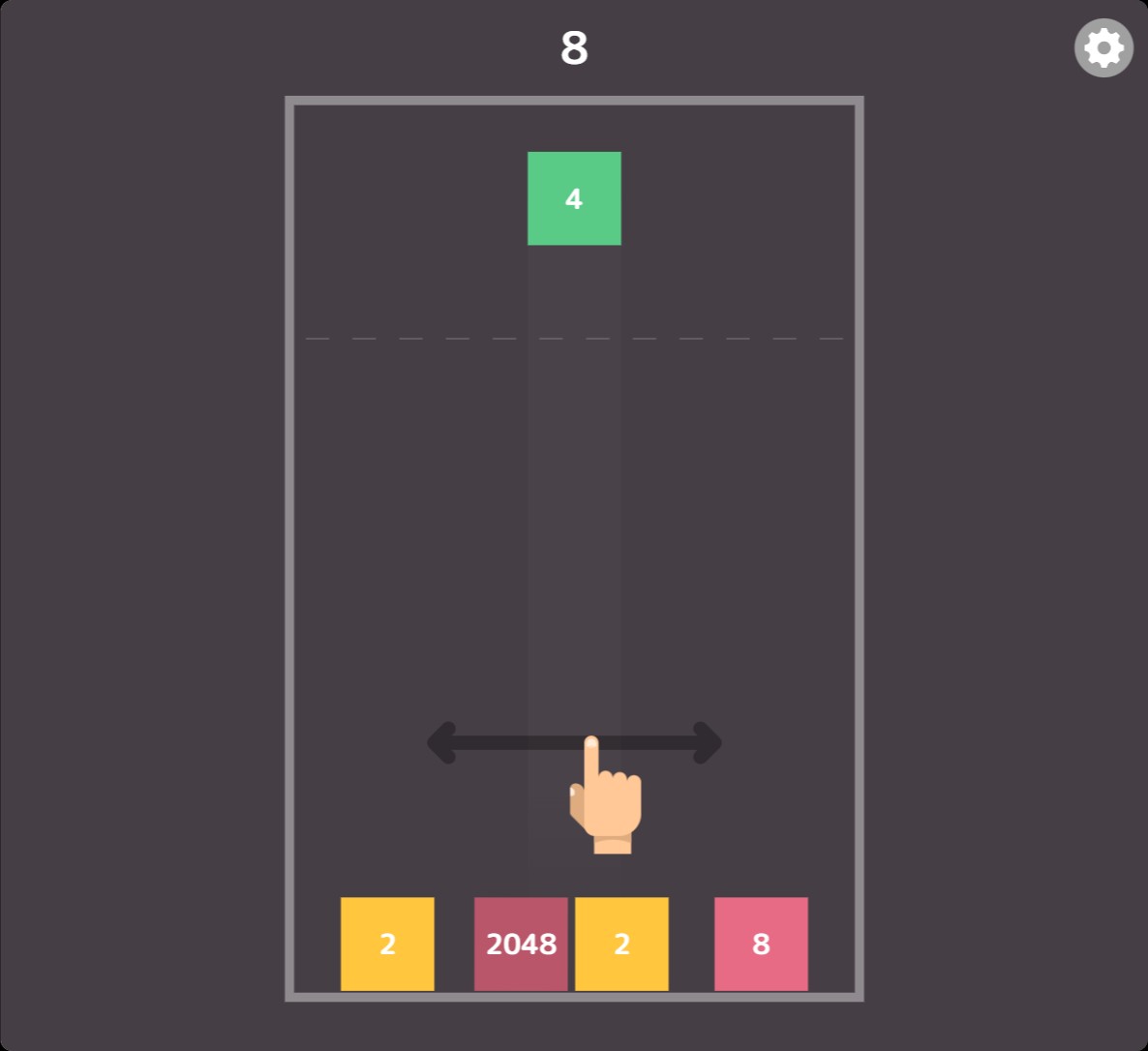
Raise one existing saved cube to at least 2048 while keeping larger values, the saved score and other cubes.
Before applying
Start a round and drop a cube if no board has been saved. Then apply Boost a Saved Cube and wait for the reload.
The boost targets the first cube in the saved board. It keeps a larger value if that cube already exceeds 2048, and leaves the other cubes and saved score unchanged.
Available customisation options
Boost a Saved CubeFree
Raise one existing saved cube to at least 2048. Keeps larger cube values, your saved score and the other cubes. Applying reloads the game.
Start a round and drop a cube first if needed. Apply the boost, wait for the reload, then continue on the saved board.
Targets one saved board cube, not the held preview cube.
Questions about customisation options
- Can I choose which cube gets boosted?
- This option boosts the first cube in the saved board. It does not target the held preview cube or every cube on the board.
Using these features
Connect your game, then open Customise in the Windows app. Choose an option, check its available values and follow its instructions. Each option lists its own requirements and limits.
Setup for 2048 Cubes →