

Follow hints at your own pace
Give yourself more time to follow the cat-shaped marker through the festive artwork. Hint Settings lets you choose how long it stays visible and how long to wait between hints.

Set your hint timing
Enable Hint settings in a normal untimed level and expand Hint timing. Choose Cooldown and Marker duration in seconds, then use the game's usual hint button. Turn the mod off to restore the normal timing.
Available rule modifiers
Hint settingsPremium
Choose how long hints remain visible and the wait between hints.
Enable in a normal untimed level, expand Hint timing and adjust the seconds. Use the game's usual hint button.
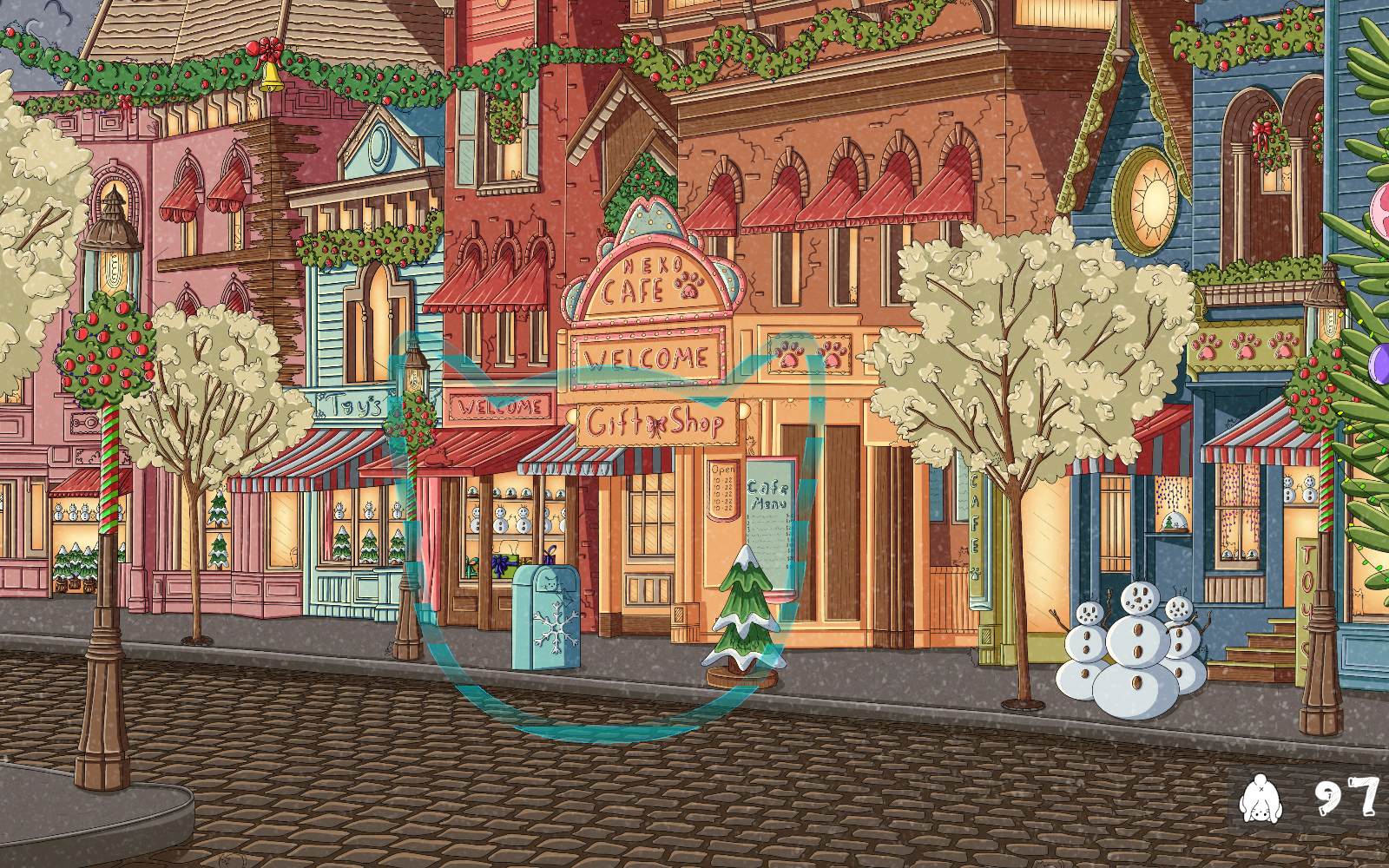
Give yourself more time to follow a hint
Keep the cat-shaped hint marker visible for longer while you search the festive street. Hint Settings lets you choose its duration and the wait between hints.
More ways to customise 100 Christmas Cats
- 100 Christmas Cats perspective modifiers
Extend the normal zoom range to inspect smaller details.
- 100 Christmas Cats game actions
Choose a larger cat size with the free Set Scale action.
Using these features
Choose the feature in the Windows app after connecting your game. Check its requirements before making a change.
Setup for 100 Christmas Cats →