

Rule Modifiers
1 optionAdjust the wait between hints and the time their marker stays visible.
View rule modifiers →Make hidden cats larger, adjust hint timing or zoom closer in 100 Christmas Cats. Choose the help you want while searching the festive street in a normal untimed level.

Start with free mods
Download Bytonian Mods for Windows and try these free features. Choose one to see how it works and any requirements.
Resize the cats so they stand out more clearly from the artwork.
Enter a normal untimed level, choose the size percentage and press Set Scale.
Use the free Cat Size mod when you want cats to stand out from the artwork. Hint Settings changes the wait between hints and how long the marker stays visible. Closer Zoom lets you inspect smaller details.
Open the game with Bytonian Mods for Windows and enter a normal untimed level. Choose your settings, then use the controls on each mod's card.
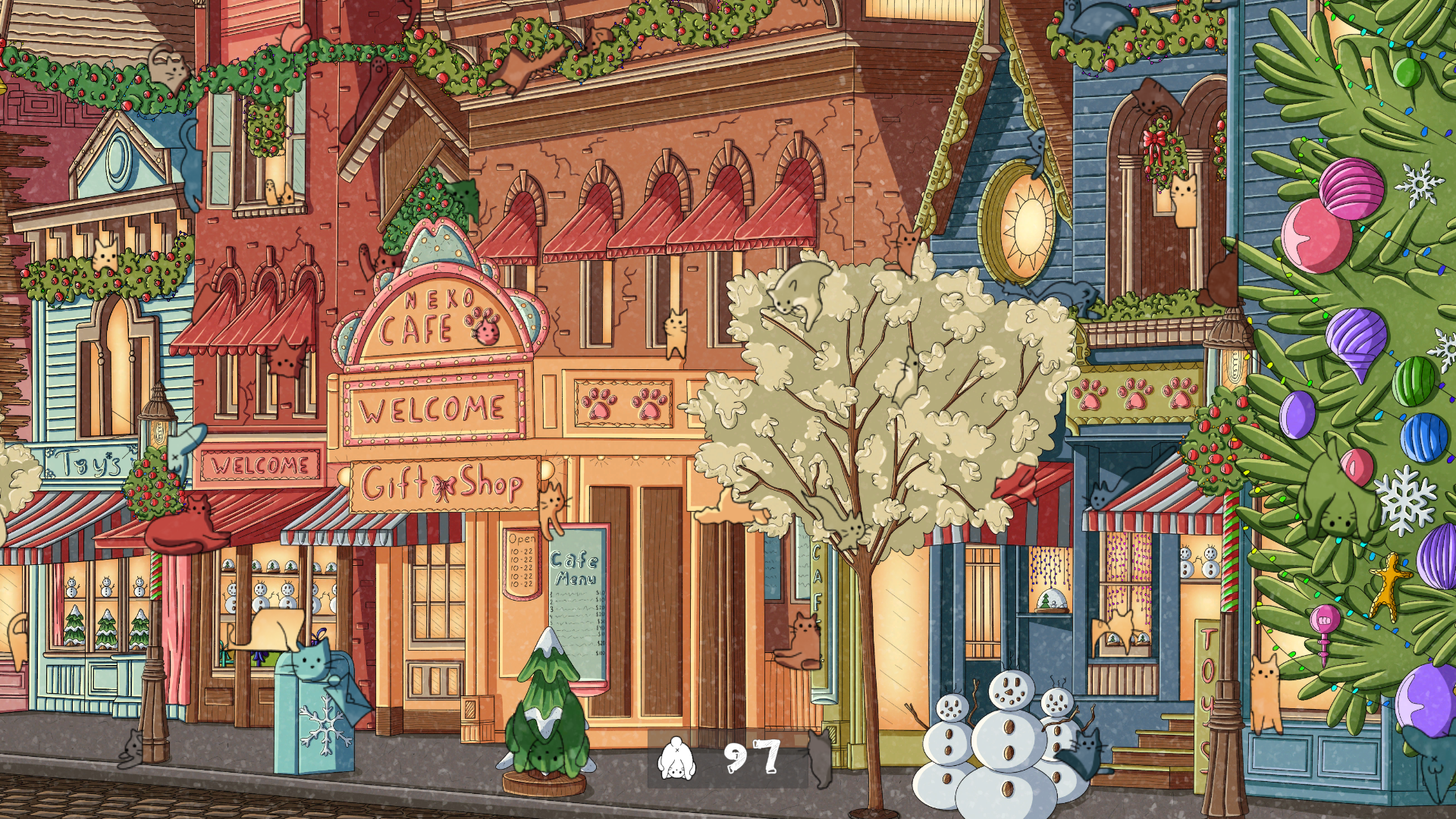
Spot more cats in the Christmas street
Make the hidden cats stand out among the shopfronts and decorations with the free Cat Size mod.
Adjust the wait between hints and the time their marker stays visible.
View rule modifiers →Extend the normal zoom range to inspect smaller details.
View perspective modifiers →Choose a larger cat size with the free Set Scale action.
View game actions →Browse the Steam achievement names and descriptions for 100 Christmas Cats. Choose and unlock achievements for free with Bytonian Mods in the Windows app.
View all achievements →Download the Windows app and follow the setup prompts.
Open 100 Christmas Cats and select it in Bytonian Mods. Follow the app’s connection prompts.
Review the available options in the app and choose the ones that suit how you play.