

Resources
1 optionAdjust the ammunition for your current limited-ammo weapon.
View resources →Zombie Desperation turns each scene into a shooting gallery as the horde closes in. Give yourself breathing room with healing and ammunition controls, adjust supported weapon damage, or choose a weapon or supply pickup for your next wave.

Start with free mods
Download Bytonian Mods for Windows and try these free features. Choose one to see how it works and any requirements.
Restore your living survivor to five health with one press.
Enter a level and use Heal yourself when you need health.
Does not revive a dead survivor. Using any of these gameplay controls starts unranked practice. Automatic Steam score, statistic and achievement updates stay paused until you restart the game, even if you turn the controls off.
Drop a weapon or supply pickup from a choice of 11 native items.
Open Spawn, wait for an enemy to enter view, choose one item and click the dropped pickup in the game to collect it.
Pickups fall normally. Wait for an active adrenaline effect to end before dropping more adrenaline; ammo piles require a limited-ammo weapon without temporary infinite ammo. Using any of these gameplay controls starts unranked practice. Automatic Steam score, statistic and achievement updates stay paused until you restart the game, even if you turn the controls off.
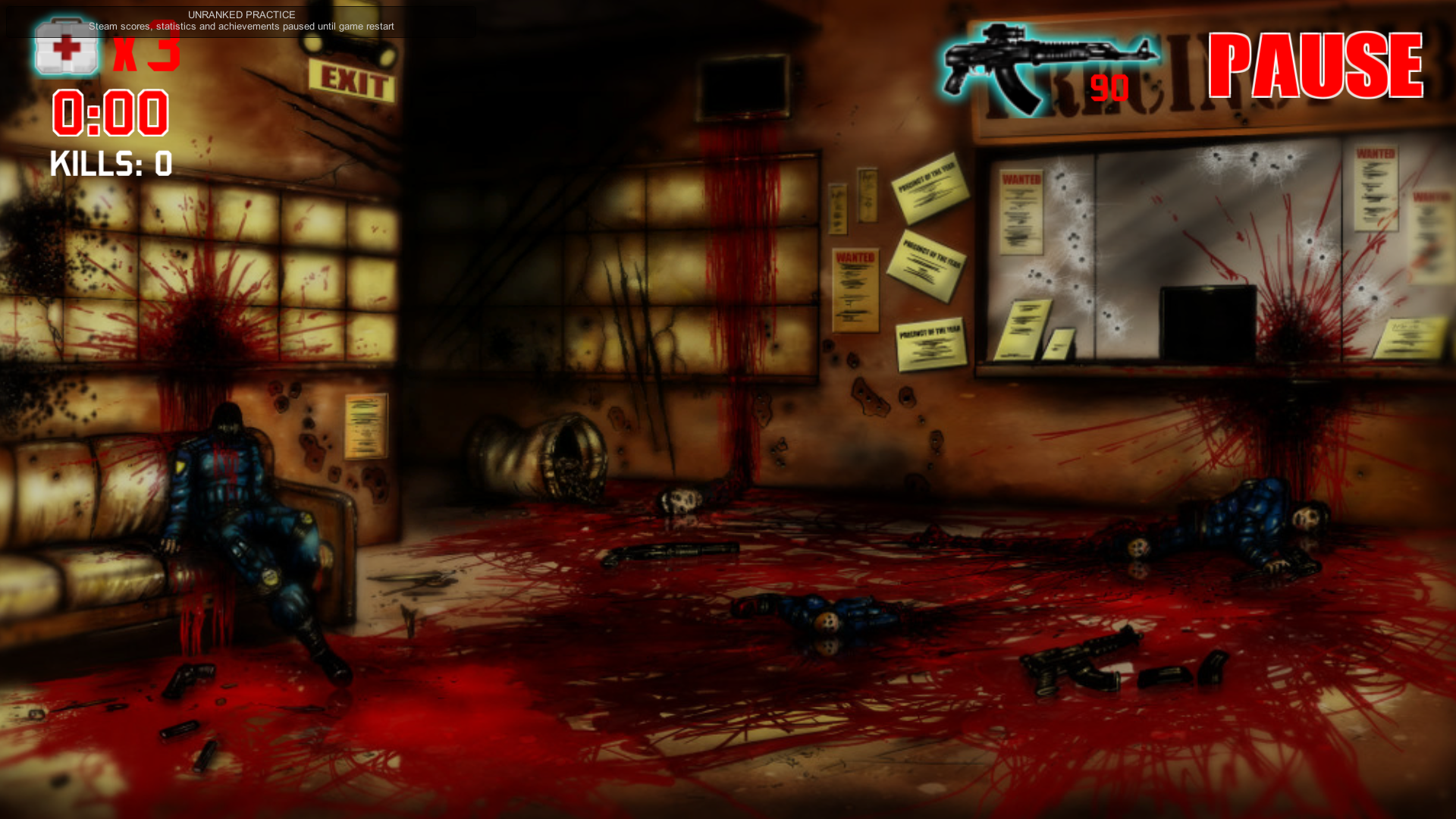
Prepare for the horde
Choose the help you need for unranked practice. This police station scene shows an assault rifle stocked with 90 rounds.
Use Heal yourself when your living survivor needs health. Ammunition changes the reserve for your equipped weapon, while Weapon damage lets you tune hits for weapons that support it. Open Spawn to choose a weapon, medkit or other supply.
Using any of these gameplay controls starts unranked practice. Automatic Steam score, statistic and achievement updates stay paused until you restart the game, even if you turn the controls off.
Install Bytonian Mods for Windows, open Zombie Desperation and enter a level. Enable the controls you want, then make your changes during play or while paused.
Adjust the ammunition for your current limited-ammo weapon.
View resources →Tune the damage of weapons that use adjustable hit damage.
View stat modifiers →Restore health and choose the weapons or supplies you need.
View game actions →Browse the Steam achievement names and descriptions for Zombie Desperation. Choose and unlock achievements for free with Bytonian Mods in the Windows app.
View all achievements →Download the Windows app and follow the setup prompts.
Open Zombie Desperation and select it in Bytonian Mods. Follow the app’s connection prompts.
Review the available options in the app and choose the ones that suit how you play.