

Resources
1 optionRepeated health recovery with a lethal-hit limit.
View resources →Recover health between hits or bring down enemies with a damaging shot in West of Dead. Choose how you face the cover-based gunfights of Purgatory.
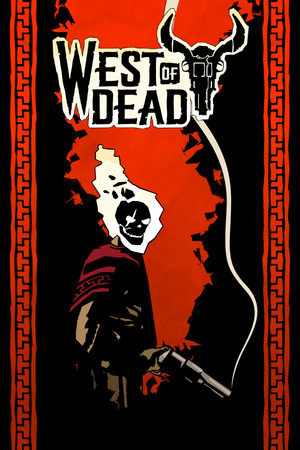
Start with free mods
Download Bytonian Mods for Windows and try these free features. Choose one to see how it works and any requirements.
Defeat enemies with a damaging hit while the rule is enabled.
Enable One hit kills during a run, then land an attack on an enemy.
Does not aim, fire or clear rooms automatically. Turn it off to return to ordinary damage.
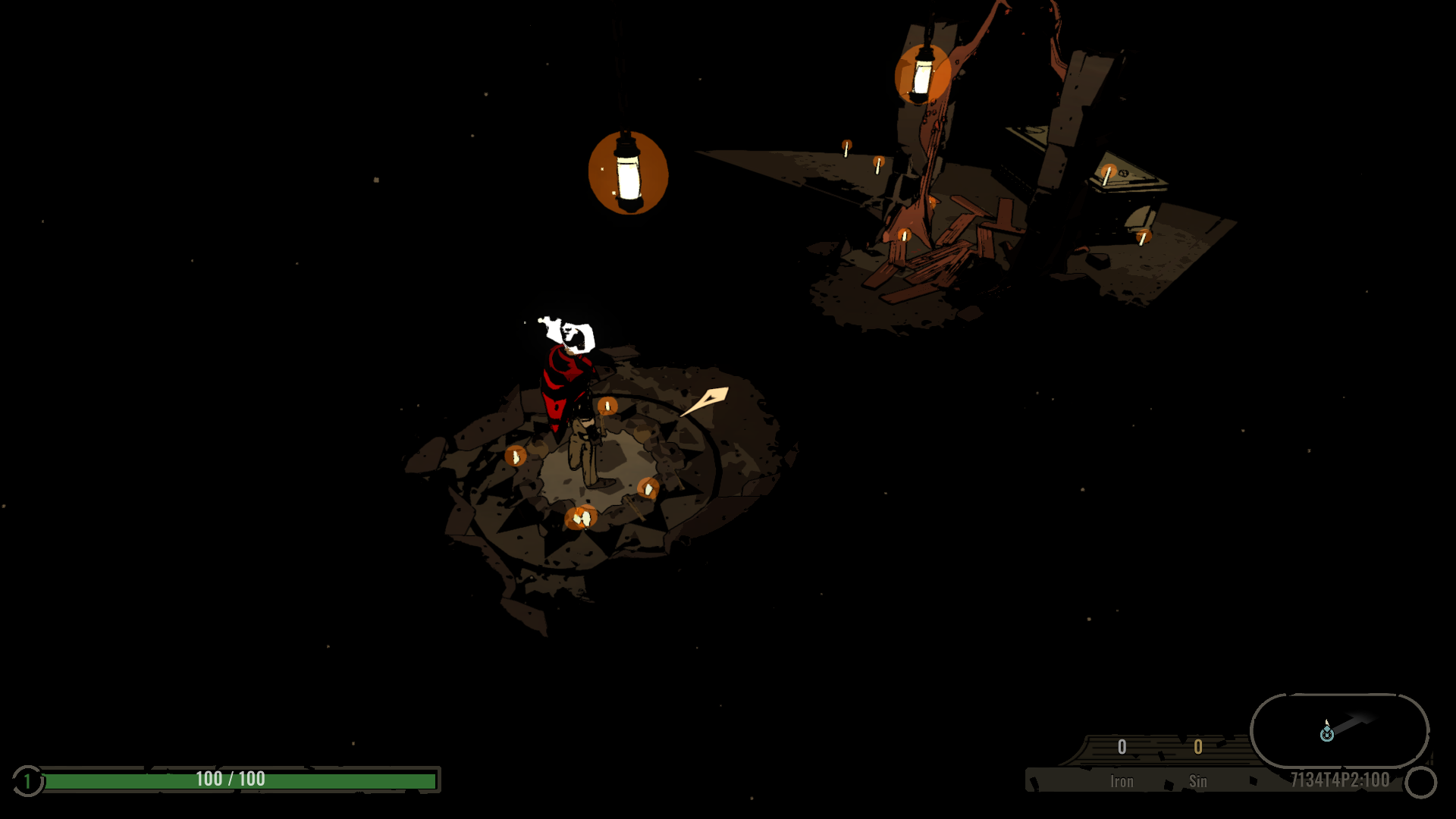
Into West of Dead's tutorial
Explore the candlelit tutorial with the gunslinger and health display in view.
Resources contains Full Health; Rule Modifiers contains One hit kills. Health refill does not prevent a lethal hit, and the one-hit rule still requires damage to reach an enemy.
Install Bytonian Mods, open West of Dead and select it in the app. Follow the connection prompts and enter a run.
Repeated health recovery with a lethal-hit limit.
View resources →A free combat rule for one-hit enemy defeats.
View rule modifiers →Browse the Steam achievement names and descriptions for West of Dead. Choose and unlock achievements for free with Bytonian Mods in the Windows app.
View all achievements →Download the Windows app and follow the setup prompts.
Open West of Dead and select it in Bytonian Mods. Follow the app’s connection prompts.
Review the available options in the app and choose the ones that suit how you play.