

Presentation Modifiers
1 optionEnlarge story dialogue to make it easier to read.
View presentation modifiers →Follow Neptune, Jupiter, and Venus through a strange night at summer camp. Enlarge the story dialogue if you prefer bigger text as you read.

Start with free mods
Download Bytonian Mods for Windows and try these free features. Choose one to see how it works and any requirements.
Enlarge the story dialogue for easier reading.
Turn on Dialogue Text Size, then choose a size from 100% to 150%. Turn it off to restore the original size.
Longer passages may use a smaller increase so the text still fits in the dialogue area.
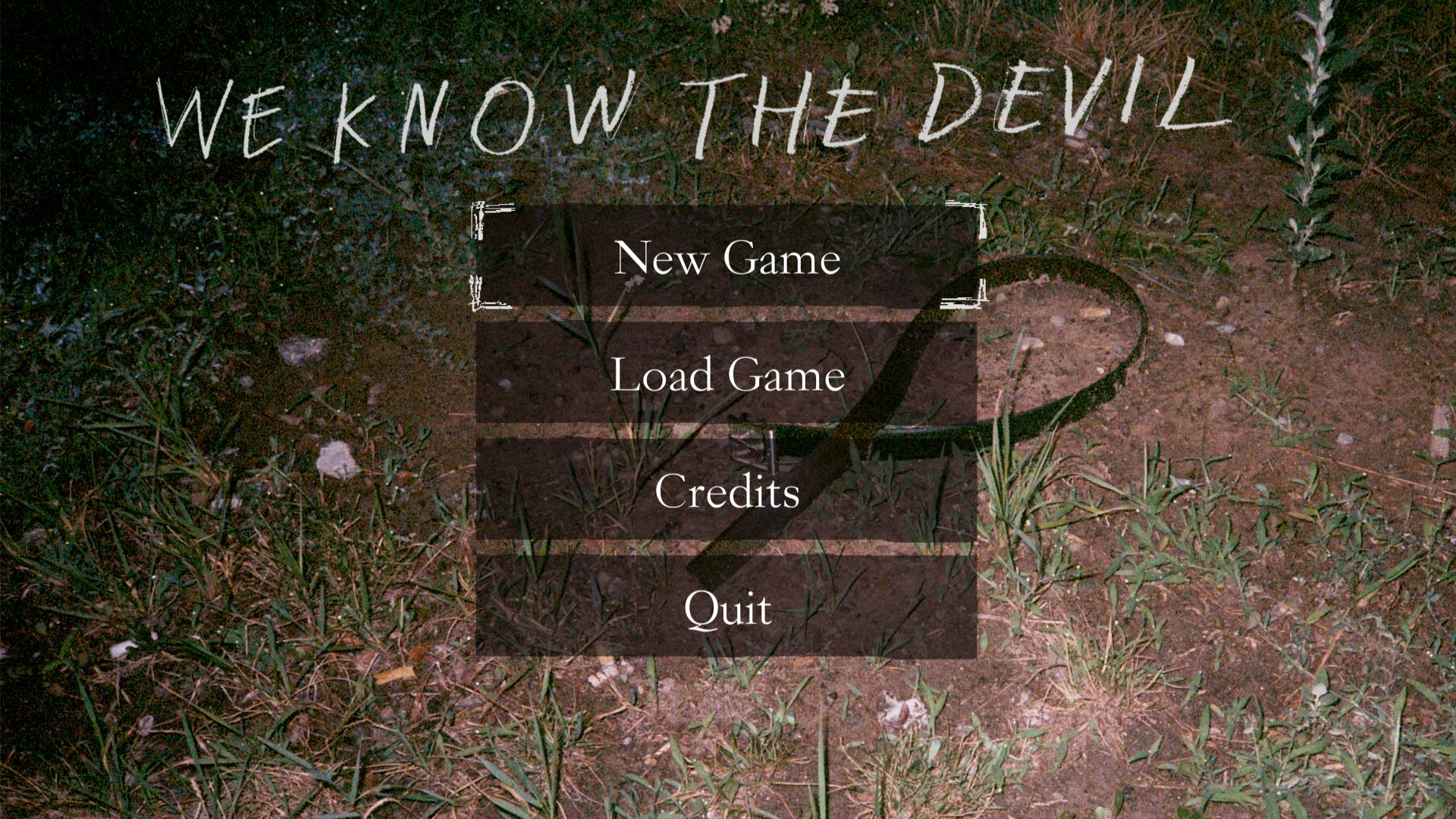
We Know the Devil main menu
Start or resume the visual novel from its wooded title screen.
Enlarge story dialogue to make it easier to read.
View presentation modifiers →Browse the Steam achievement names and descriptions for We Know the Devil. Choose and unlock achievements for free with Bytonian Mods in the Windows app.
View all achievements →Download the Windows app and follow the setup prompts.
Open We Know the Devil and select it in Bytonian Mods. Follow the app’s connection prompts.
Review the available options in the app and choose the ones that suit how you play.