

Make space or start a Gold Fever
Reach for a one-shot action when you want breathing room or a burst of Gold Fever. Clear the enemies already around you, start the regular mode or try Fake Gold Fever's flipped display and coin effects.

A break in the horde
Kill All Enemies clears the enemies currently in your run. New waves keep arriving, so use the space to move before the next group closes in. Show Effects lets you choose whether to show the game's clear effect.
Choose a fever mode
Gold Fever starts the regular mode. Fake Gold Fever starts the alternate mode with its flipped title and coin effects. Each has a starting duration setting in seconds, with 10 seconds selected by default.
Use actions during play
Finish level-up choices and resume your run before pressing an action. See the overview for Windows setup.
Available game actions
Kill All EnemiesFree
Clear the enemies around you to make room to move.
Press Kill All Enemies while your run is playing.
New enemy waves continue arriving. In a shared online run, only the host can use this action.
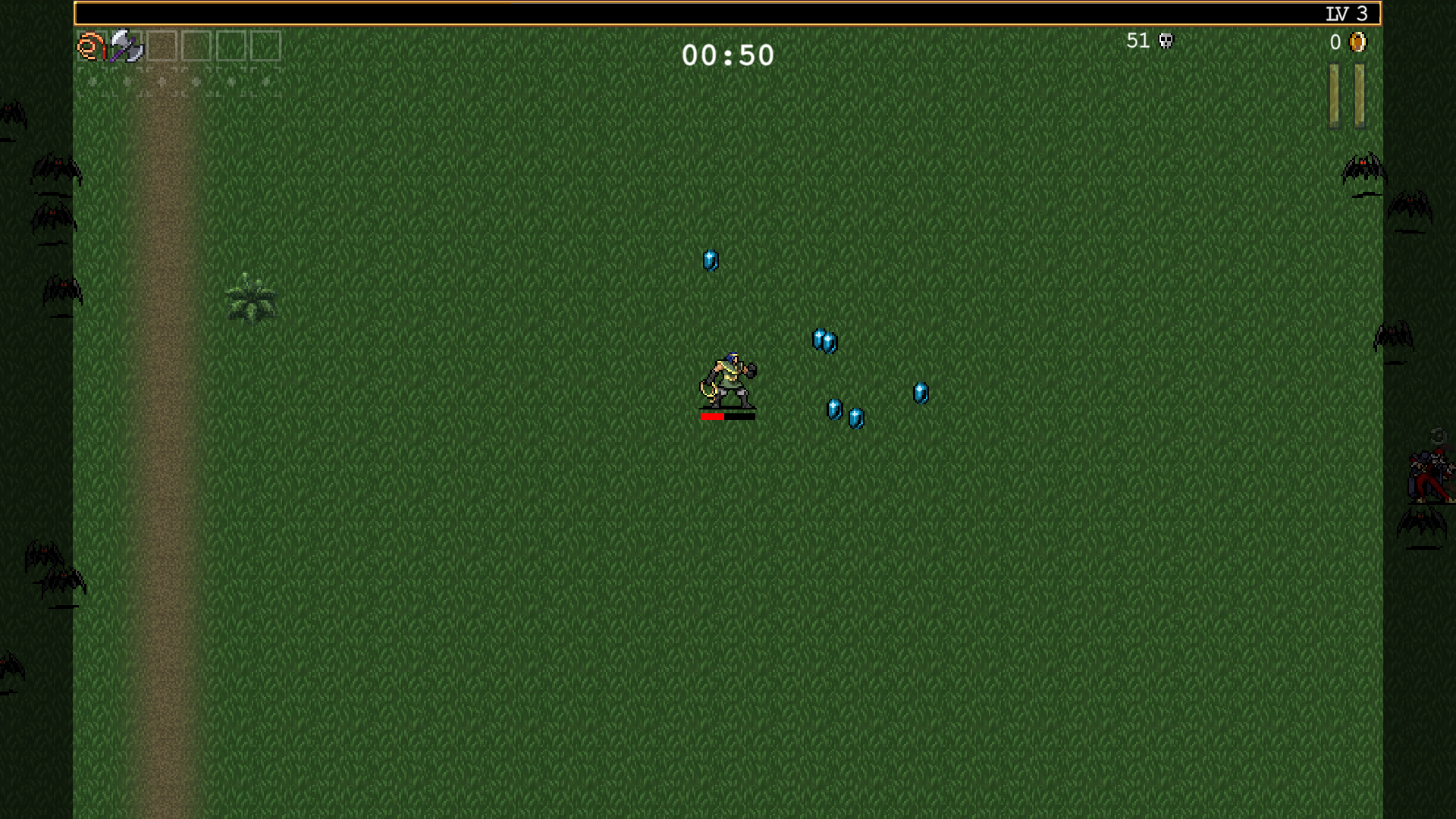
Make room around your character
Clear current enemies during your run to create breathing room. New waves keep arriving, so enemies can return after you use the action.
Start Fake Gold FeverFree
Start Fake Gold Fever with its flipped display and coin effects.
Choose a starting duration, resume play and press Start Fake Gold Fever.
In a shared online run, only the host can use this action.
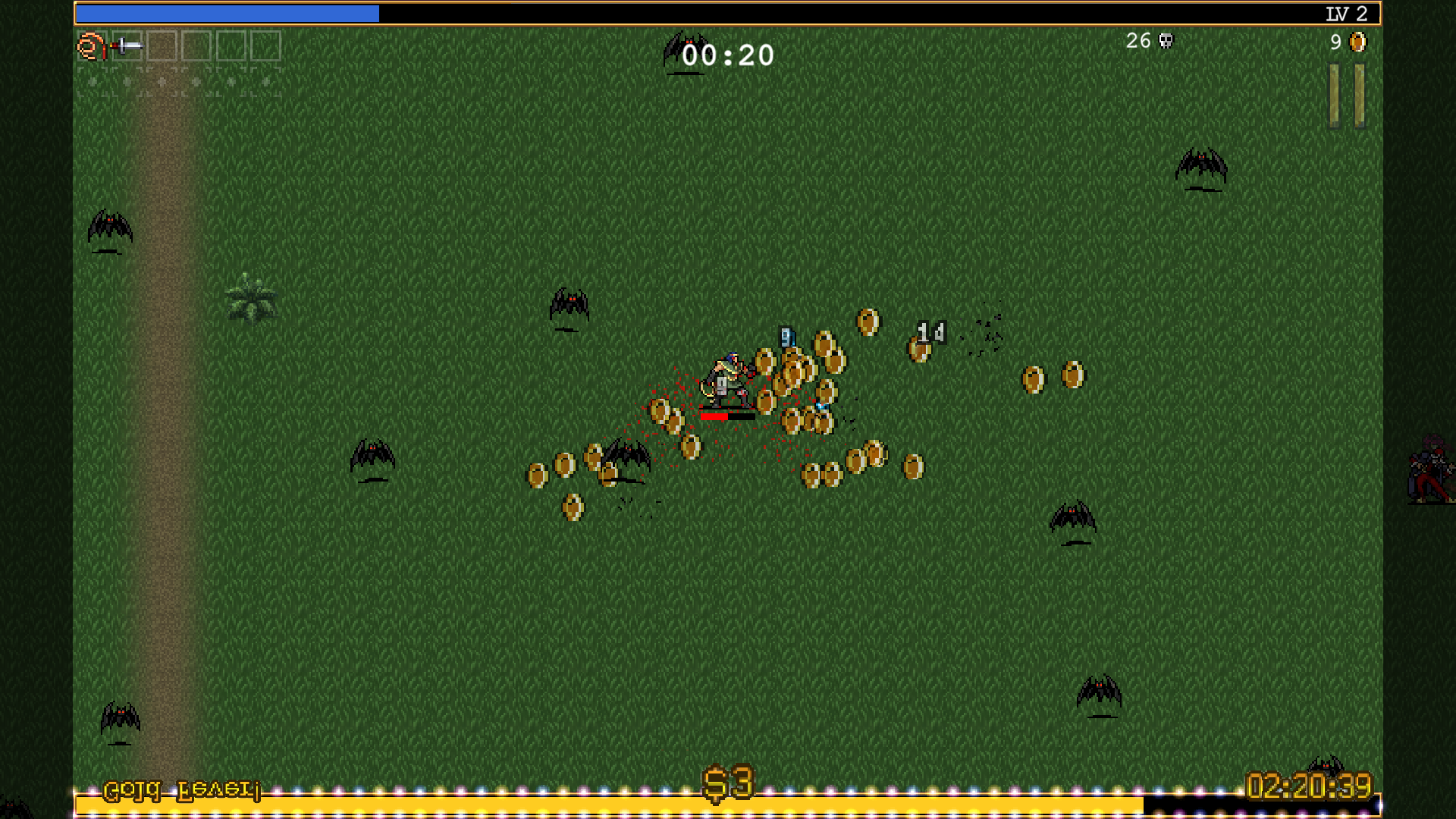
Flip the Gold Fever display
Start Fake Gold Fever to see its alternate display, flipped title and coin effects during your run. Choose a starting duration in seconds.
Start Gold FeverPremium
Start regular Gold Fever when you choose.
Choose a starting duration, resume play and press Start Gold Fever.
In a shared online run, only the host can use this action.
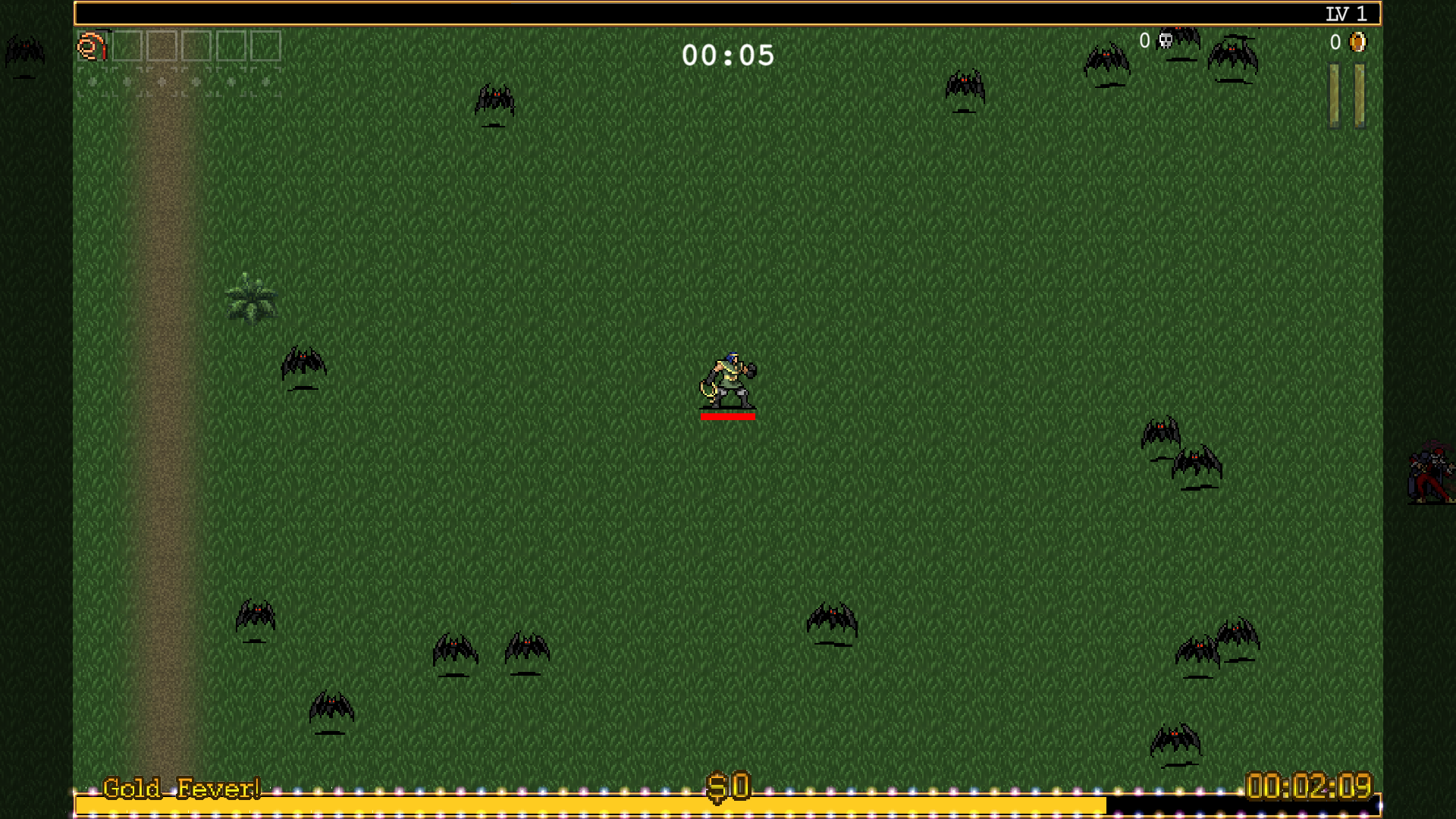
Start Gold Fever on demand
Trigger Gold Fever during your run and choose its starting duration in seconds. Resume the game before using Start Gold Fever.
More ways to customise Vampire Survivors
- Vampire Survivors resources
Set menu coins between runs and raise or lower XP during play.
Using these features
Choose the feature in the Windows app after connecting your game. Check its requirements before making a change.
Setup for Vampire Survivors →