
Keep health and stamina topped up
Spend more time exploring, gathering and building with two separate controls for your local character. Full Health refills health and blocks incoming damage; Full Stamina replenishes stamina after you spend it.
Choose what to keep full
Enable either option independently. Turning Full Health off lets normal damage apply again. Full Stamina helps with repeated movement and actions without changing your maximum stamina.
These controls require PvP to be off. See the overview for setup and the unofficial-mod notice.
Available stat modifiers
Full HealthFree
Keep your health full and block incoming damage while enabled.
Turn it off to restore normal damage.
Requires PvP off and a living character in a loaded world.
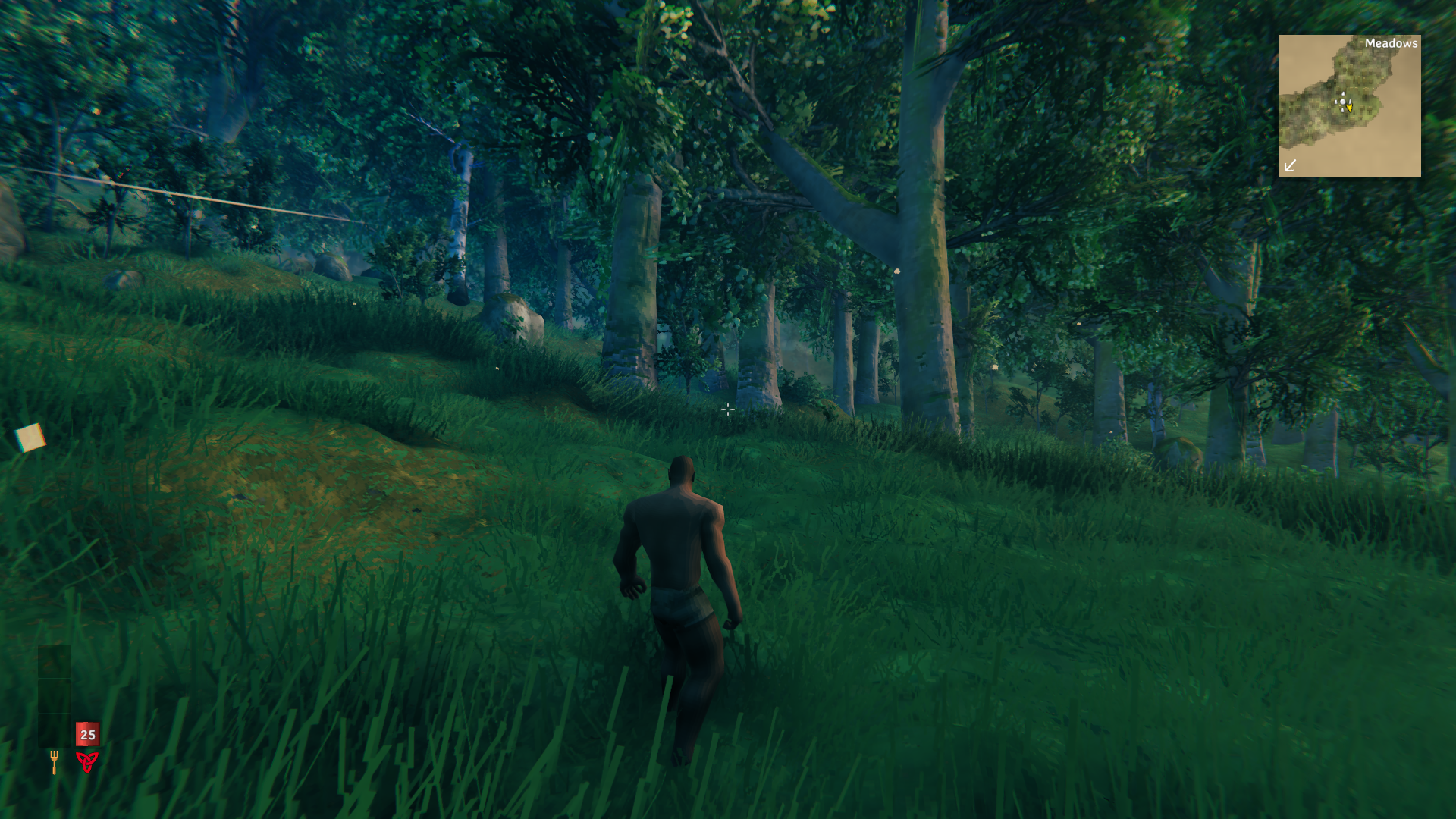
Full health while exploring
Keep your health topped up as you explore Valheim's forests.
Full StaminaFree
Replenish stamina after movement and actions use it.
Enable this separately from Full Health.
Requires PvP off in a loaded world.
More ways to customise Valheim
- Valheim ability modifiers
Choose Fly, Free Walk or Board in Valheim. Adjust movement speed, carve turns, charge jumps and ride over water with PvP off.
- Valheim game actions
Browse Valheim items and creatures in a free Spawn menu. Drop items nearby, or host the world to spawn ordinary creatures.
Using these features
Choose the feature in the Windows app after connecting your game. Check its requirements before making a change.
Setup for Valheim →