
Camera Mods for V Rising
Set a camera view that suits how you explore the crypts and landscapes of Vardoran.
Works with the Steam version of the game.

Adjust the field of view
Enable Camera Field of View and choose a value in degrees. A wider view brings more of your surroundings onto the screen; a narrower view brings the scene closer. Turn the option off to restore the previous view.
Available perspective modifiers
Camera field of viewFree
Adjust how much of the world you see around your vampire.
Enable the card and choose a field of view in degrees. Turn it off to return to the previous view.
Use in your private solo game with secure server mode off.
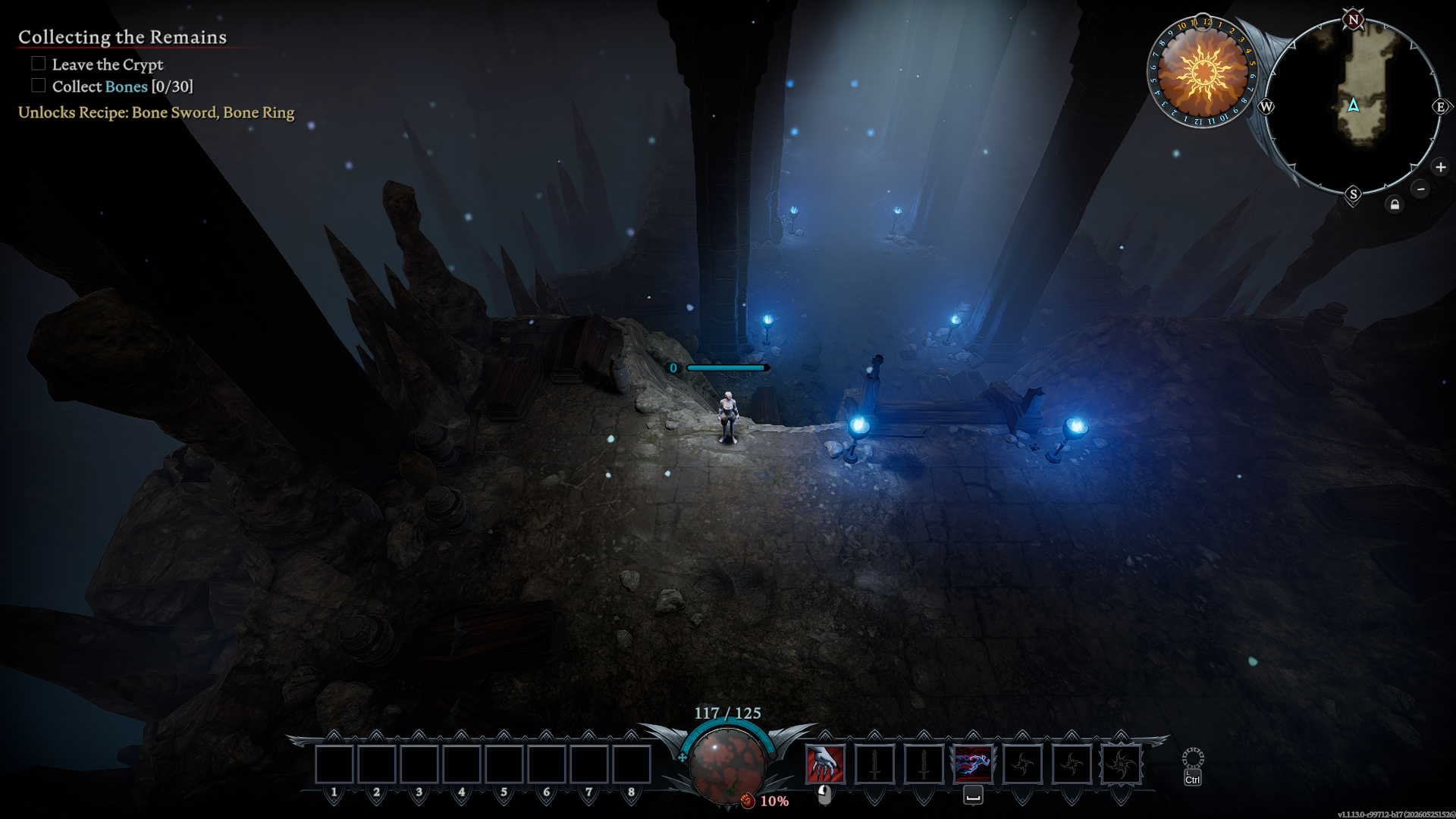
A wider view of the crypt
Adjust the camera field of view to see more of the surroundings in your private solo game.
Questions about perspective modifiers
- Can I use this camera control online?
- Use it in your private solo game with secure server mode off.
Using these features
Choose the feature in the Windows app after connecting your game. Check its requirements before making a change.
Setup for V Rising →