
Unturned Survival Tools
Pick a tool for the next part of your run: move above the shoreline with Fly, or refill your survival meters before you head farther into the wilderness.
Anti-cheat must be disabled. BattlEye setup guide
Fly controls
In the Movement tab, switch Movement on with Fly selected. W, A, S and D move relative to your view, Space rises and Ctrl descends. Hold Shift for a 2× speed boost or press F6 to stop. Change the keys and flight speed in its settings.
Return to normal movement
Turn Fly off before adjusting movement speed or jump strength. Reset Movement restores the movement values changed by Survival Tools.
Available game actions
Jump StrengthFree
Adjust your jump strength in single-player.
Change the jump multiplier, then use Reset Movement or disable the mod to restore it.
MovementFree
Fly above the landscape and pass through solid objects with camera-directed movement.
Open the Movement tab, enable Movement and select Fly while on foot. Use WASD, Space, Ctrl and Shift, or your configured keys. F6 stops flight.
Use in single-player and leave vehicles before enabling Fly. Stay above terrain: Unturned returns you to the surface if you go underground. Switch Movement off and on to resume after that recovery.
Supported movement styles: Fly
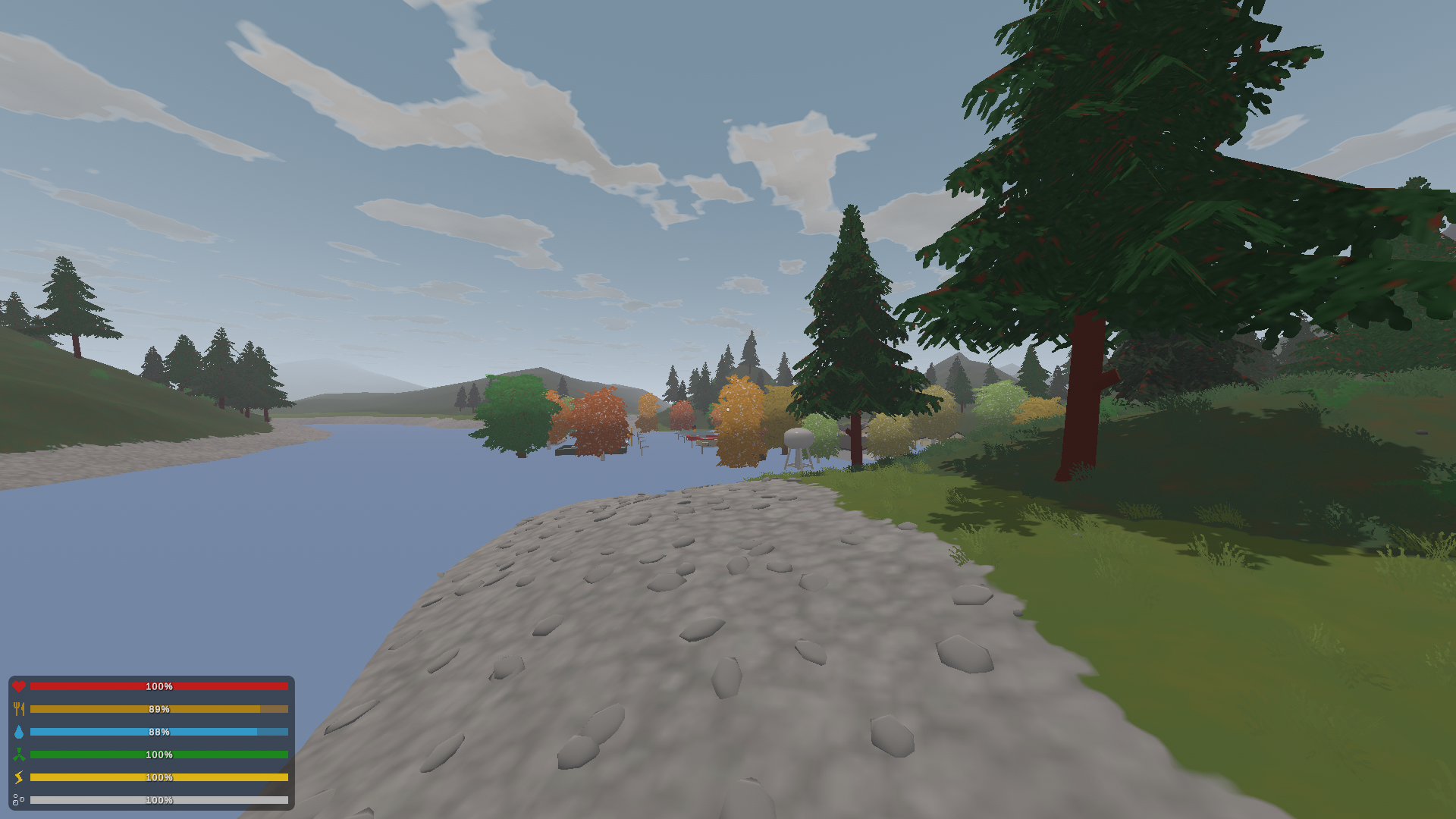
Explore the lakeshore with Fly
Choose Fly in the Movement tab to explore above the terrain and pass through solid objects in single-player. Return to solid ground before switching it off.
Movement SpeedFree
Adjust your on-foot movement speed in single-player.
Change the movement multiplier, then use Reset Movement or disable the mod to restore it.
Refill Survival NeedsFree
Refill health, food, water and stamina in one action.
Hunger and thirst continue normally after the refill.
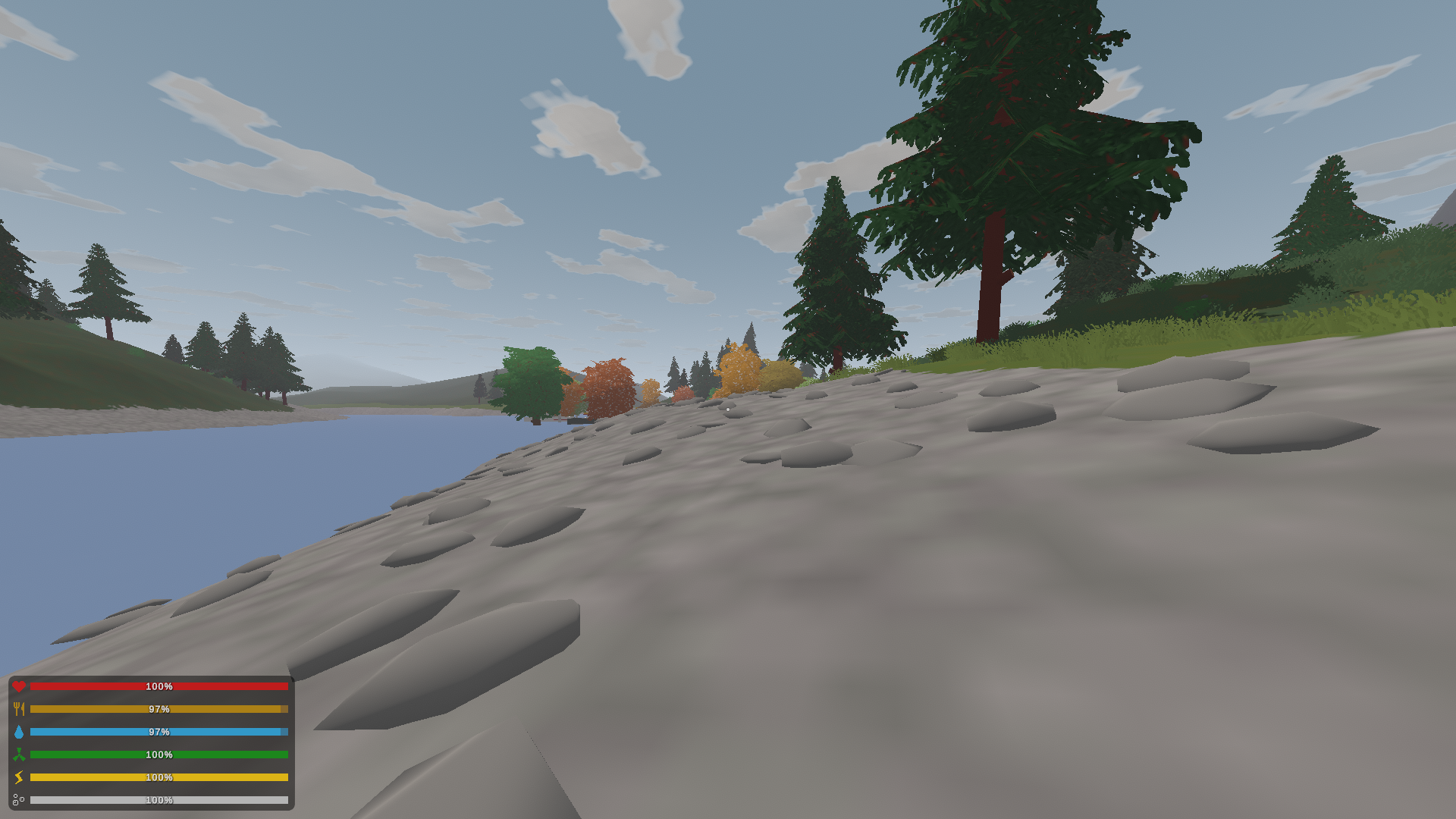
Refill your survival meters
Top up health, food, water and stamina with one action, then keep exploring. Hunger and thirst continue normally.
Reset MovementFree
Stop flight and restore movement and jump multipliers changed by Survival Tools.
Use Reset Movement when you want to return to your previous movement settings.
Using these features
Choose the feature in the Windows app after connecting your game. Check its requirements before making a change.
Setup for Unturned →