
Presentation Mods
Turn on Larger Settings Tab Labels for clearer Gameplay, Graphics, Audio and Controls tabs. Switch it off to restore the original sizing.
Works with the Steam version of the game.

Available presentation modifiers
Larger Settings Tab LabelsFree
Make the Gameplay, Graphics, Audio and Controls tab names larger in Settings.
Enable Larger Settings Tab Labels in Mods, then open Settings from the demo’s main menu.
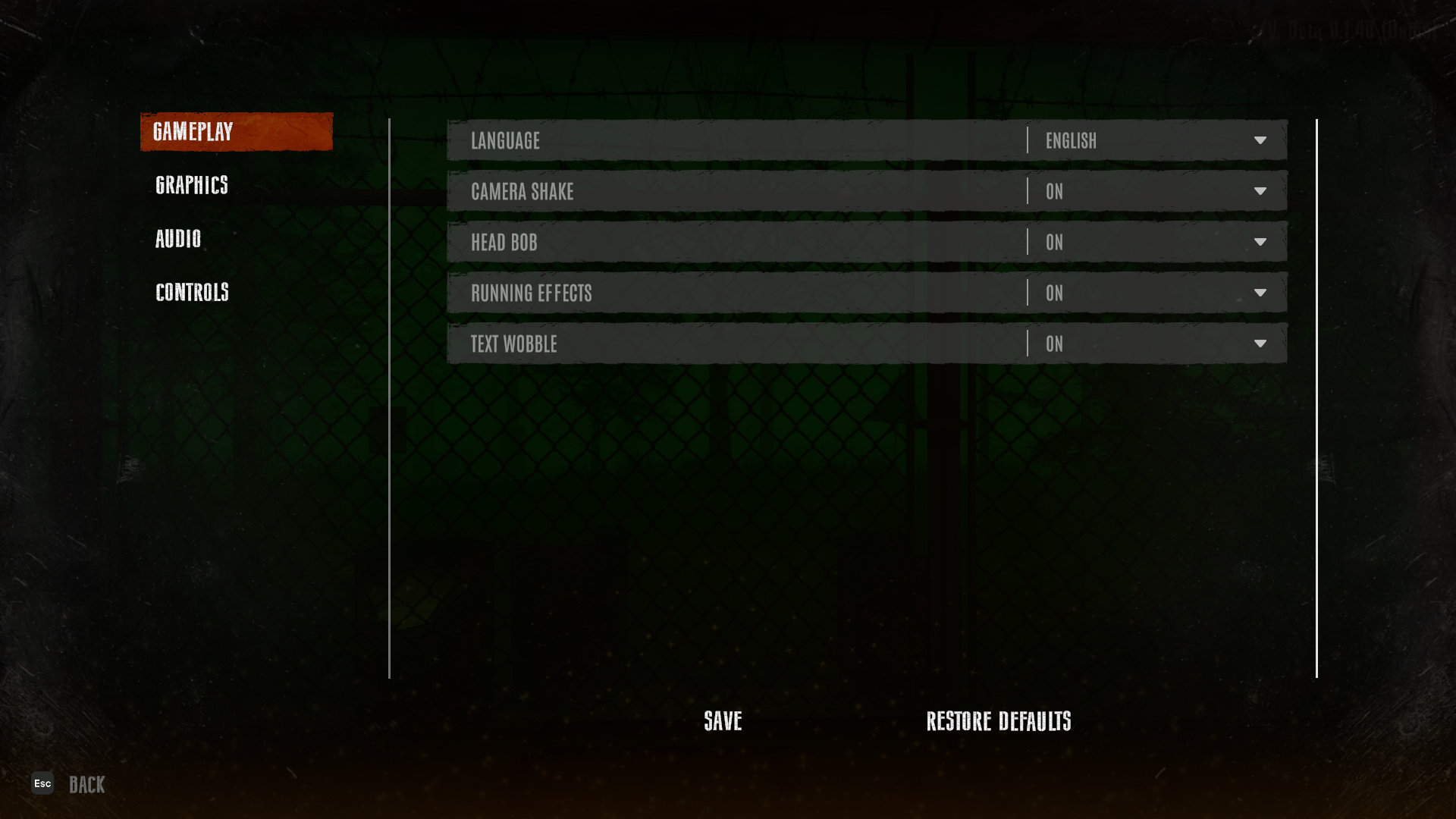
Larger Settings tab labels
Make Gameplay, Graphics, Audio and Controls easier to read in the Settings menu.
Using these features
Choose the feature in the Windows app after connecting your game. Check its requirements before making a change.
Setup for Uncanny Valley: Checkpoint Demo →