

Change the way you travel
Raise Ouji's walking speed for familiar paths, or choose Fly to hover, move through solid terrain and explore above the ground.

Set your walking pace
Expand Movement speed to adjust the percentage. Its starting setting is 200%, and you can choose a value from 100% to 400%. Turn the toggle off to return to your normal movement speed.
Choose Fly movement
Open Movement and select Fly. Use A and D for sideways movement, W and S or Space and Ctrl to rise and descend, and Shift to boost. Expand the card to change the controls and speeds. V is the default Movement toggle, and you can remap it in your keybind settings.
Release the movement keys to hover. The camera follows as you travel, and opening the game's pause menu releases movement control. Land safely before turning Movement off to resume ordinary walking and gravity.
Available ability modifiers
MovementPremium
Choose Fly to hover, move through solid terrain and explore freely with a following camera.
Select Fly in Movement. Use A/D sideways, W/S or Space/Ctrl up and down, and Shift to boost. V is the default toggle; change it in your keybind settings. Land safely before turning Movement off.
Supported movement styles: Fly

Hover above the glowing garden
Fly above the ground and move through Ultros at your own pace. Adjust the controls and flight speed to suit your exploration.
Movement speedPremium
Walk faster and cover ground at your preferred pace.
Expand the card to choose a speed percentage from 100% to 400%.
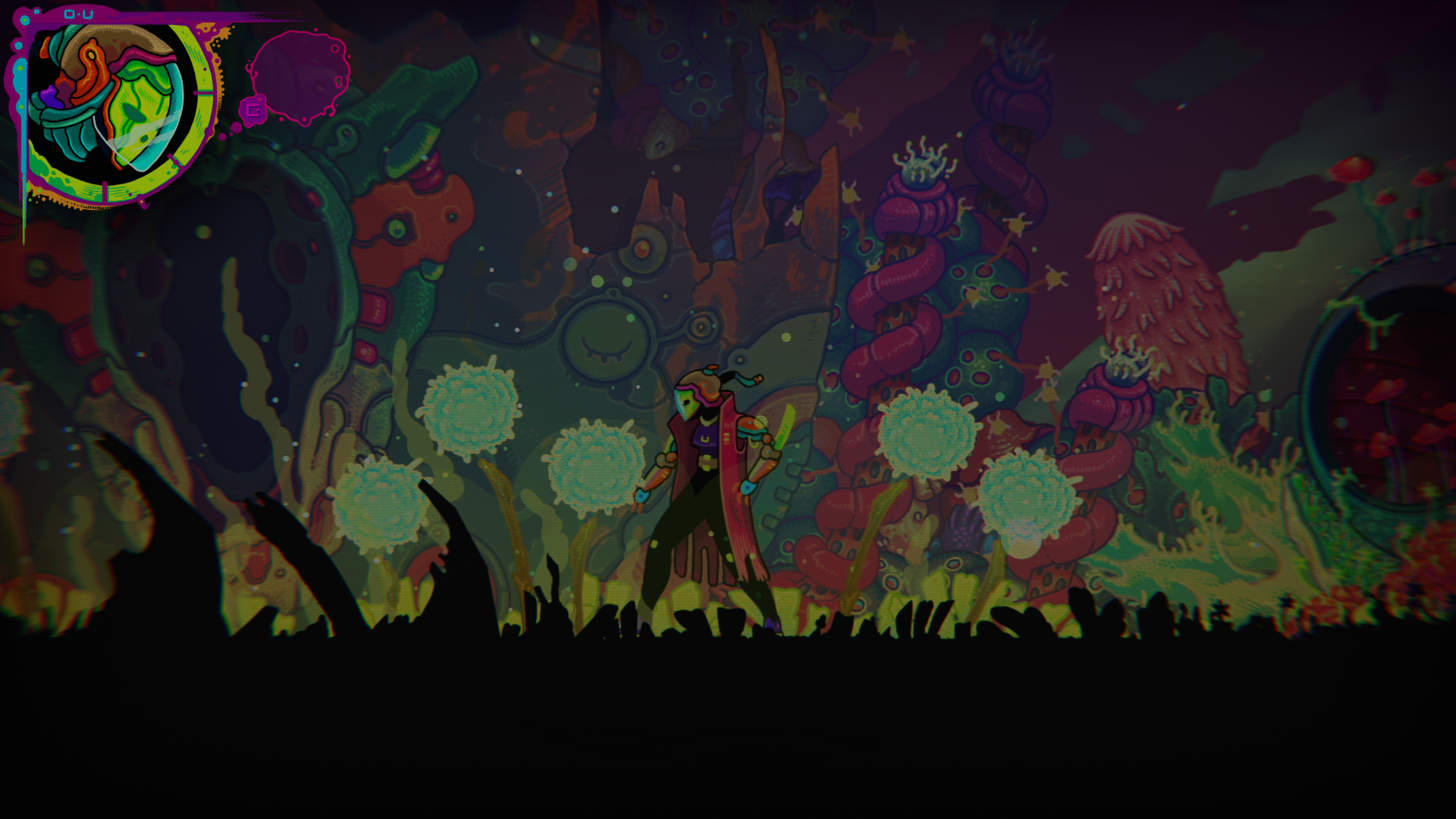
Explore at your own pace
Increase your walking speed to cover ground faster, and adjust the percentage to suit your exploration.
More ways to customise Ultros
- Ultros rule modifiers
Toggle protection against health loss from damage.
- Ultros game actions
Restore missing health with a single action.
Using these features
Choose the feature in the Windows app after connecting your game. Check its requirements before making a change.
Setup for Ultros →