

Stat Modifiers
2 optionsAdjust falling speed and horizontal step size.
View stat modifiers →Adjust brick speed, protect hearts or pause the countdown as you balance a tower in Tricky Towers solo trials.

Start with free mods
Download Bytonian Mods for Windows and try these free features. Choose one to see how it works and any requirements.
Keep your current hearts when bricks drop in normal solo survival trials.
Enable before losing your last heart.
Does not refill hearts already lost.
Can You Finish Tricky Towers With a Staircase?
Repeated Petrify spells create an improvised stone staircase in a solo Tricky Towers trial.
Use the stat controls to change falling speed and horizontal movement steps. The timer control gives you more room to plan in timed trials, while No Health Loss protects your current hearts in solo survival trials.
Reuse an earned Petrify spell during solo survival trials. You still need to earn it through normal play.
These controls work in normal solo trials. They stay inactive in multiplayer and leaderboard modes.
Install the Bytonian Mods Windows app, select Tricky Towers and choose your controls before playing a normal solo trial.
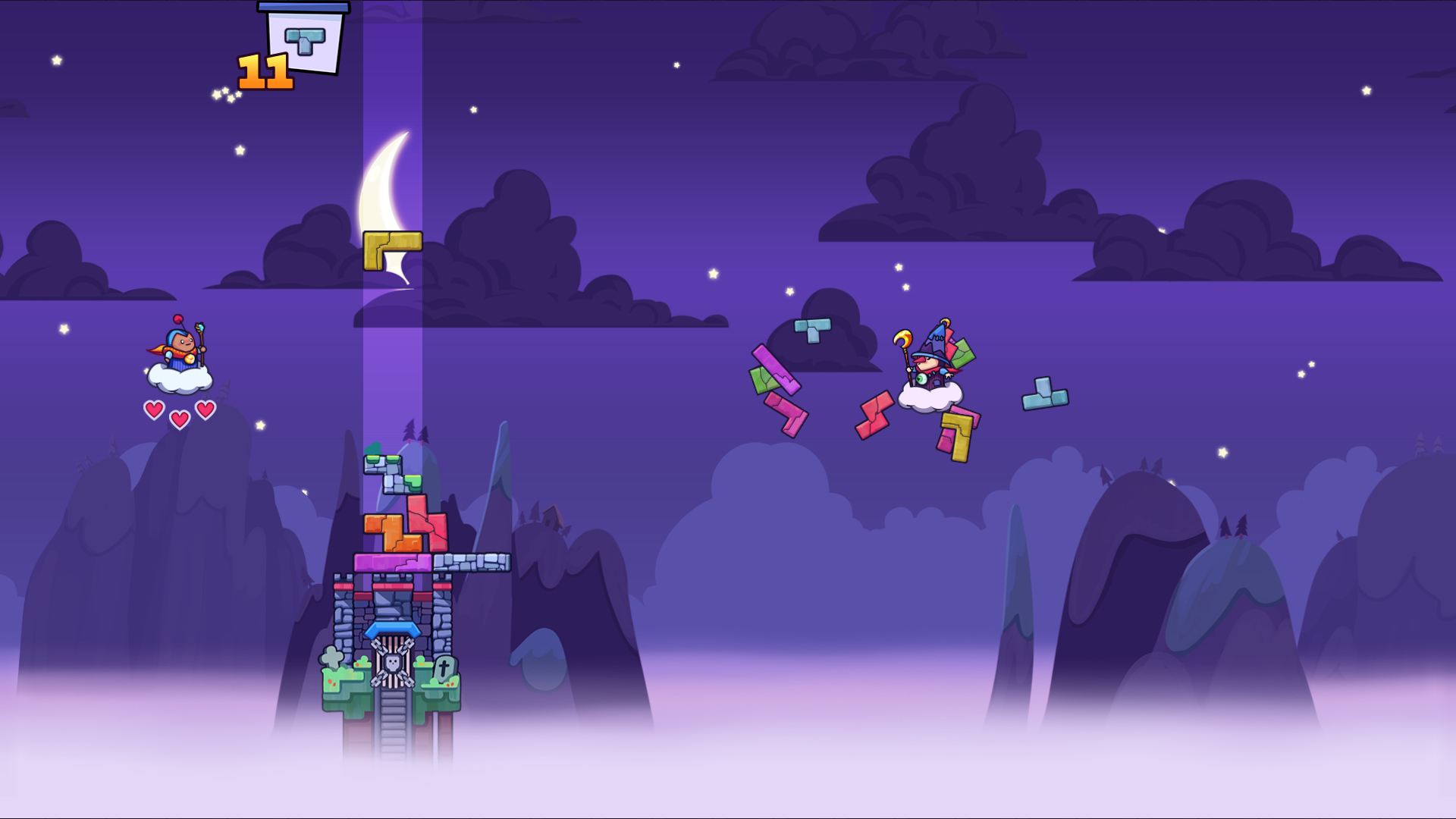
Solo survival trial
Guide falling bricks onto the tower during a solo survival trial.
Adjust falling speed and horizontal step size.
View stat modifiers →Hold the timed-trial countdown while gameplay continues.
View rule modifiers →Keep current hearts and reuse earned Petrify spells in solo trials.
View ability modifiers →Browse the Steam achievement names and descriptions for Tricky Towers. Choose and unlock achievements for free with Bytonian Mods in the Windows app.
View all achievements →Download the Windows app and follow the setup prompts.
Open Tricky Towers and select it in Bytonian Mods. Follow the app’s connection prompts.
Review the available options in the app and choose the ones that suit how you play.