
Choose the supplies you carry
Prepare your run with the amounts you want. Gold, keys and normal bombs have separate controls, so you can change one supply independently.

Choose a total or an amount to change
Refresh the displayed amount before editing it. Set a new total, or add and subtract from the amount you already carry. Apply changes while gameplay is running and game menus are closed.
Normal bombs and Mega Bombs
The Bombs control changes your normal bomb supply. It is unavailable while you are carrying a Mega Bomb.
Available resources
BombsPremium
Set, add or subtract normal bombs.
Refresh the displayed amount, then choose a total from 0 to 99 or change it by an amount. Resume gameplay and close menus before applying a change.
Normal bomb changes are unavailable while you have a Mega Bomb.
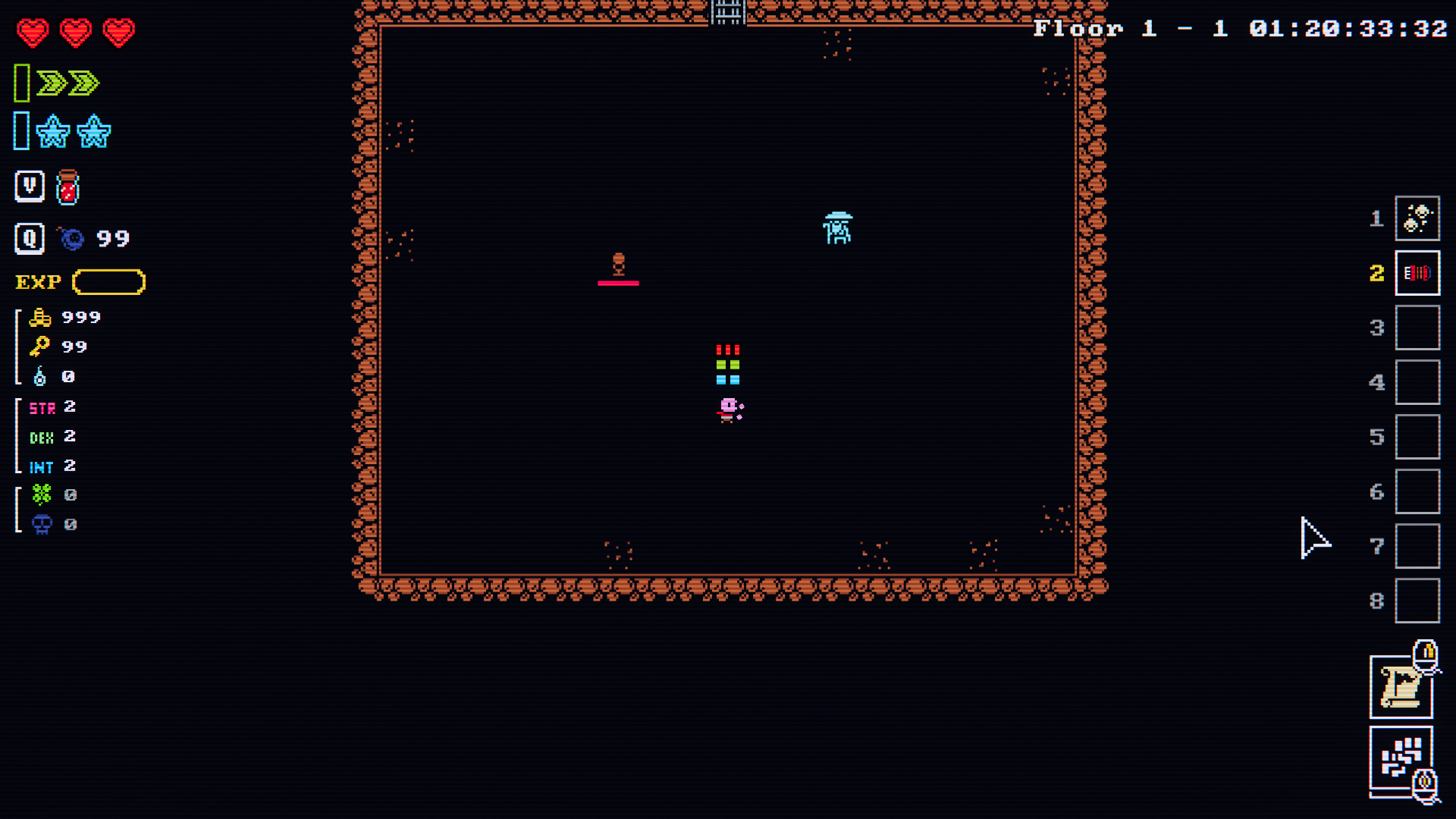
Choose your bomb balance
Set, add or subtract normal bombs, and see the current total beside the bomb icon.
GoldFree
Choose your gold balance, or add and subtract gold as you explore.
Start a run and refresh the displayed amount. Choose a total from 0 to 999, or enter how much to add or remove. Resume gameplay and close menus before applying a change.
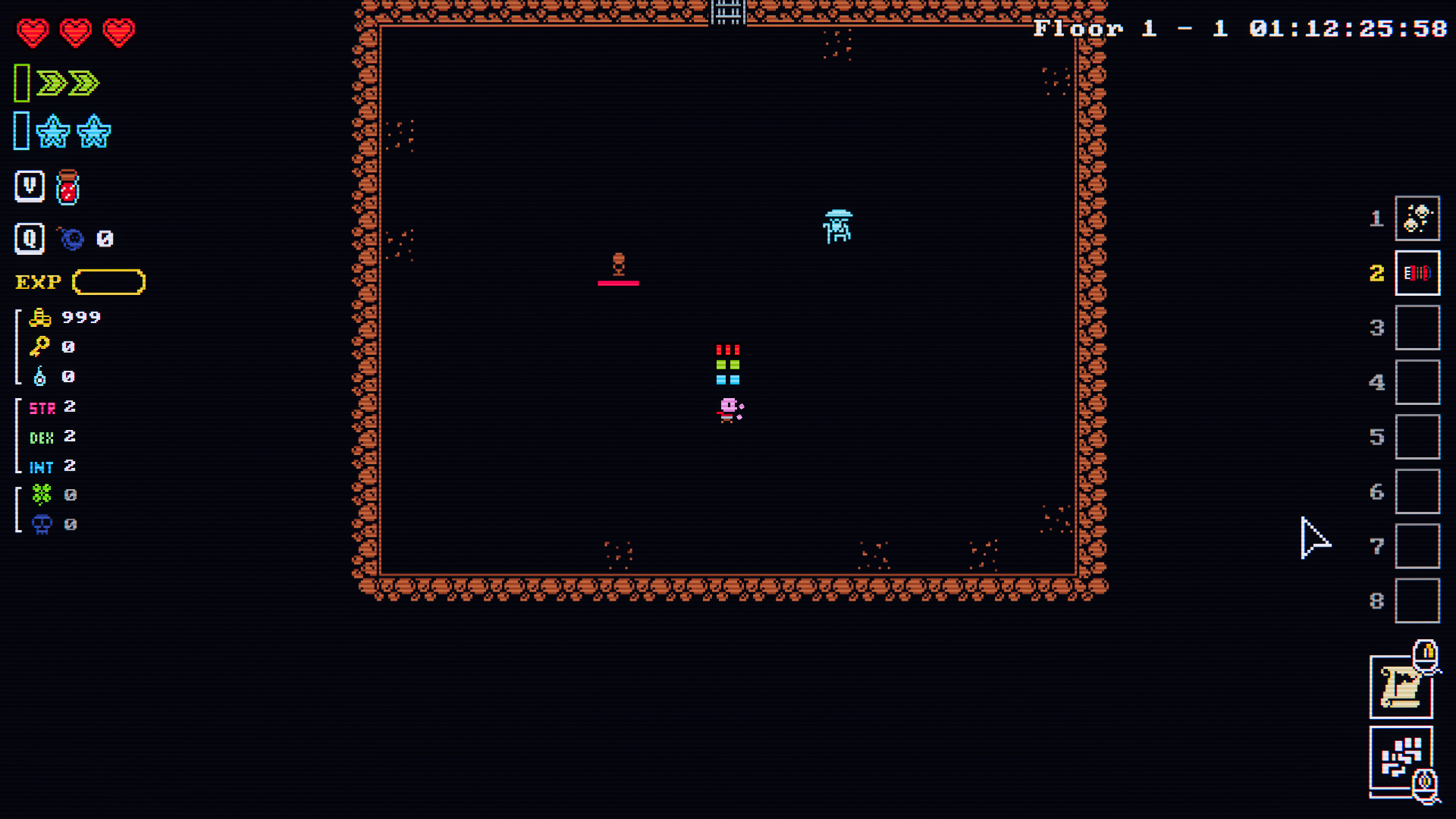
Choose your gold balance
Set, add or subtract gold during your run, with the current amount shown in the HUD.
KeysPremium
Choose how many keys to carry through your run.
Refresh the displayed amount, then choose a total from 0 to 99 or add and subtract keys. Apply changes while gameplay is running and menus are closed.
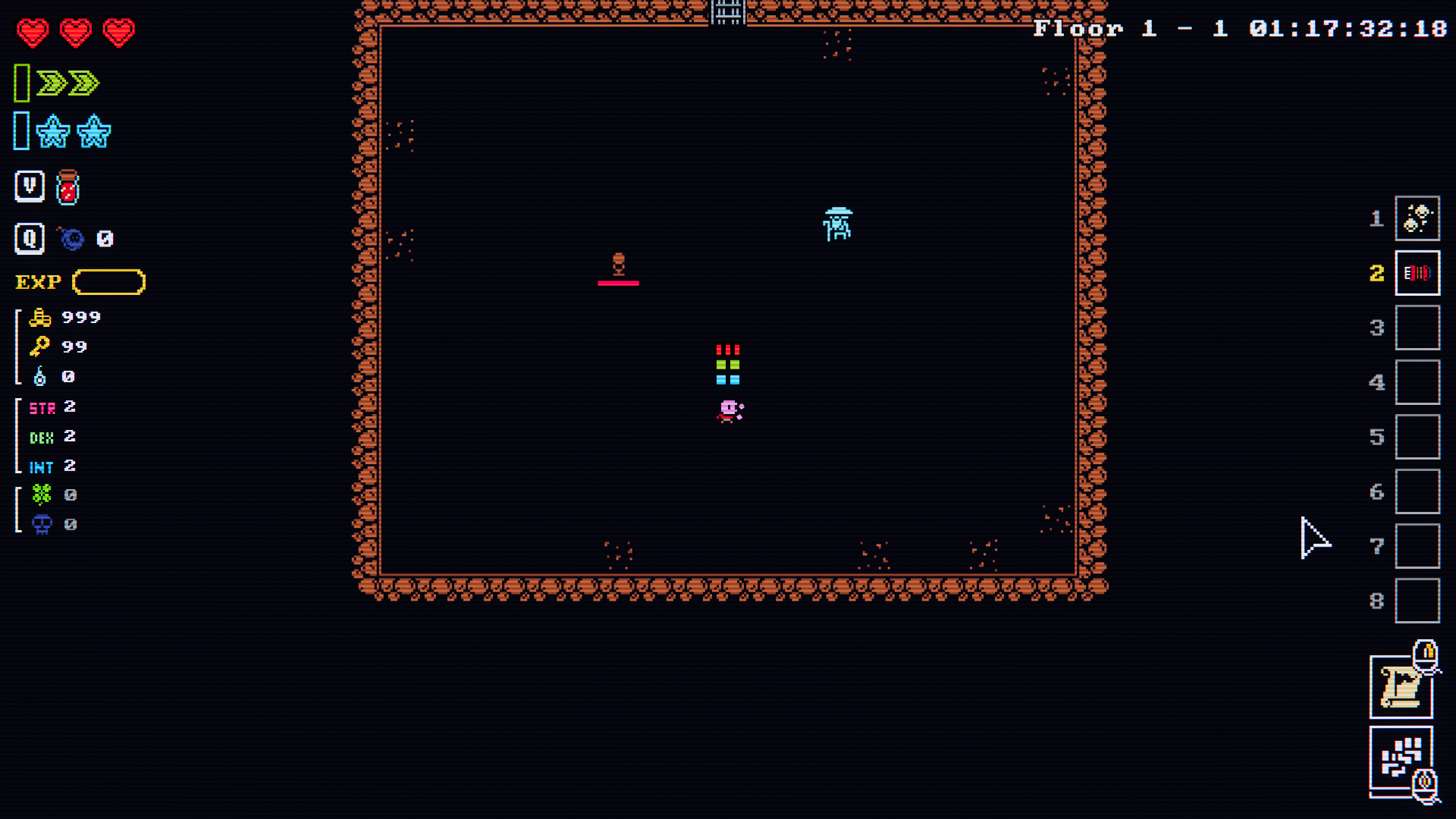
Choose how many keys to carry
Set, add or subtract keys during a run, with your current balance visible in the HUD.
More ways to customise Tiny Rogues
- Tiny Rogues stat modifiers
Choose a slower or faster running pace.
- Tiny Rogues game actions
Browse weapons by type and spawn one at a time.
Using these features
Choose the feature in the Windows app after connecting your game. Check its requirements before making a change.
Setup for Tiny Rogues →