

A clearer view in Thief Simulator 2
Use Hide gameplay HUD to remove the main interface panels while you look around. The toggle hides the minimap, level, money and inventory indicators during gameplay.

Keep useful controls within reach
Menus remain available when the HUD is hidden. Switch the toggle off whenever you want the main HUD back. Separate mode hints, world markers and the FPS counter remain outside this control.
Available presentation modifiers
Hide gameplay HUDFree
Hide the minimap, level, money and inventory panels for a clearer gameplay view.
Enable Hide gameplay HUD in Presentation Modifiers. Switch it off to restore the main HUD. Native menus remain available.
Separate mode hints, world markers and the FPS counter may remain visible.
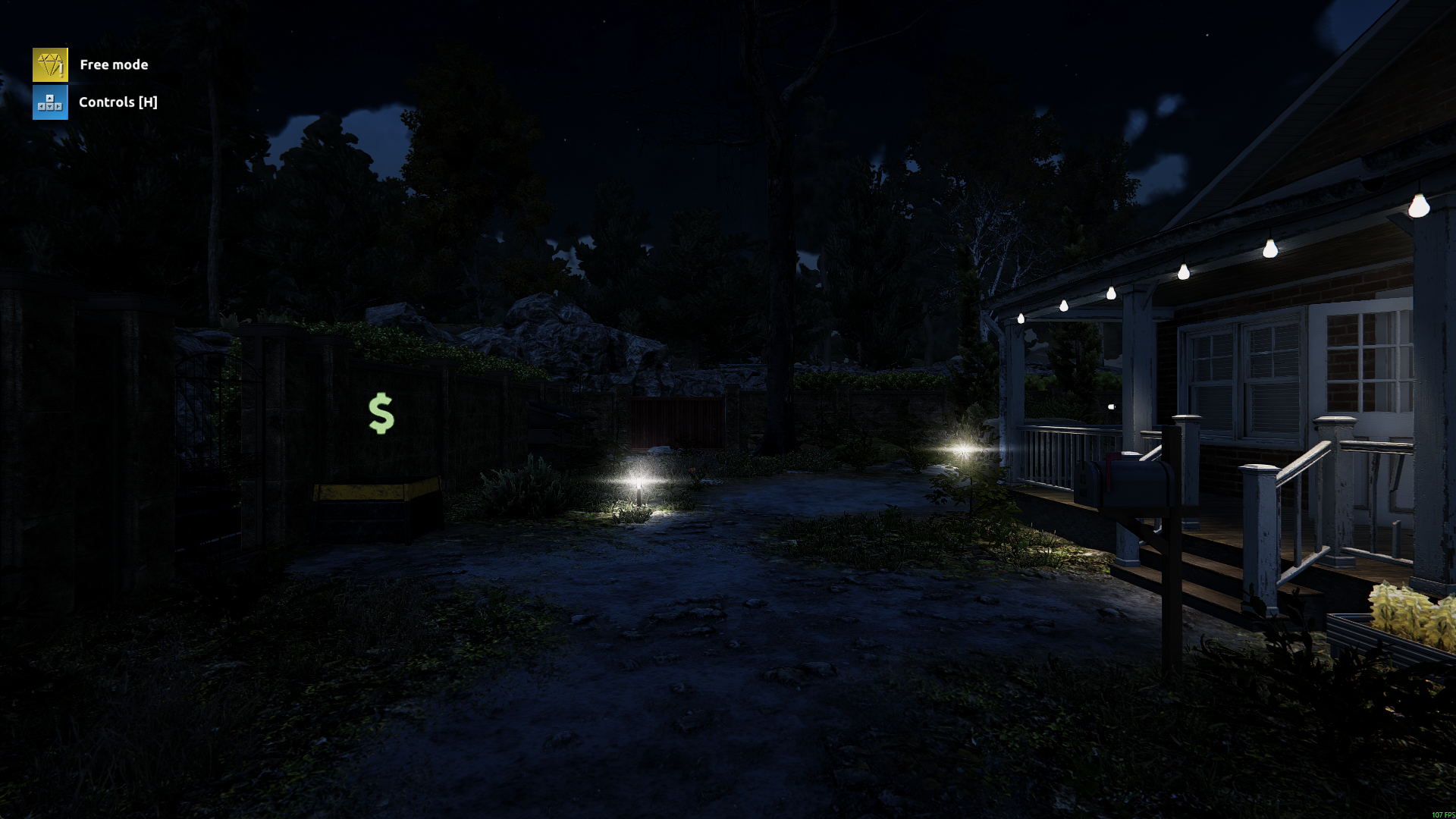
A clearer view of your hideout
Hide the main gameplay HUD, including the minimap, level, money and inventory indicators. Separate mode hints and world markers remain visible, and menus stay available.
Using these features
Choose the feature in the Windows app after connecting your game. Check its requirements before making a change.
Setup for Thief Simulator 2 →