

Resources
1 optionPremium repeated health refill with a lethal-hit limit.
View resources →Add experience for faster level-ups or keep health refilling while you build your wizard's spells and face the creature hordes in The Spell Brigade.
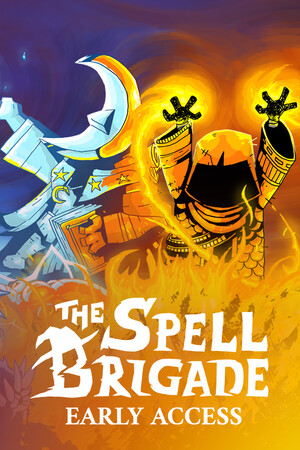
Start with free mods
Download Bytonian Mods for Windows and try these free features. Choose one to see how it works and any requirements.
Add a chosen amount of experience to help an active run reach level-ups and upgrades sooner.
Start a run outside matchmaking, set Amount, then use Give Experience. The starting amount is 1,000.
Does not work in matchmaking mode or before a run has started. Grants experience rather than selecting upgrades for you.
Face the swarm
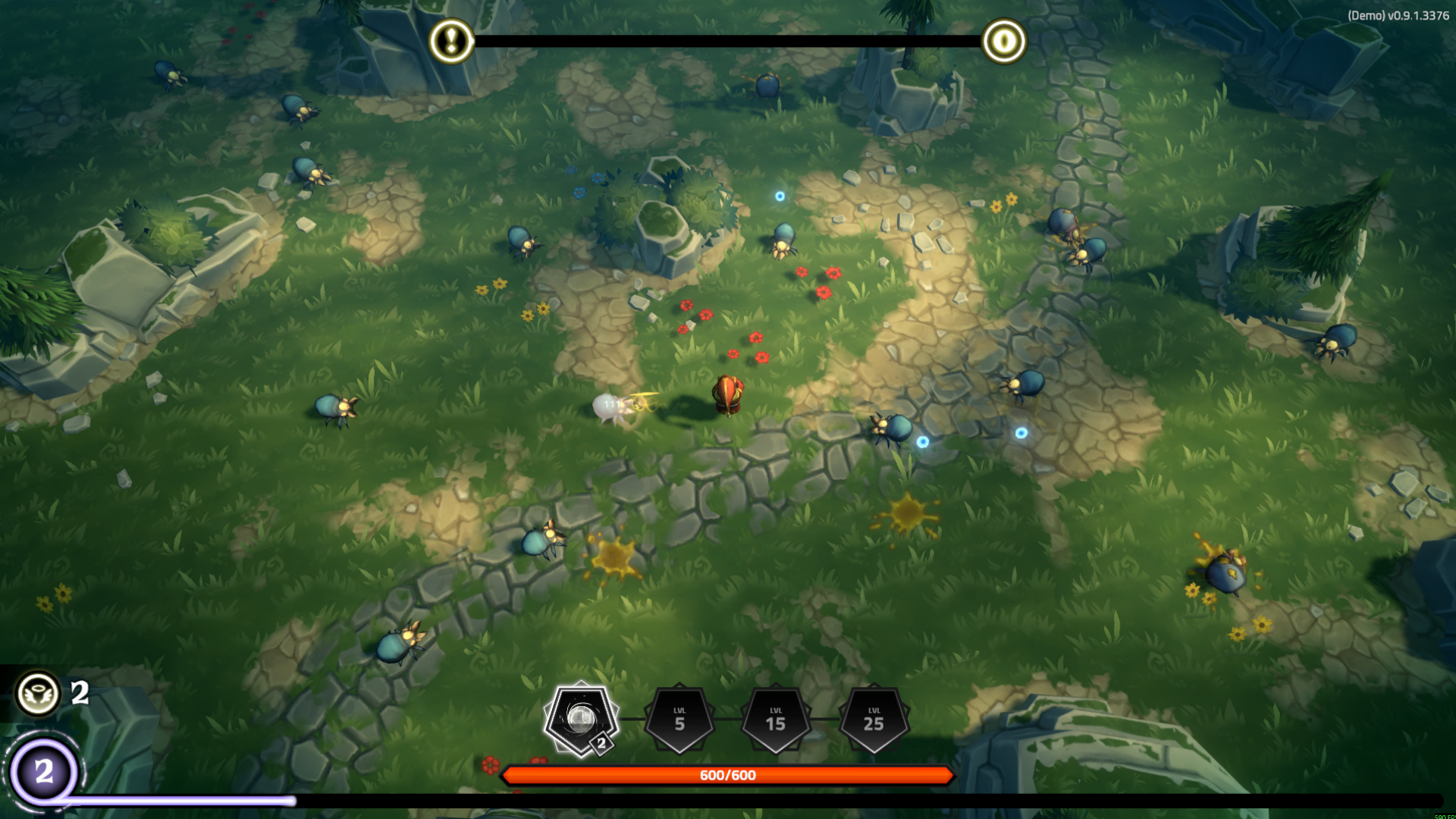
A wizard fights through swarming creatures among the ruined stone paths.
Game Actions contains Give Experience, with an Amount setting for each grant. Resources contains Always have full health, a toggle for repeated healing. Experience grants are restricted to play outside matchmaking; the health option still leaves you vulnerable to lethal single hits.
Install Bytonian Mods, open The Spell Brigade and select it in the app. Follow the connection prompts, then review the option you want to use. Start a run before attempting an experience grant.
Premium repeated health refill with a lethal-hit limit.
View resources →Grant a chosen amount of experience in an active run outside matchmaking.
View game actions →Download the Windows app and follow the setup prompts.
Open The Spell Brigade and select it in Bytonian Mods. Follow the app’s connection prompts.
Review the available options in the app and choose the ones that suit how you play.