
Game Actions
1 optionA simple action for adding one bullet during survival gameplay.
View game actions →Give yourself another bullet for the trail. The Ammunition mod adds one bullet each time you use its control during survival gameplay, helping you keep a few more rounds in reserve.
Start with free mods
Download Bytonian Mods for Windows and try these free features. Choose one to see how it works and any requirements.
Add one bullet during active survival gameplay, up to twenty bullets.
Finish the prologue, resume play, then press the action once for each extra bullet.
The action refuses while the pause menu is open or when you already have twenty bullets.
Finish the prologue, resume play, then use Add one bullet when you need another round. You can repeat the action up to a total of twenty bullets.
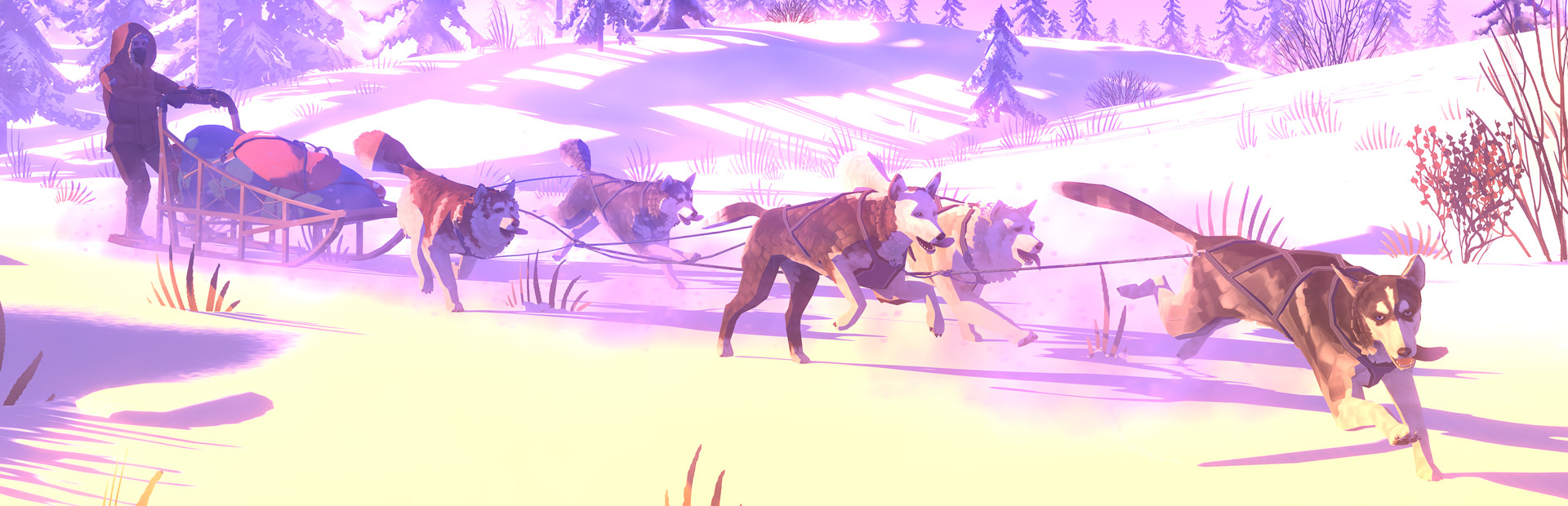
Guide your sled dogs through the wilderness on a journey shaped by survival and exploration.
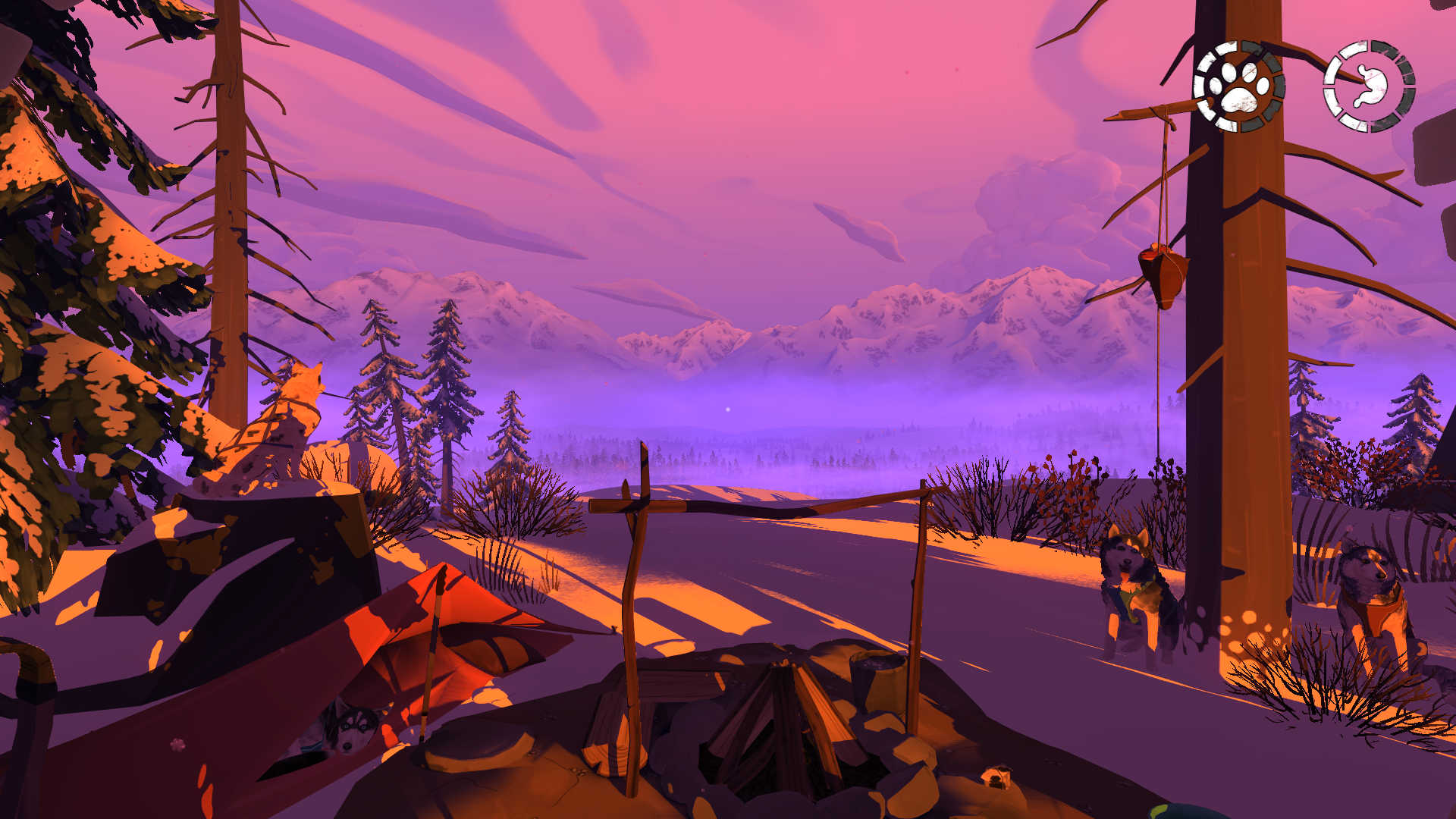
A snowy camp with the sled dogs
A campsite in The Red Lantern, with sled dogs resting beneath a pink sky and snow-covered mountains in the distance.
A simple action for adding one bullet during survival gameplay.
View game actions →Browse the Steam achievement names and descriptions for The Red Lantern. Choose and unlock achievements for free with Bytonian Mods in the Windows app.
View all achievements →Download the Windows app and follow the setup prompts.
Open The Red Lantern and select it in Bytonian Mods. Follow the app’s connection prompts.
Review the available options in the app and choose the ones that suit how you play.