

Game Actions
2 optionsRefill oxygen, health and thirst, or add a raw material found near your player.
View game actions →Refill your survival meters or add a nearby raw material to your backpack in The Planet Crafter Demo. Use the solo controls as you gather supplies and build a place to survive.

Start with free mods
Download Bytonian Mods for Windows and try these free features. Choose one to see how it works and any requirements.
Restore oxygen, health and thirst during solo play in The Planet Crafter Demo.
Enable the mod and use Refill survival meters during normal gameplay.
Use a game you host on Prime with no other players connected. Resume play and close in-game screens first. Each press refills your current capacity once.
Add one nearby raw material to your backpack for your next crafting project.
Enable Give nearby materials, open Inventory in Bytonian Mods and use Add beside your chosen material. Refresh the list as you explore.
Choose a raw material present within 100 metres and keep a backpack slot free. Play alone in a game you host on Prime, with gameplay resumed and in-game screens closed.
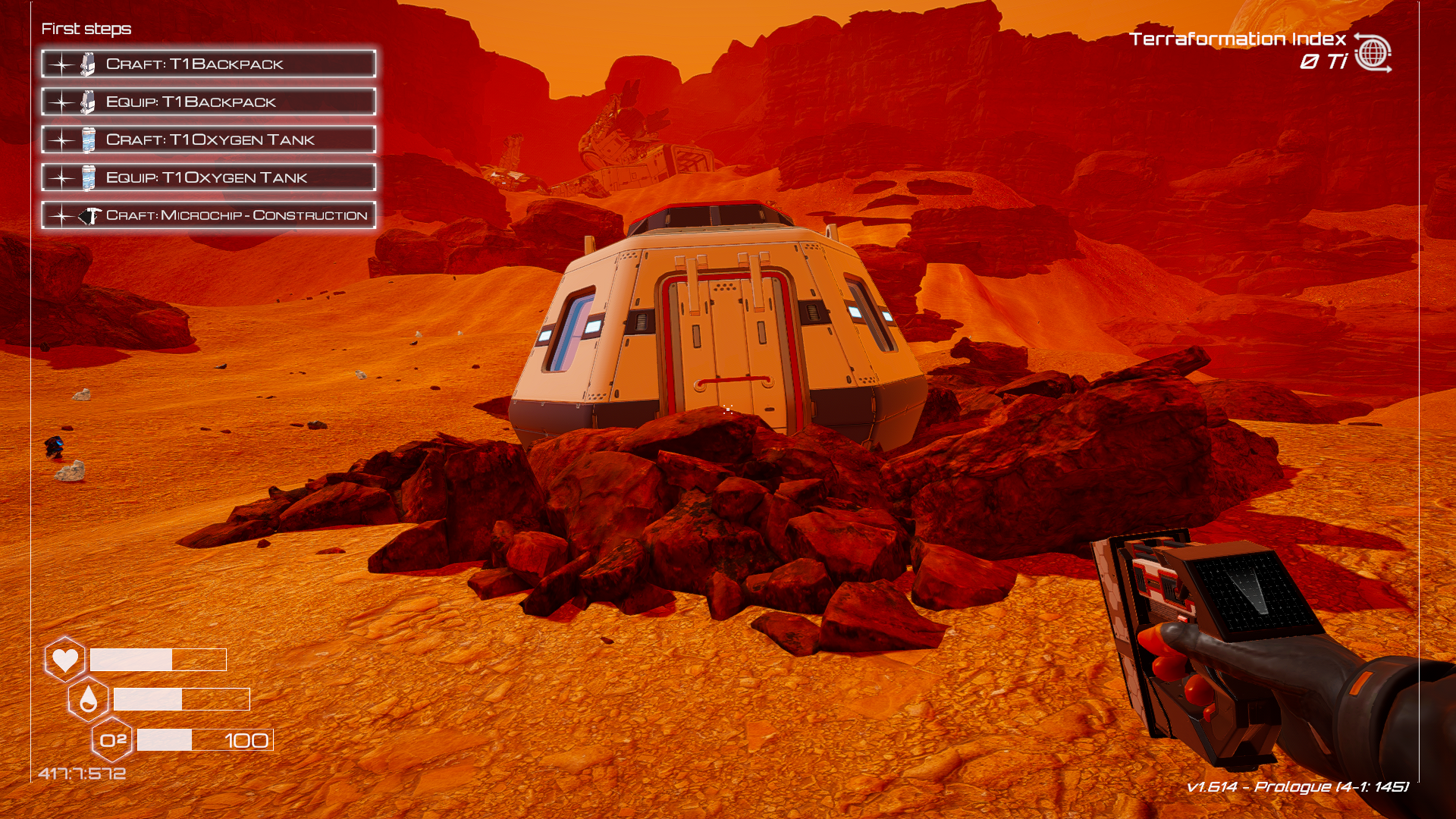
Your first foothold on the planet
A landing pod waits among the rocks as the first crafting goals begin.
Refill survival meters restores oxygen, health and thirst with one action. Give nearby materials provides a separate way to add raw resources from your surroundings, helping you stock up for your plans.
Load a game you host on Prime with no other players connected. Enable your chosen mod in Bytonian Mods, resume gameplay and close in-game screens before using it. Give nearby materials adds its choices to Inventory.
Refill oxygen, health and thirst, or add a raw material found near your player.
View game actions →Download the Windows app and follow the setup prompts.
Open The Planet Crafter Demo and select it in Bytonian Mods. Follow the app’s connection prompts.
Review the available options in the app and choose the ones that suit how you play.