

Game Actions
1 optionApply a view size from 10 to 50 while exploring the island.
View game actions →Choose a closer or wider view of your town in The Perfect Tower II as you build up your island between tower-defense rounds.

Start with free mods
Download Bytonian Mods for Windows and try these free features. Choose one to see how it works and any requirements.
Choose a closer or wider view of the island's paths and building plots.
Select View size, then press Set island view during normal island exploration. Larger values show more of the town.
Close dialogs before applying. Game camera changes take precedence.
Open Game Actions for Island Zoom. Choose a view size and apply it while exploring the island, or return to your earlier zoom with Restore previous view.
Install the Bytonian Mods Windows app, select The Perfect Tower II and enable Island Zoom. Return to normal island exploration before applying the view change.
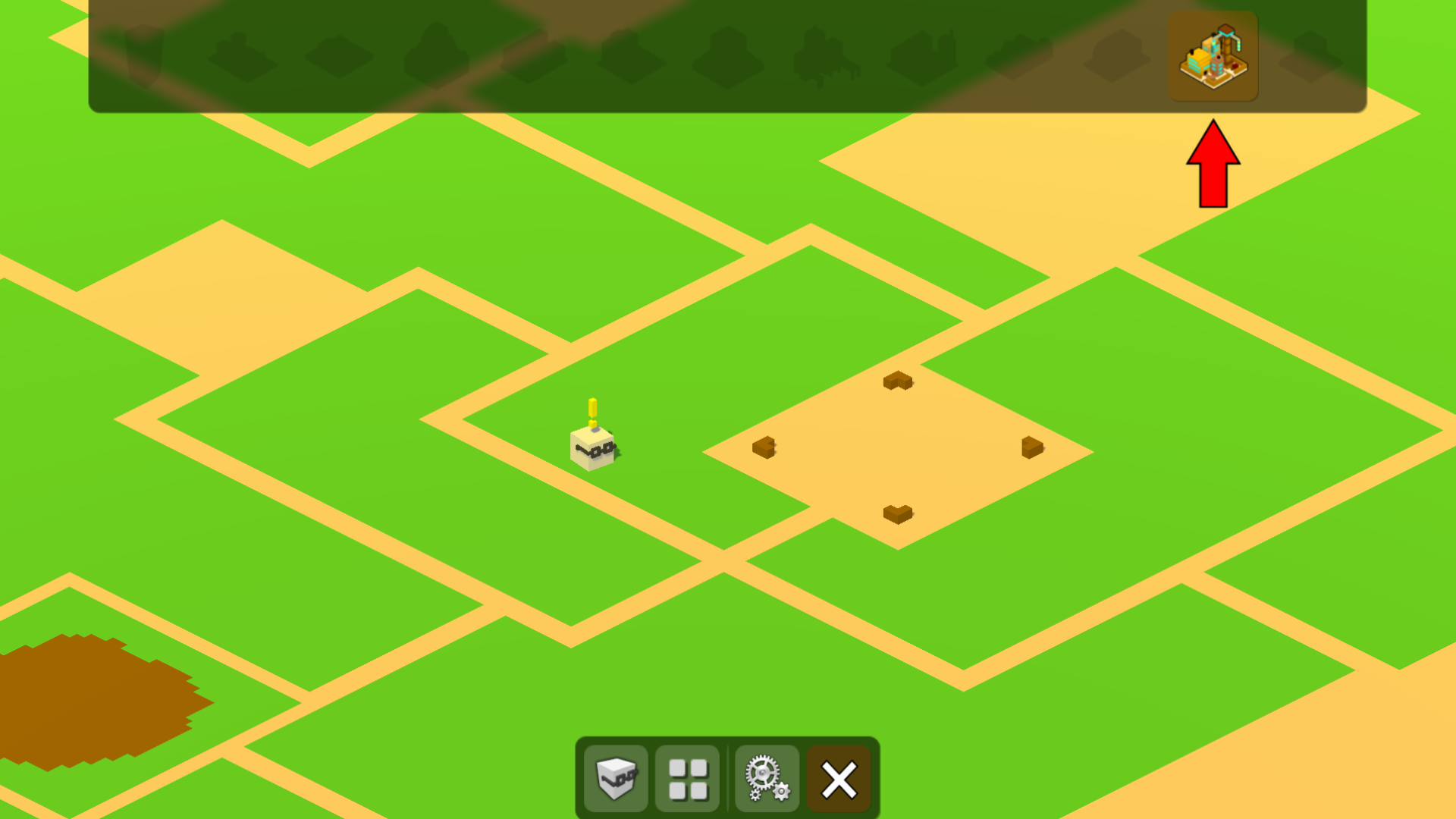
Explore your island from a wider view
Adjust the island camera to see more paths and building plots.
Apply a view size from 10 to 50 while exploring the island.
View game actions →Browse the Steam achievement names and descriptions for The Perfect Tower II. Choose and unlock achievements for free with Bytonian Mods in the Windows app.
View all achievements →Download the Windows app and follow the setup prompts.
Open The Perfect Tower II and select it in Bytonian Mods. Follow the app’s connection prompts.
Review the available options in the app and choose the ones that suit how you play.