

Fly above the ruins
Look around the current room from above with Fly / Land. Use the grouped controls to choose a flight speed and rebind movement, rising, descending, boosting and landing.

Fly and land
Press V or use Fly / Land to toggle flight. WASD moves relative to the camera, Space rises, Ctrl descends and Shift boosts. Press F6 to land. You can adjust the flight speed and rebind the controls.
Start with empty hands while Ember is free to move. Flight can stop when the game takes control; land before starting an interaction.
Available game actions
Fly / LandFree
Fly around the current room with adjustable speed and camera-relative controls.
Press V or Fly / Land to toggle. Use WASD to move, Space to rise, Ctrl to descend, Shift to boost and F6 to land.
Start with empty hands while Ember is free to move. Flight can stop when the game takes control; land before an interaction.
Supported movement styles: Fly
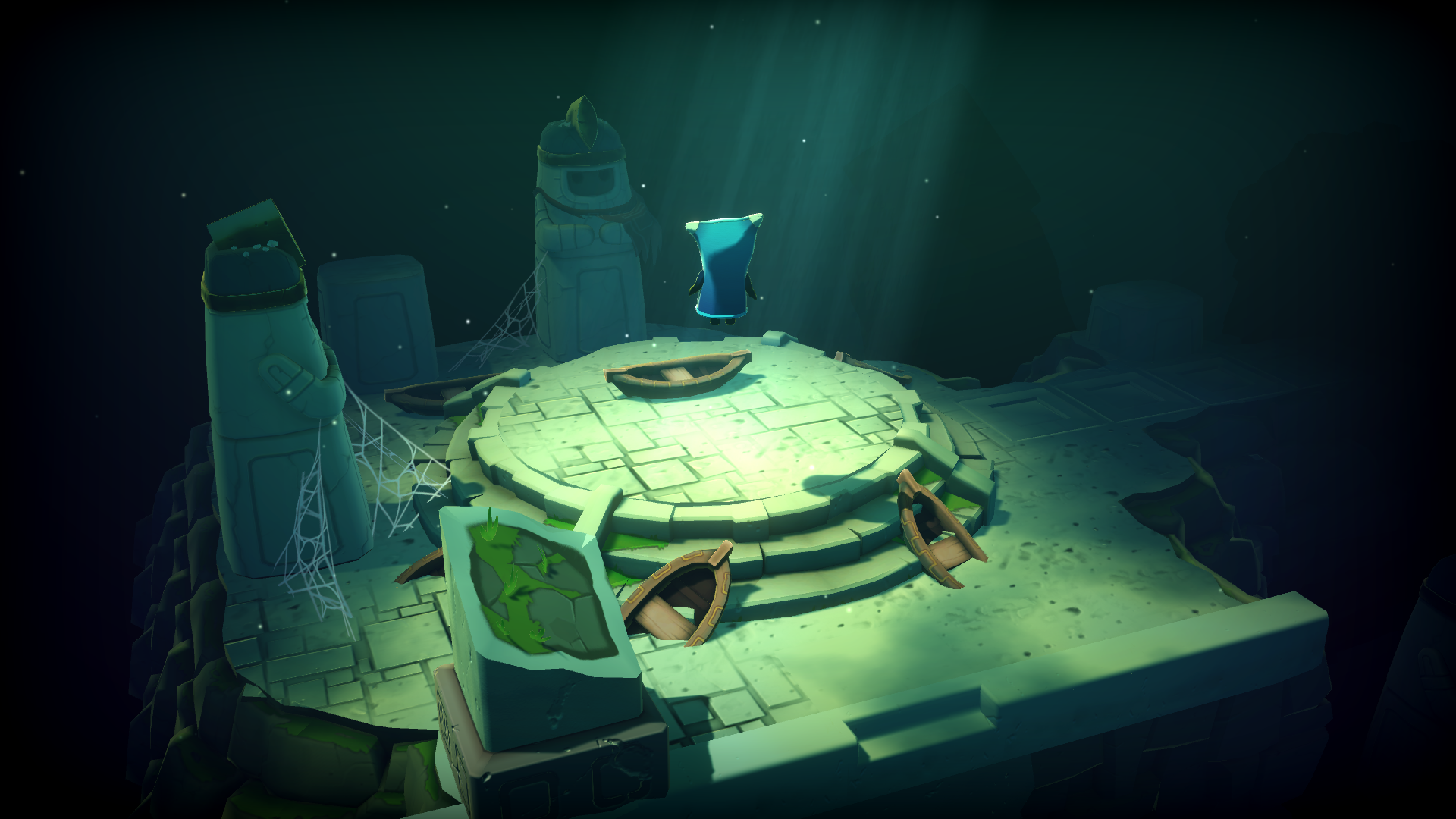
Hover above the ruins
Rise above the stone platform and explore the current room from a new angle.
More ways to customise The Last Campfire
- The Last Campfire rule modifiers
Adjust normal walking and running, or pause a held torch's burn timer.
Using these features
Choose the feature in the Windows app after connecting your game. Check its requirements before making a change.
Setup for The Last Campfire →