

Stat Modifiers
1 optionSet your preferred pace with one adjustable movement control.
View stat modifiers →Choose Ember's walking and running pace as you explore The Last Campfire Demo. Slow down to enjoy the paths or move faster between puzzles with the free Movement Speed control.

Start with free mods
Download Bytonian Mods for Windows and try these free features. Choose one to see how it works and any requirements.
Adjust Ember's normal walking and running pace.
Enable the control while freely exploring, then choose 50% to 300%. The default is 150%; 100% is normal speed. Switch off to restore normal movement.
Cutscenes and scripted actions keep their normal movement speed.
Set Movement Speed between 50% and 300%. The default is 150%; choose 100% for normal speed. Changes apply as you adjust the value, and switching the control off returns movement to the game's normal pace.
Install The Last Campfire Demo, open it through the Bytonian Mods launcher, then enable Movement Speed when you are freely controlling Ember. This control is for the demo edition.
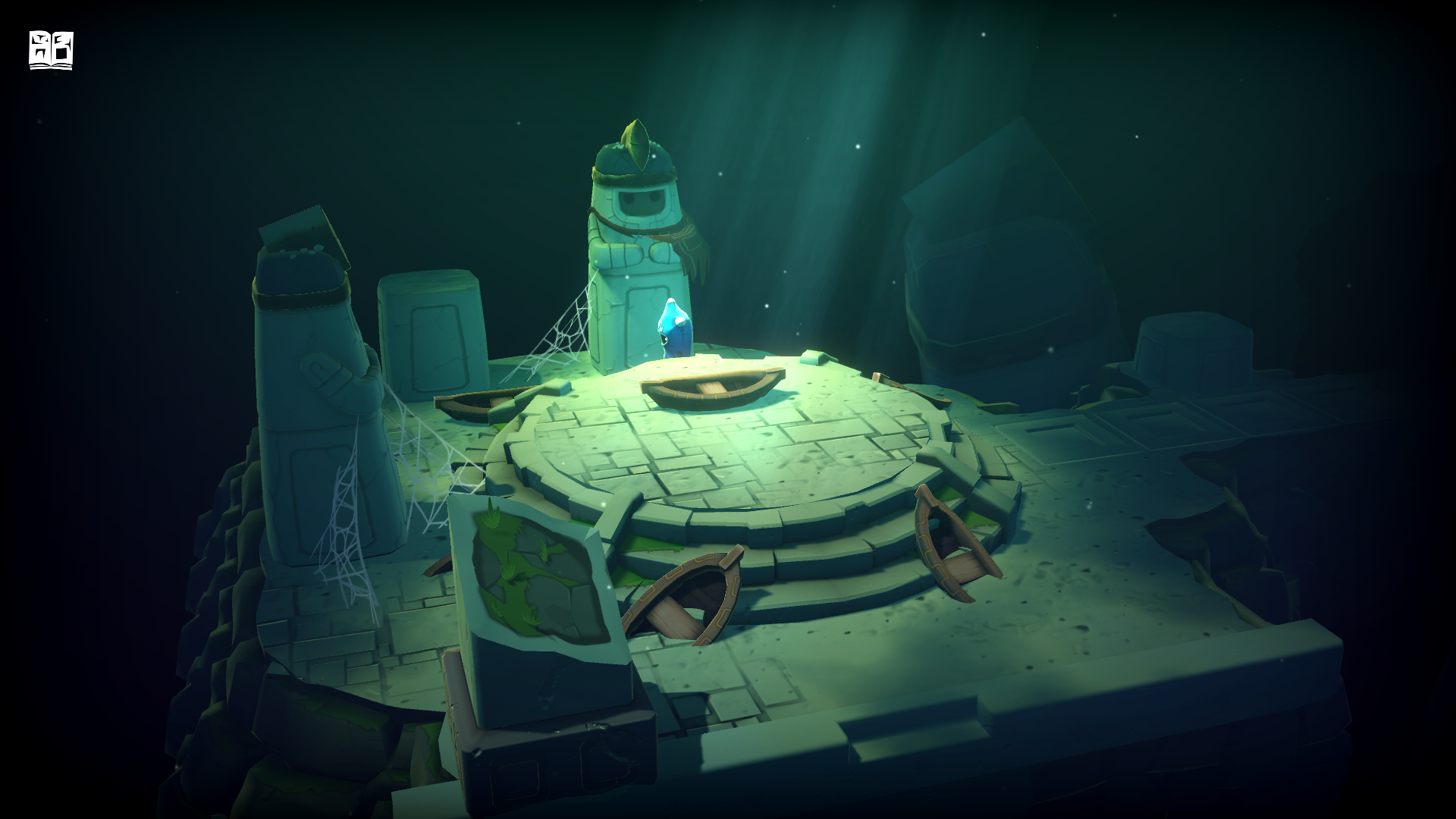
Begin Ember's journey
Explore the stone paths of The Last Campfire Demo with Ember. Choose a comfortable movement pace while keeping the demo's puzzles and progression unchanged.
Set your preferred pace with one adjustable movement control.
View stat modifiers →Download the Windows app and follow the setup prompts.
Open The Last Campfire Demo and select it in Bytonian Mods. Follow the app’s connection prompts.
Review the available options in the app and choose the ones that suit how you play.