
Fly around the office
Explore the office from above its desks and move through dividers with Fly. It works during first-person movement and has separate normal and fast speeds, so you can make small adjustments or cross the room quickly.

Flight controls
Open Movement in Bytonian Mods, choose Fly and switch it on. V also switches Movement on or off. Use W, A, S and D to move, Space to rise and Ctrl to descend. Hold Shift for the fast speed. You can edit these bindings in the controls.
Normal and fast flight speeds can each be set from 1 to 30. Their defaults are 5 and 10. Return near clear floor before switching Movement off.
Returning to walking
Turning Fly off restores normal walking and collisions. Flight also disengages when the game leaves first-person movement or pauses.
If flight stops after another movement change, switch it off and back on before resuming.
Available ability modifiers
MovementPremium
Fly above desks and move through office dividers during first-person movement.
Open Movement in Bytonian Mods, choose Fly and switch it on. V also toggles Movement. Move with WASD, rise with Space and descend with Ctrl. Hold Shift for fast flight. All flight keys are editable.
Return to clear floor before turning Fly off. If another movement change stops flight, toggle it off and on to resume.
Supported movement styles: Fly
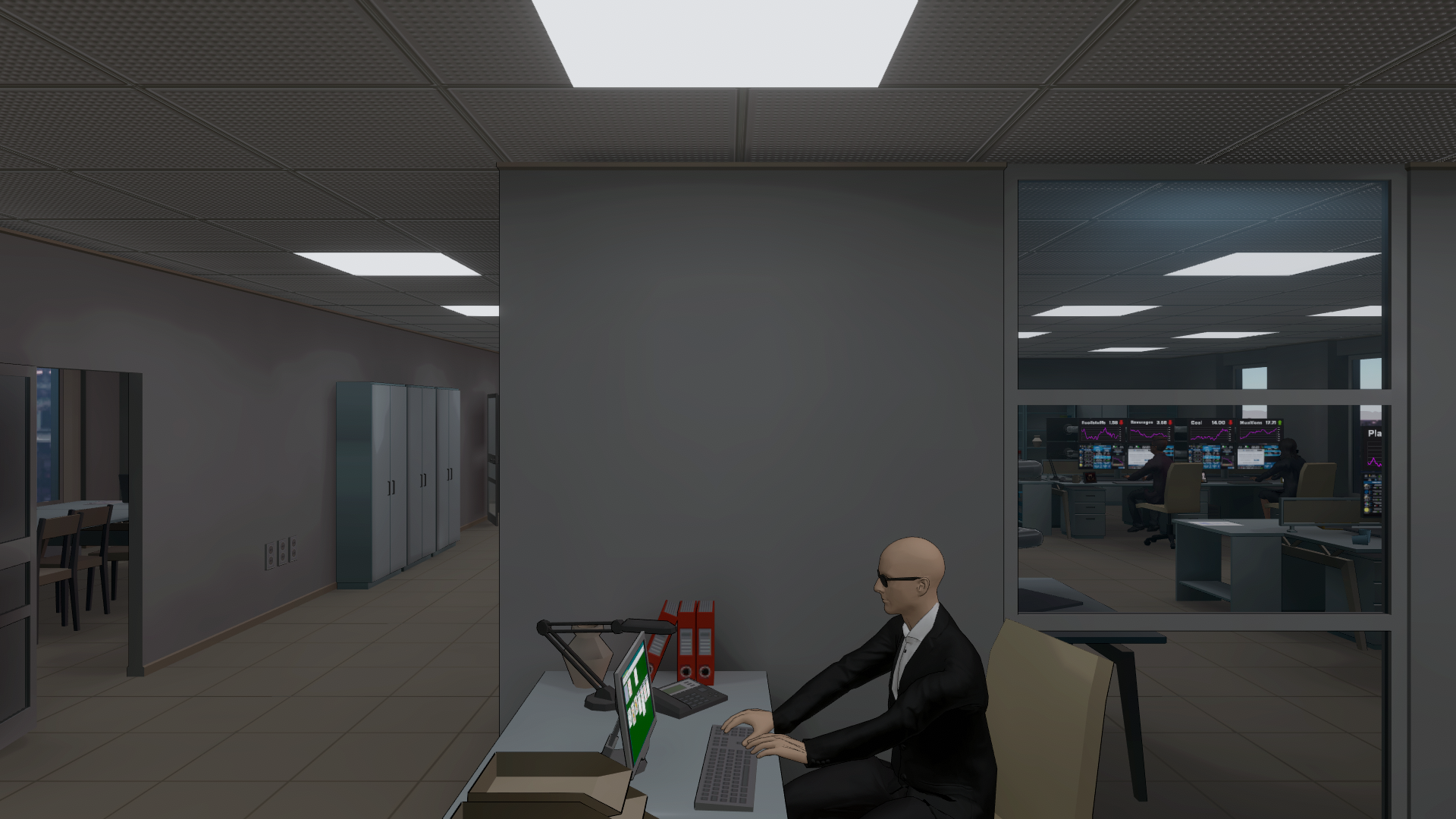
Fly over office furniture
Float above desks and move through office dividers with Fly.
More ways to customise The Invisible Hand
- The Invisible Hand stat modifiers
Set ordinary walking speed from half speed to three times normal.
- The Invisible Hand game actions
Add to either account and adjust the trading-day clock.
Using these features
Choose the feature in the Windows app after connecting your game. Check its requirements before making a change.
Setup for The Invisible Hand →