
Farm resource controls
Set hay, wood, carrots, pumpkins and gold separately as you program and develop your regular farm.
Refresh and set a balance
Open your regular farm, refresh a resource card and enter the amount you want.
Where to use them
Farm resource controls are available outside simulations and leaderboard runs.
Available resources
CarrotsFree
View or adjust the carrots balance on your farm.
Open your regular farm, refresh the card, and choose an amount.
Available outside simulations and leaderboard runs.
GoldFree
View or adjust the gold balance on your farm.
Open your regular farm, refresh the card, and choose an amount.
Available outside simulations and leaderboard runs.
HayFree
View or adjust the hay balance on your farm.
Open your regular farm, refresh the card, and choose an amount.
Available outside simulations and leaderboard runs.
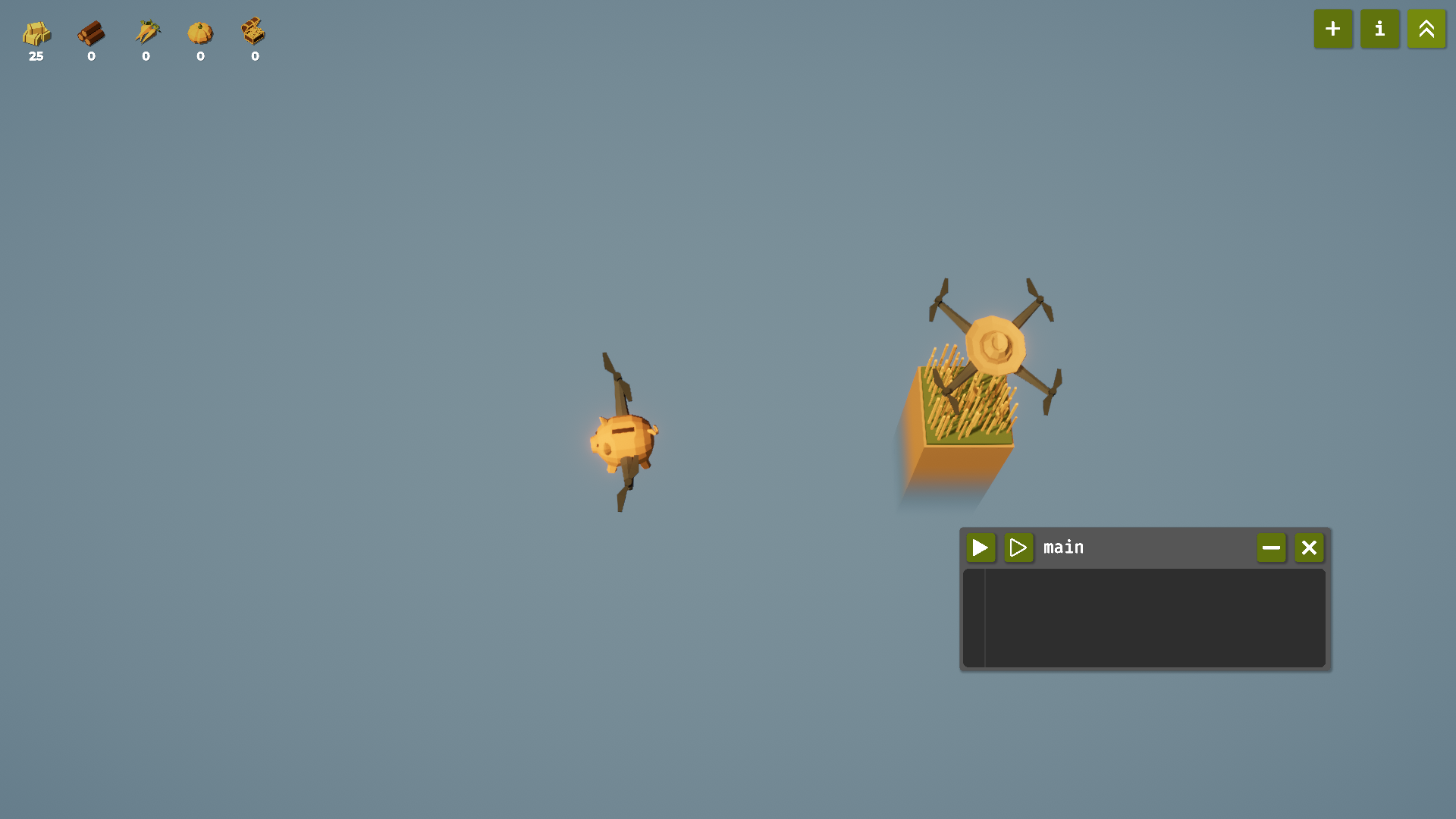
Adjust your hay balance
Choose how much hay to keep on your regular farm.
PumpkinsFree
View or adjust the pumpkins balance on your farm.
Open your regular farm, refresh the card, and choose an amount.
Available outside simulations and leaderboard runs.
WoodFree
View or adjust the wood balance on your farm.
Open your regular farm, refresh the card, and choose an amount.
Available outside simulations and leaderboard runs.
Using these features
Choose the feature in the Windows app after connecting your game. Check its requirements before making a change.
Setup for The Farmer Was Replaced →