

Resources
1 optionSet your cash balance or adjust it by an amount of your choice.
View resources →Set a shop budget for your next purchase or put an unlocked stock item directly into empty hands. Use these controls while running your shop in TCG Card Shop Simulator: Prologue.

Start with free mods
Download Bytonian Mods for Windows and try these free features. Choose one to see how it works and any requirements.
Adjust your shop cash to suit your next purchase or a tighter budget.
Refresh your balance, then add, remove or set the amount during normal shop gameplay.
Choose a balance from zero to 100,000. Close in-game screens first.
Add one unlocked Prologue stock item directly to your empty hands.
Enable Give stock, open Inventory and choose Add beside an available item.
Add one item at a time during normal gameplay. The list follows your current licenses and the Prologue's available stock.
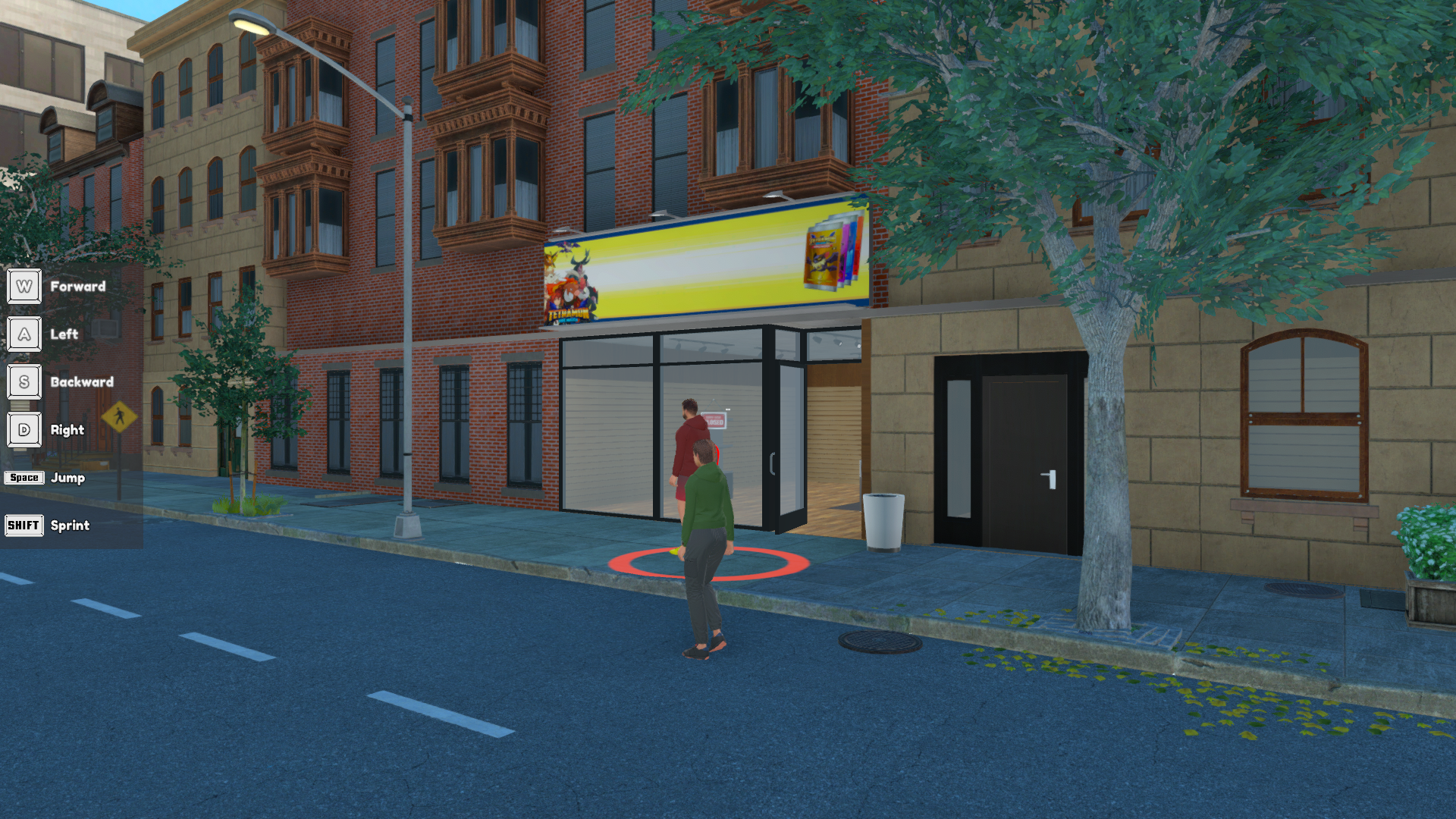
Your card shop starts here
The opening tutorial begins outside the card shop, ready for its first day.
Cash controls let you set a balance, add funds or remove them to suit your plans. Give stock offers a separate way to add an item you can already use in the Prologue.
Open your shop in the game, then enable the control you want in Bytonian Mods. Use Cash under resources, or enable Give stock and choose an item from Inventory.
Set your cash balance or adjust it by an amount of your choice.
View resources →Add an available stock item directly to your hands, one at a time.
View game actions →Download the Windows app and follow the setup prompts.
Open TCG Card Shop Simulator: Prologue and select it in Bytonian Mods. Follow the app’s connection prompts.
Review the available options in the app and choose the ones that suit how you play.