
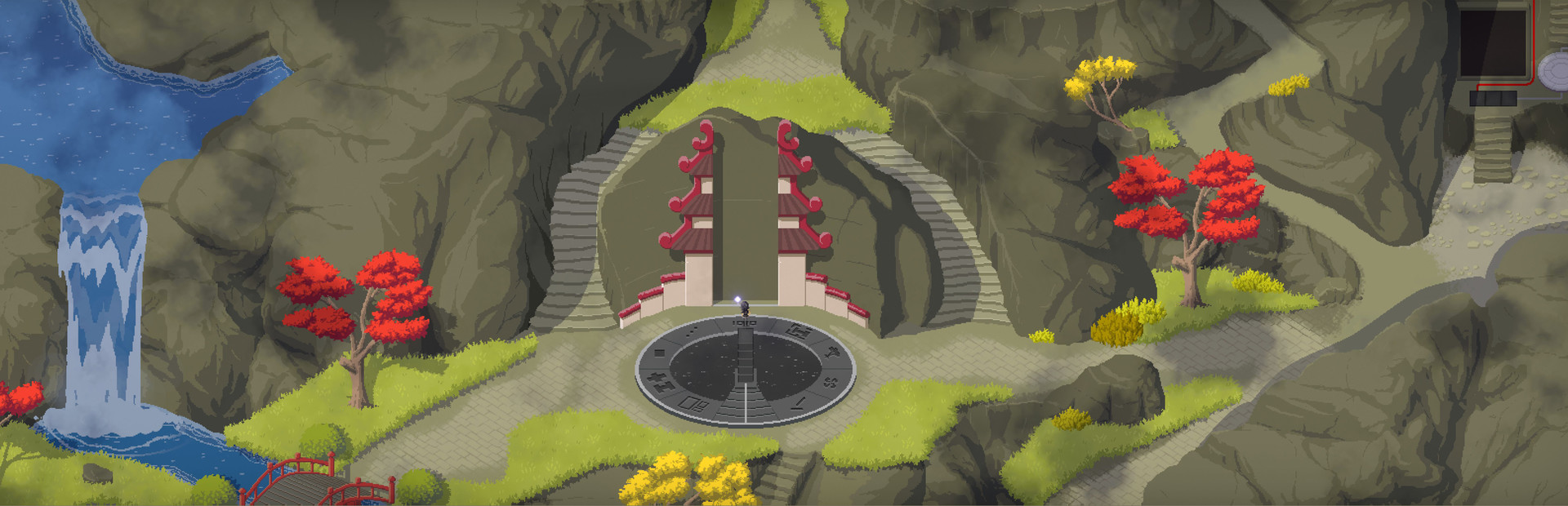
Ability Modifiers
2 optionsAdjust walking speed or use editable No Clip controls during exploration.
View ability modifiers →Adjust your walking pace or use No Clip to move through obstacles in Taiji. Choose how you travel while exploring its interconnected puzzle world.

Start with free mods
Download Bytonian Mods for Windows and try these free features. Choose one to see how it works and any requirements.
Adjust walking and running pace while exploring.
Enable the card and choose a speed percentage. Turn it off to restore the normal pace.
Taiji asks you to discover rules and clues across an interconnected world. Its panels share a tile interface, while each area introduces ideas to work out for yourself.
Walking Speed changes your walking and running pace during exploration. No Clip provides separate movement controls for passing through obstacles, with editable keys and two speeds.
Open Taiji in Bytonian Mods and enable a control when you want to use it. With No Clip, use WASD to move and hold Shift to move faster. Return to open ground before switching No Clip off.
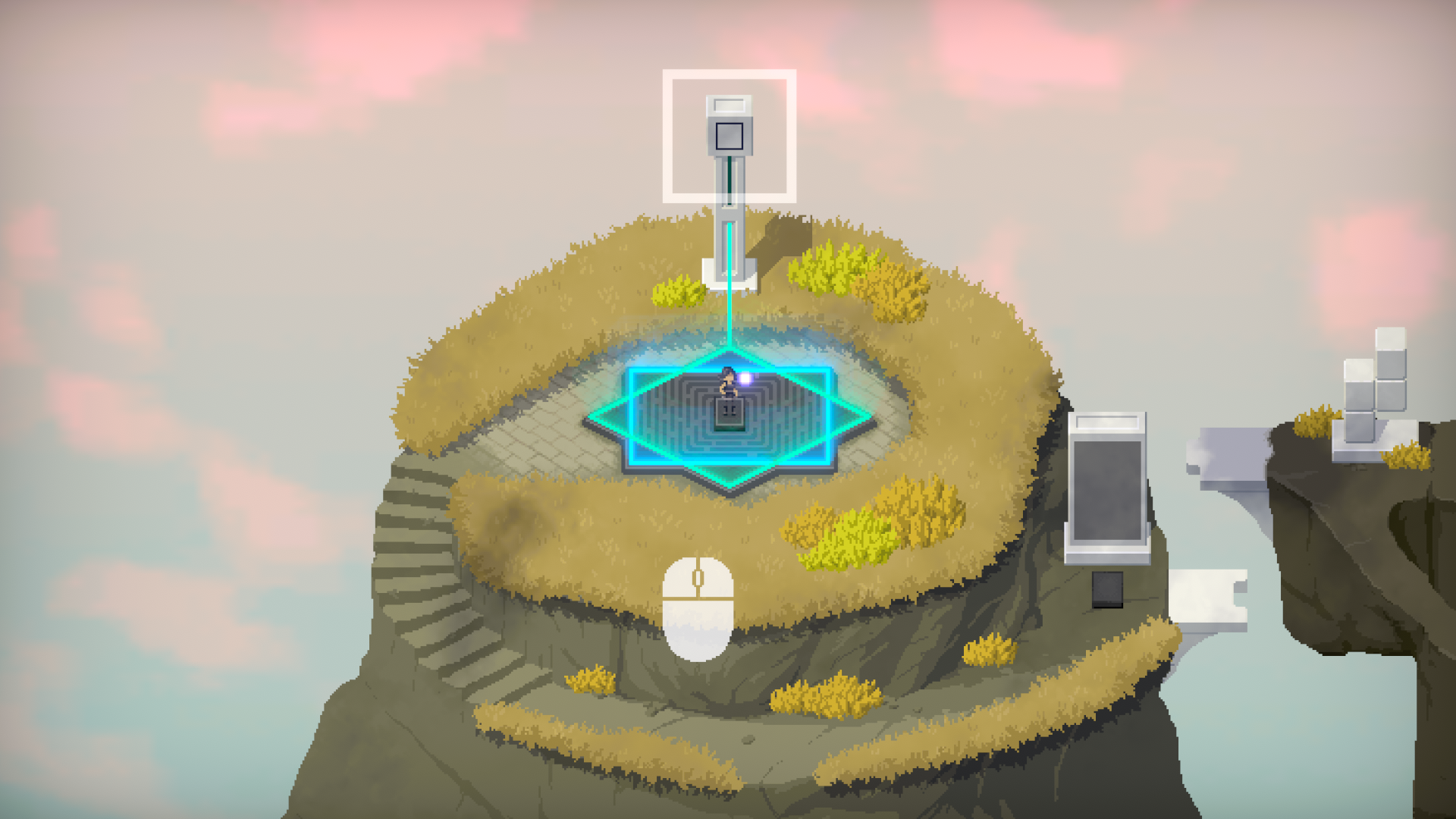
Explore Taiji's puzzle islands
Discover puzzle panels, paths and clues across Taiji's interconnected world.
Adjust walking speed or use editable No Clip controls during exploration.
View ability modifiers →Browse the Steam achievement names and descriptions for Taiji. Choose and unlock achievements for free with Bytonian Mods in the Windows app.
View all achievements →Download the Windows app and follow the setup prompts.
Open Taiji and select it in Bytonian Mods. Follow the app’s connection prompts.
Review the available options in the app and choose the ones that suit how you play.